
Bring your AI into Planner
Connect Claude, ChatGPT or Codex to any workspace you belong to with one setup prompt, and choose exactly which brands and actions each app can use.
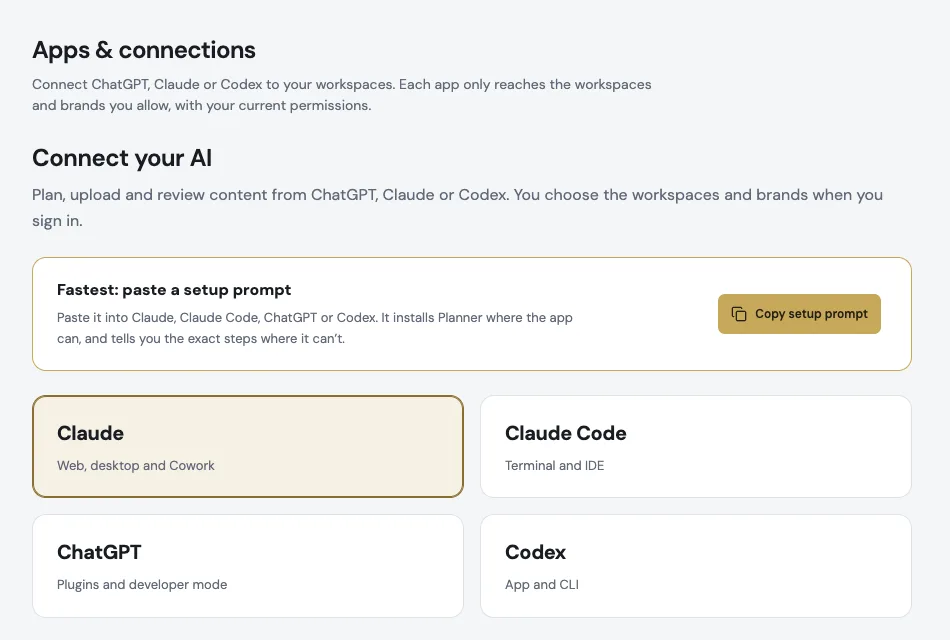
One prompt to connect
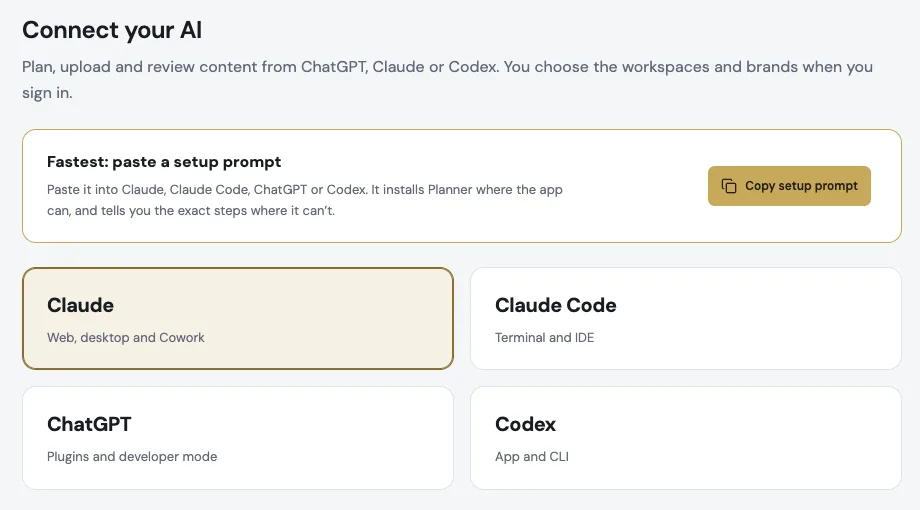
Copy the setup prompt from Apps & connections and paste it into Claude, Claude Code, ChatGPT or Codex. It installs Planner where the app can and walks you through the rest.
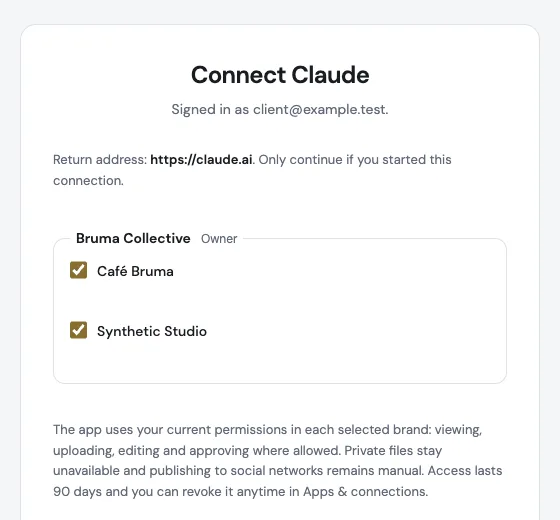
Your workspaces, your choice of brands
When you connect, pick the workspaces and brands the app can reach. Change them anytime in Account → Apps & connections, without reinstalling.
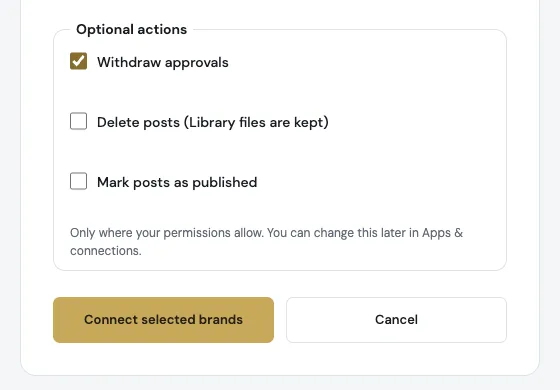
More from the chat, only when you ask
Apps can withdraw an approval, delete a post (Library files stay) or mark a post published, but only if you allow those actions and ask for a specific post. Publishing itself is still done by you.
Also improved
- Workspace Owners and Admins see which apps their members connected and can revoke them in Team → Connected apps.
- You can connect an app with an email and password account, not only with Google.
- What’s new now shows every update you haven’t seen since your last visit, not only the latest one.