
What’s new
Improvements to 8digit Planner, newest first.
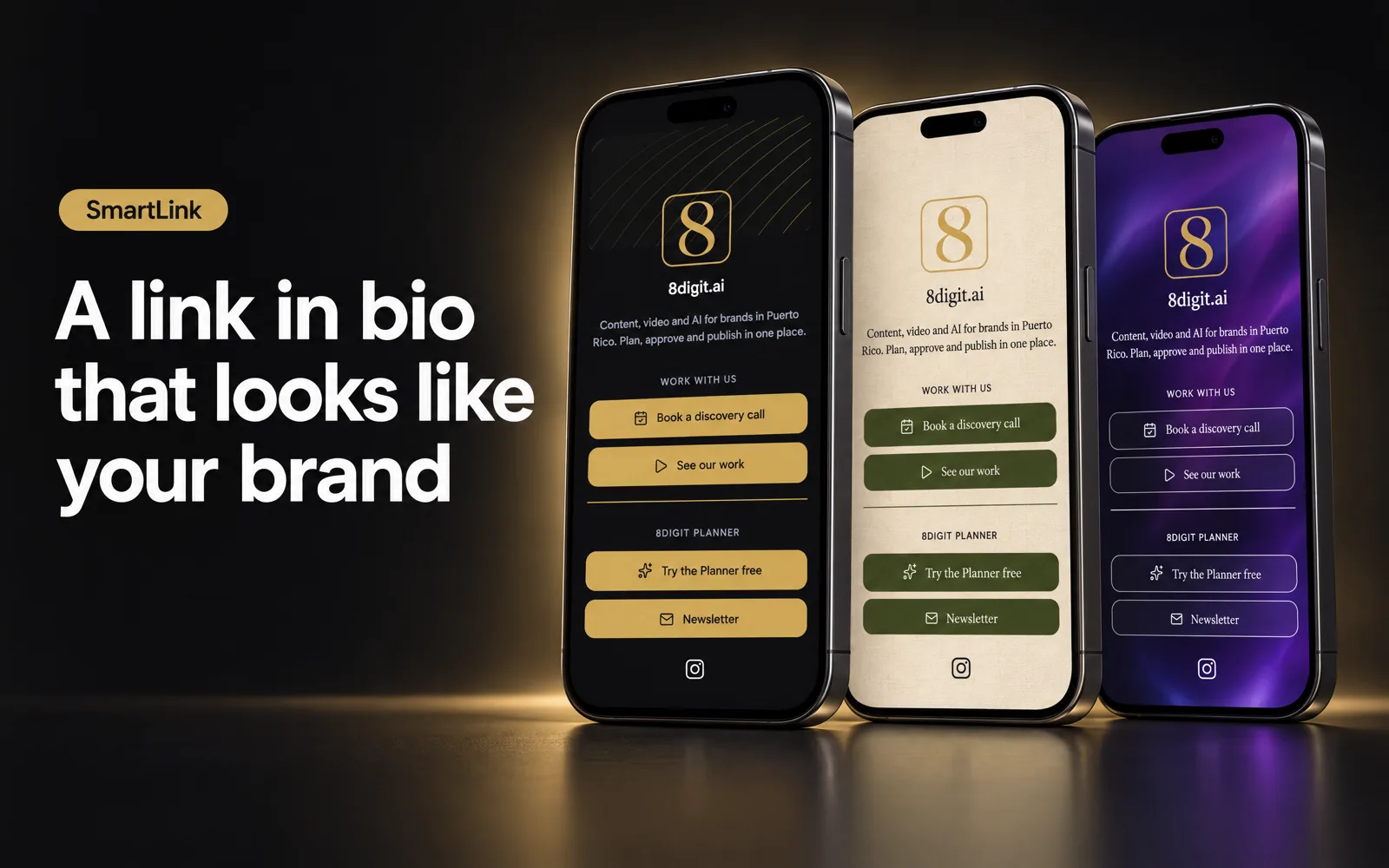
A link in bio that looks like your brand
SmartLink gives each brand one public page for all its links. Pick a theme, make it yours, publish it and see what people tap.
Read the update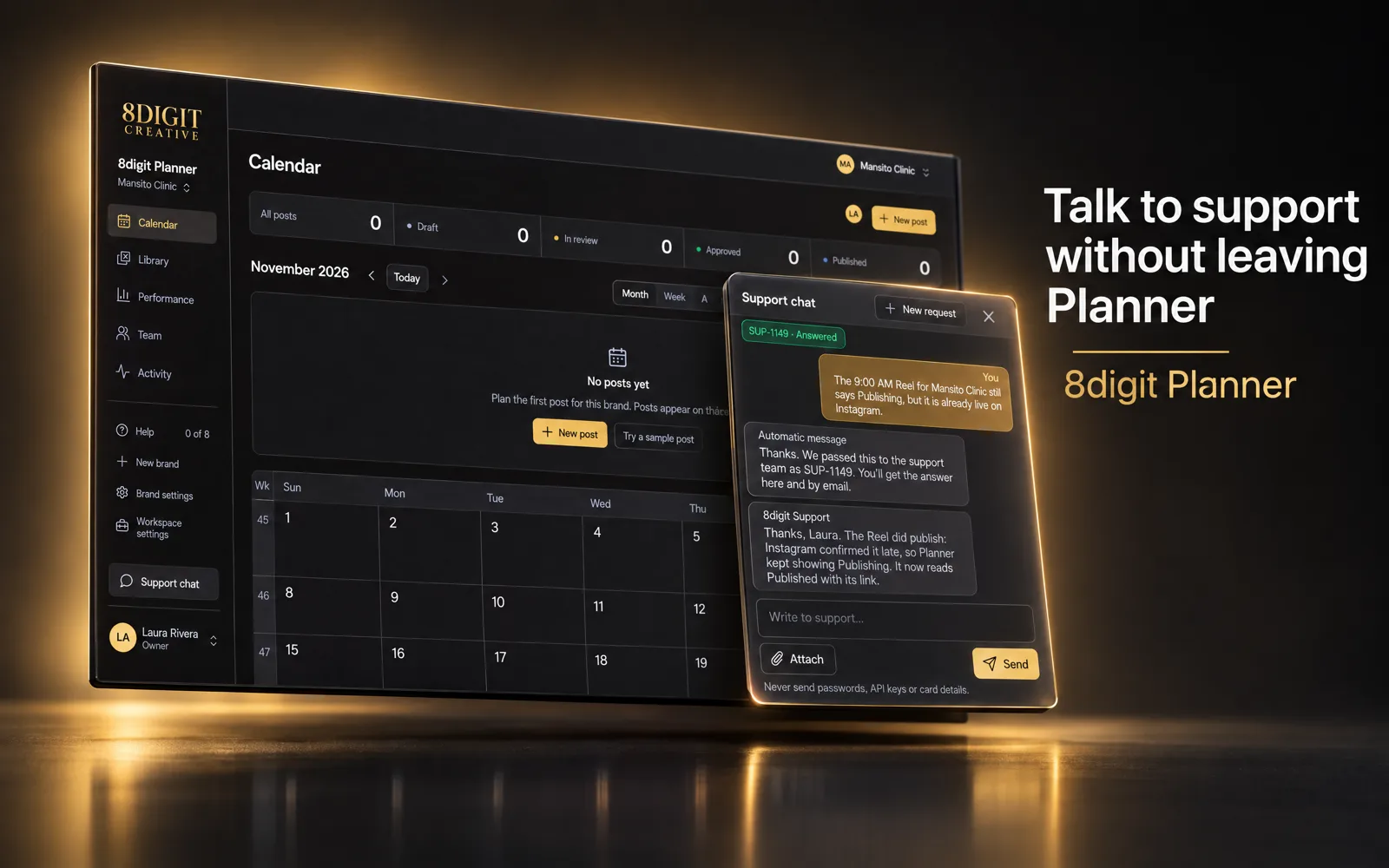
Talk to support without leaving Planner
A Support chat button now sits in the sidebar. Tell us what you need, add screenshots, and read the answer in the same window and in your email.
Read the update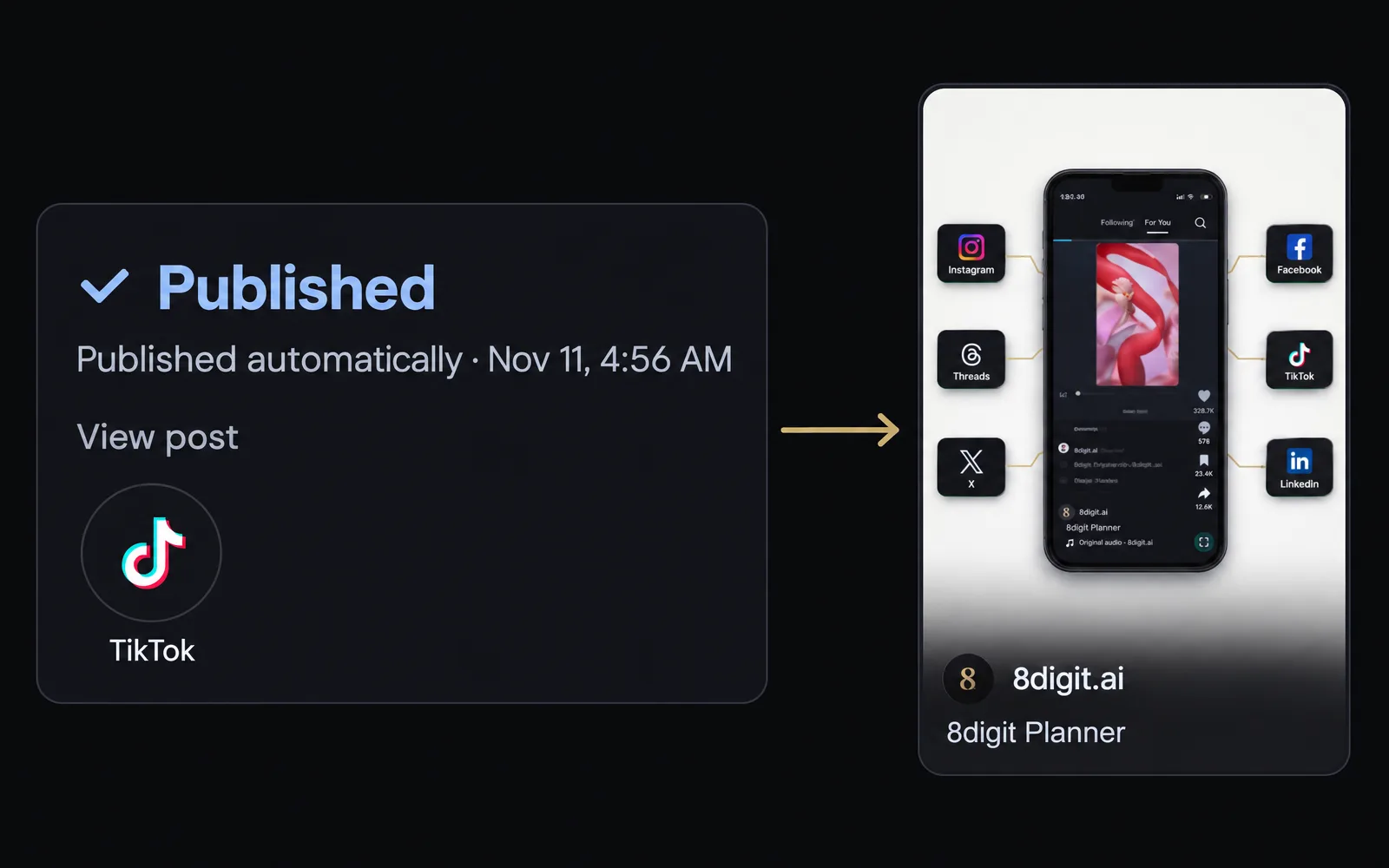
Publish to TikTok from the same post
Connect a brand’s TikTok account and your approved posts go out there at their time, next to the networks you already use.
Read the update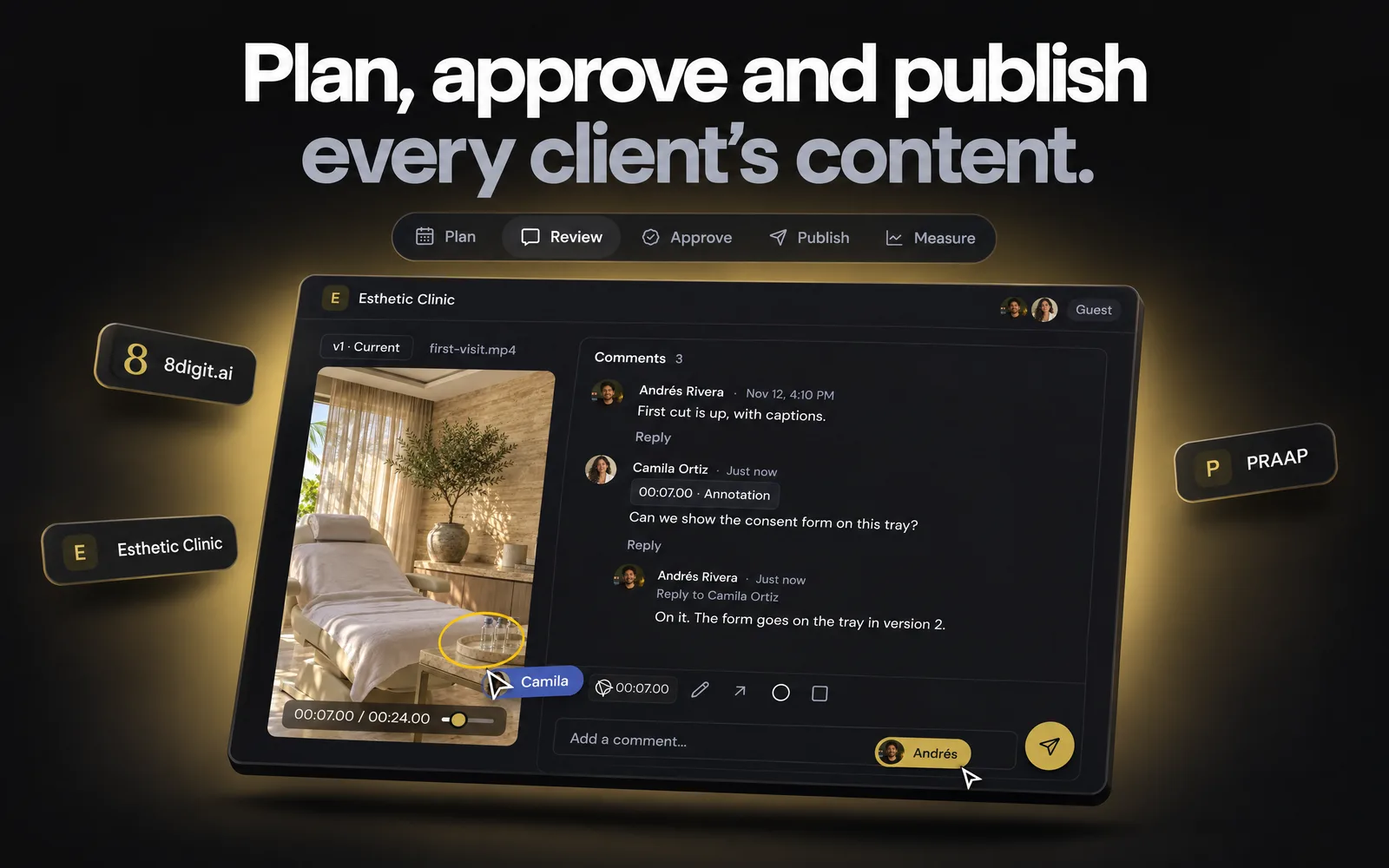
See Planner at work, right on the homepage
The new homepage runs a live demo of planning, review, approval, publishing and results, and Planner for agencies shows your clients how you’ll work together. In Social accounts, networks that aren’t open for your workspace yet now show as Coming soon.
Read the update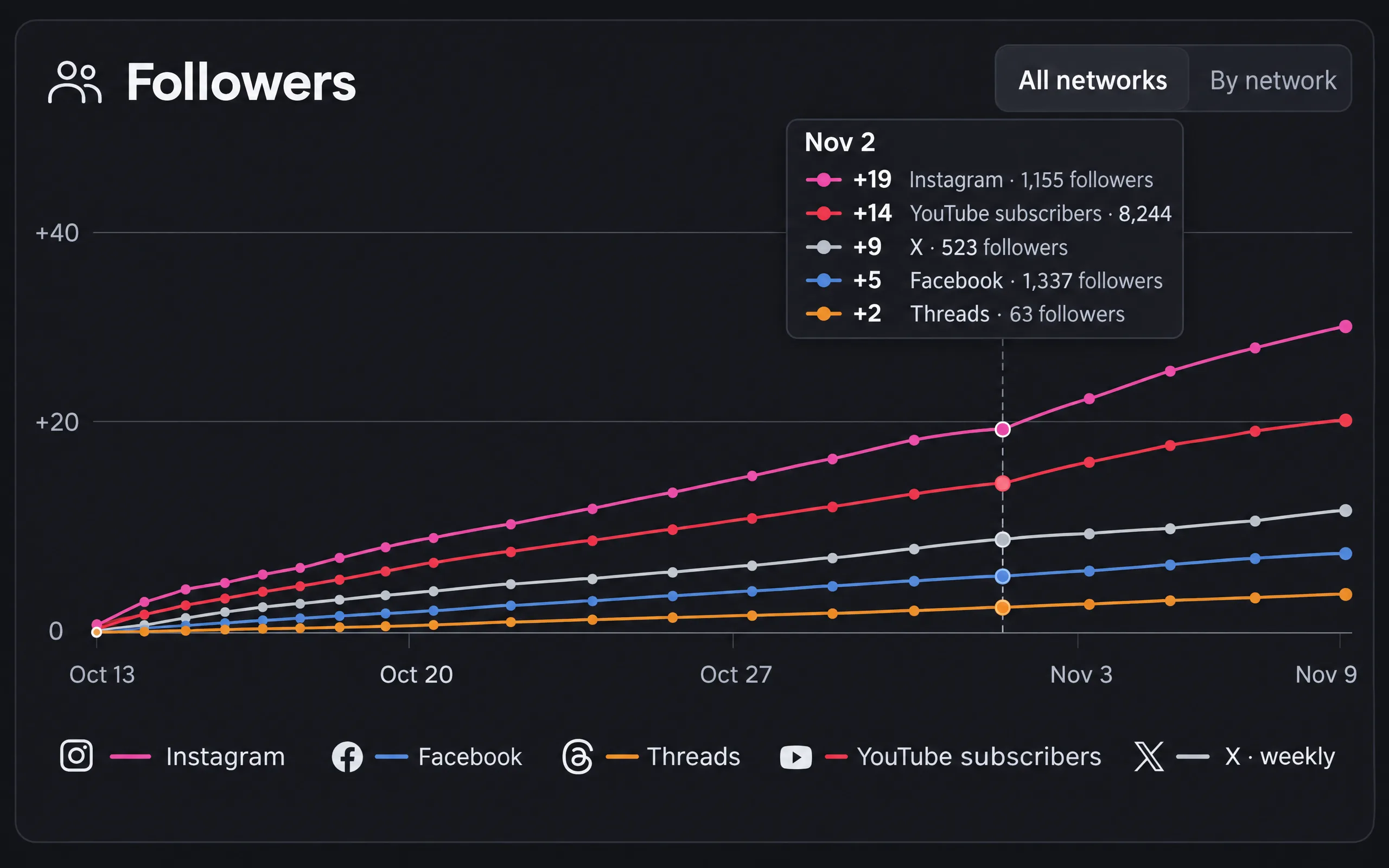
All your networks in one chart
Performance now opens with every network’s followers in one chart, with dates, numbers and each network’s color. And a brand can take its photo from one of its accounts.
Read the update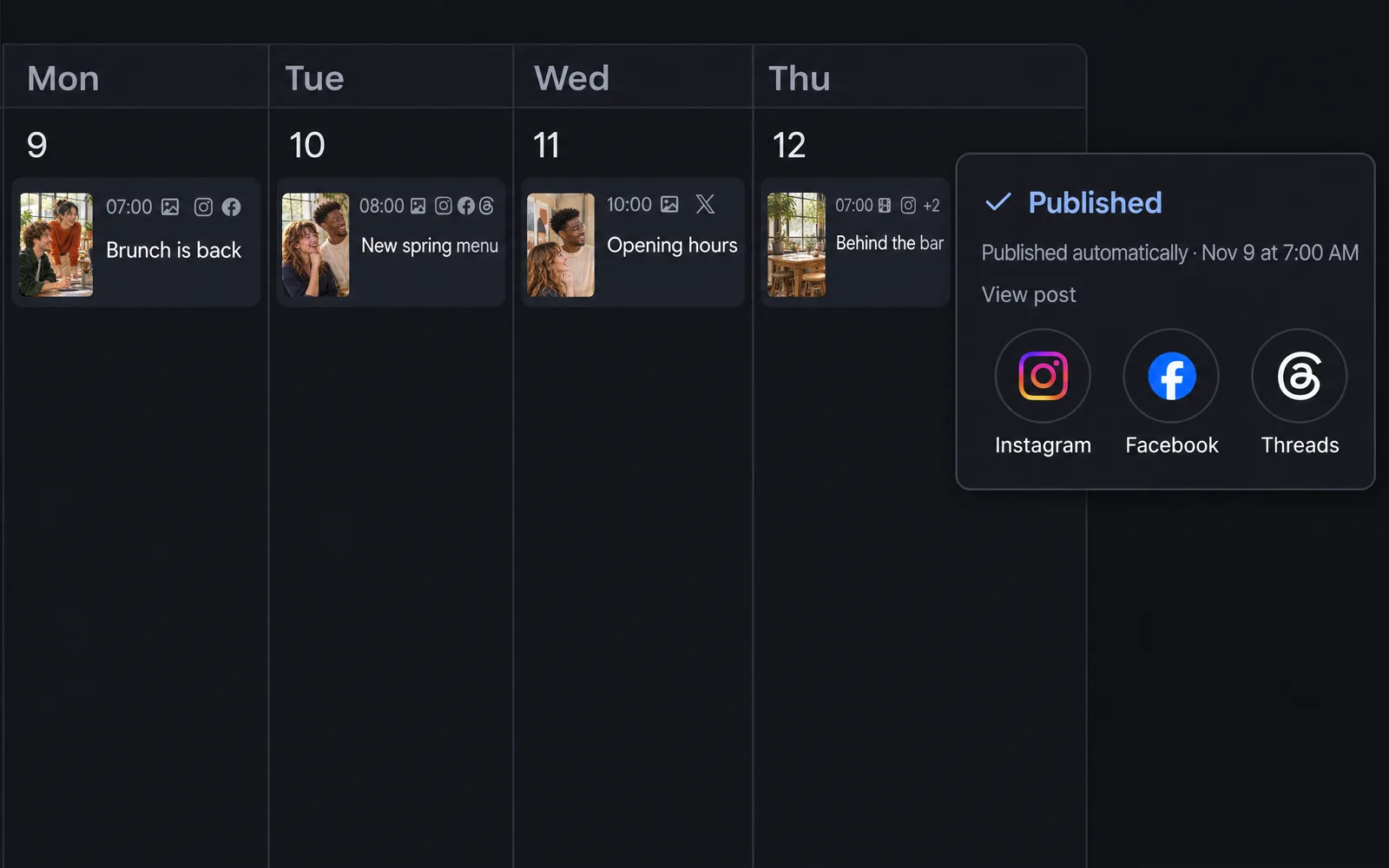
See where every post goes
Your calendar now shows the networks each post goes to, or went to. Once a post is published, View post opens it on each one.
Read the update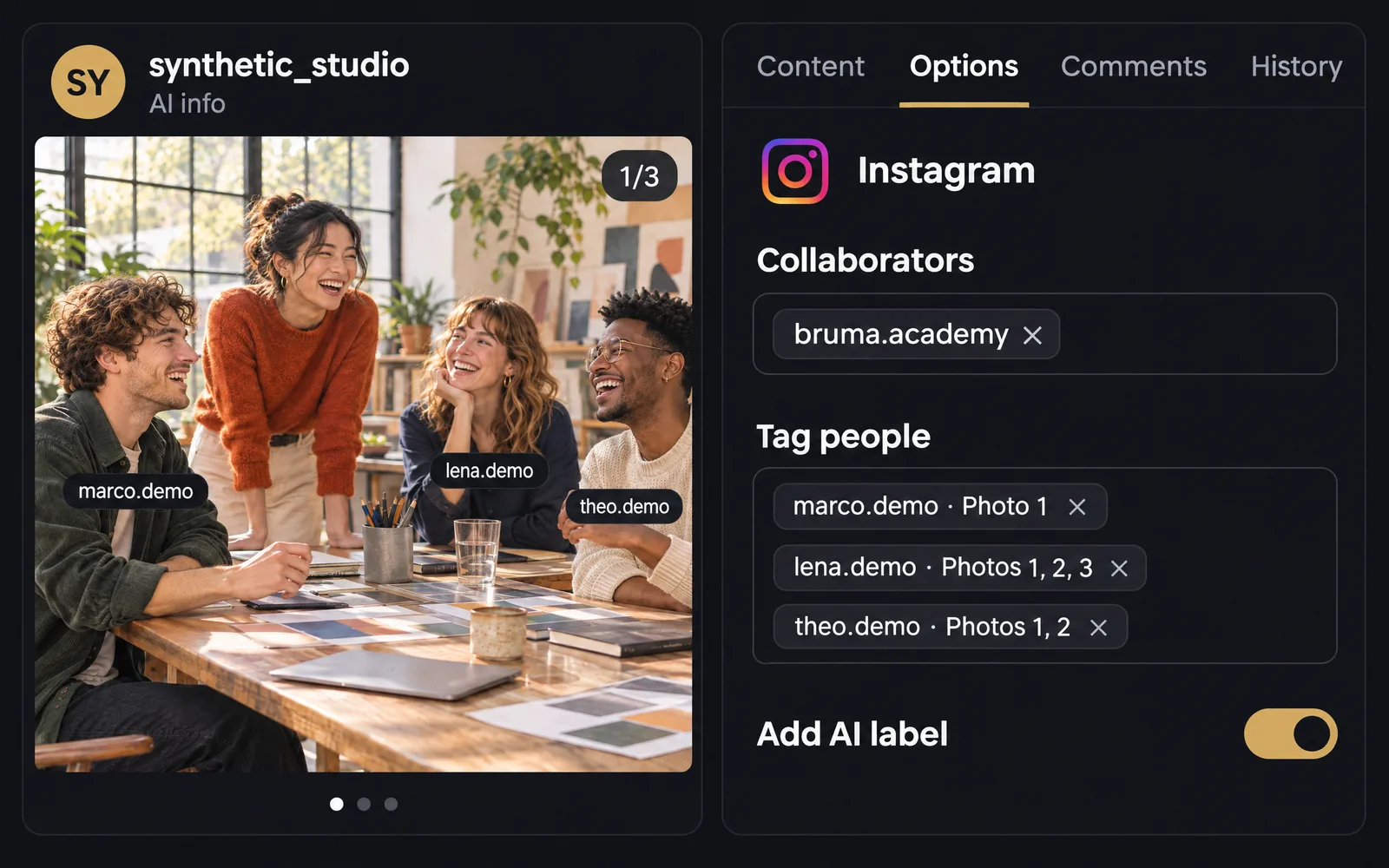
Credit everyone on your Instagram posts
A new Options tab lets you invite collaborators, tag people on each photo and add the AI label. They go out with the post when it publishes automatically.
Read the update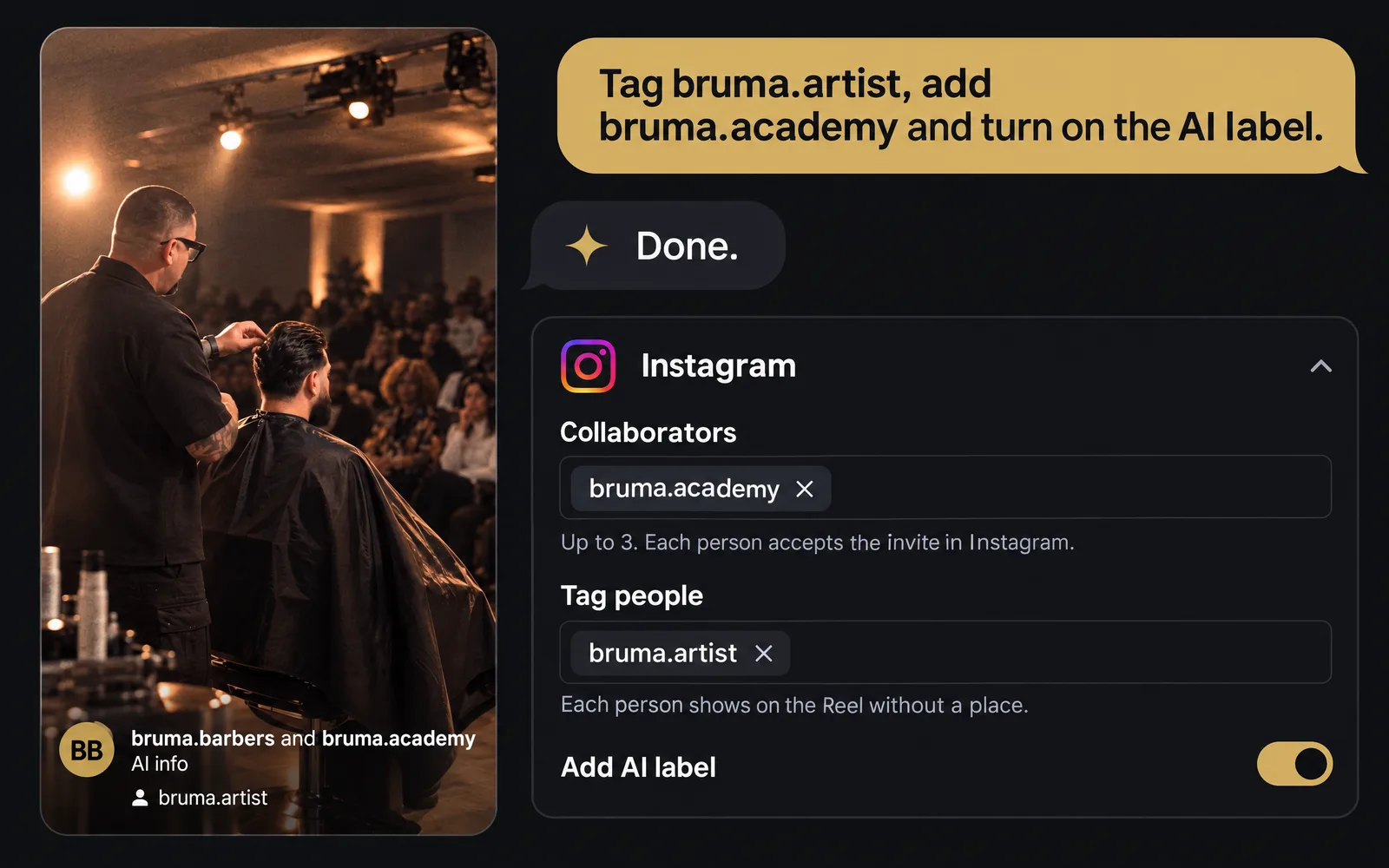
Ask your AI assistant to finish each post
Your AI assistant can now set Instagram collaborators, tags and the AI label, fit a post to X, and read your Performance figures if you allow it.
Read the update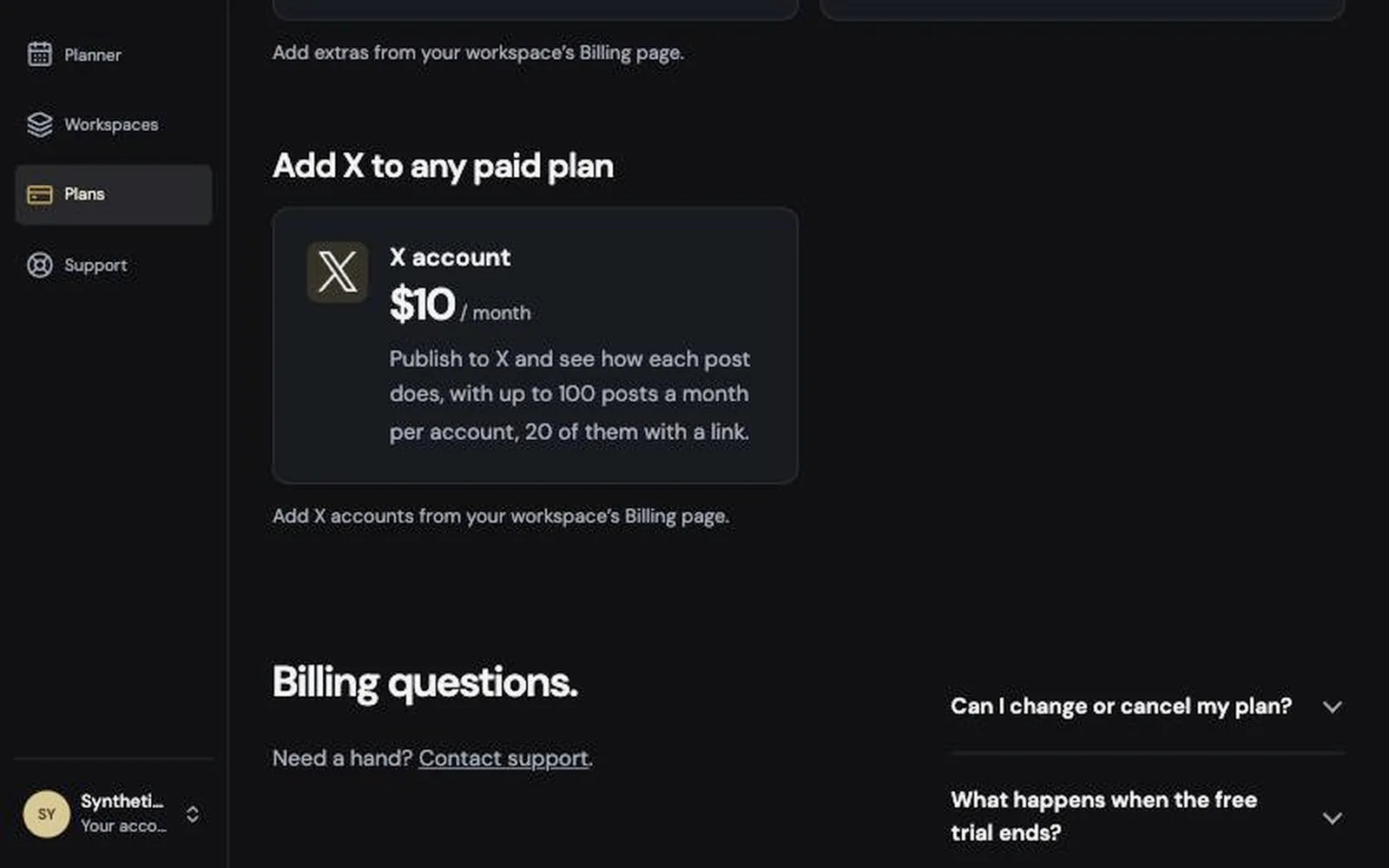
Publish to X, alongside everything else
You can now add X accounts to any paid plan and publish to X from your calendar, with each post’s figures next to it.
Read the update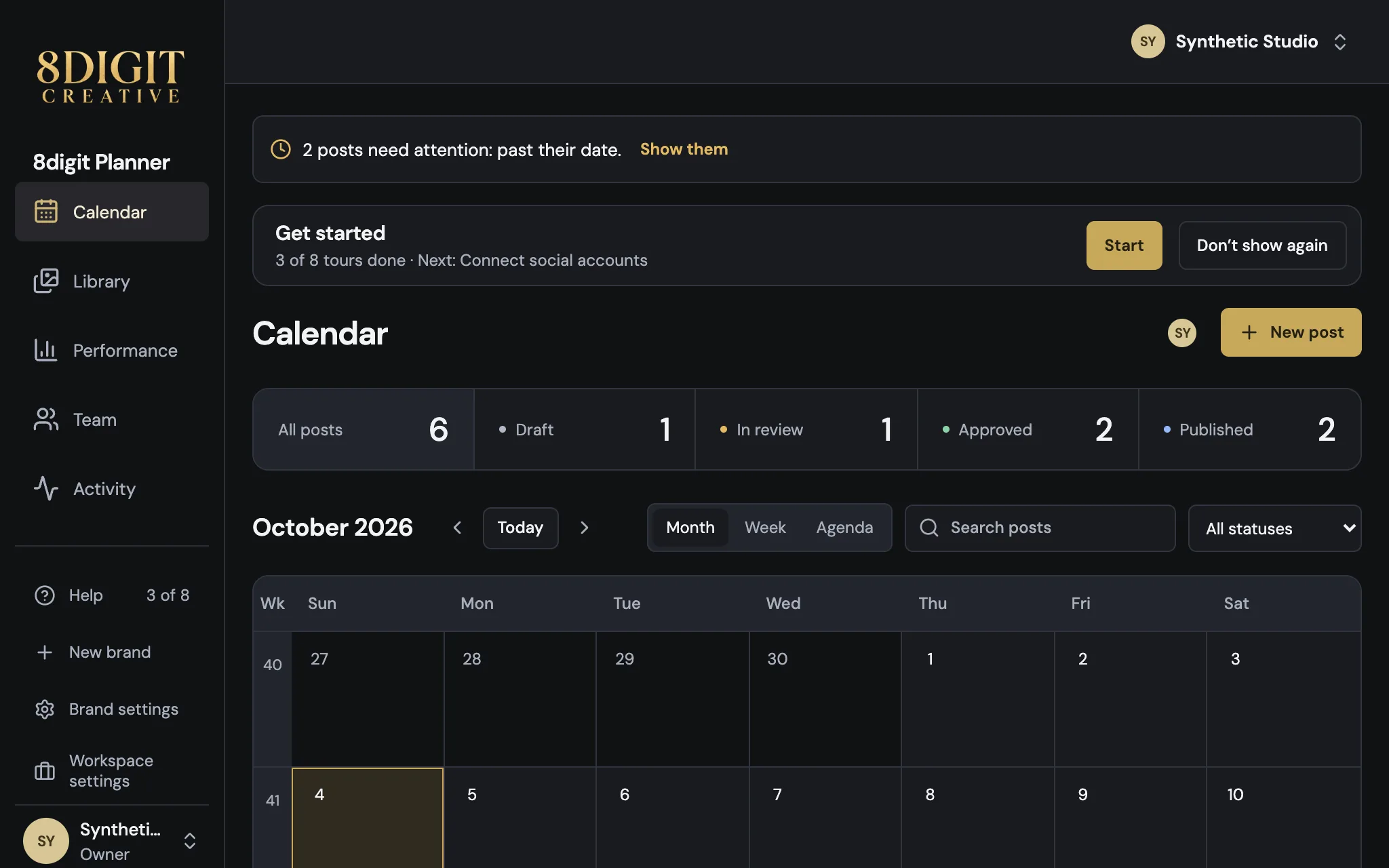
Guided tours, at your pace
Your progress in the guided tours now follows you to every device, and Get started stays away once you ask it to.
Read the update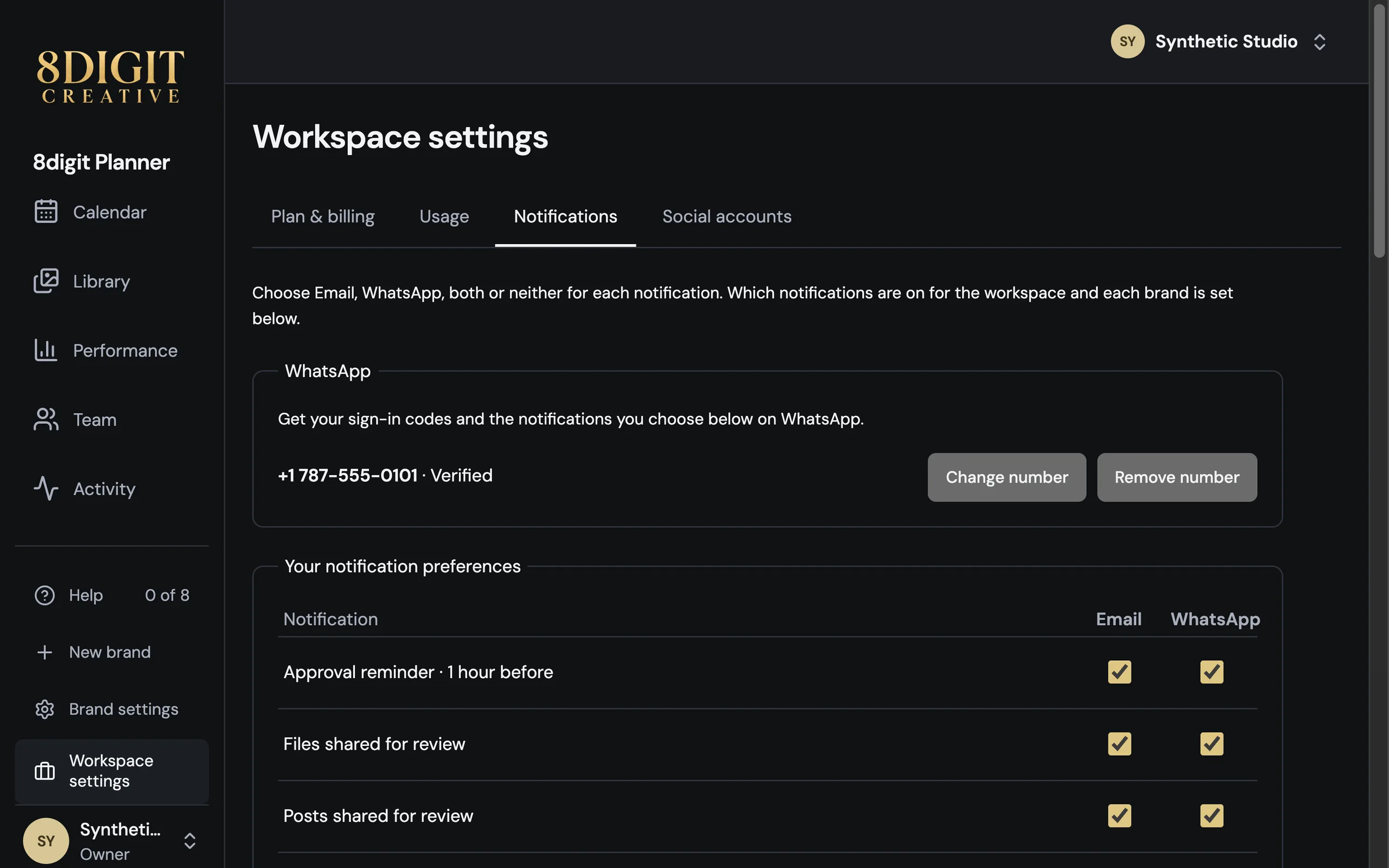
Your notifications, now on WhatsApp
Verify your number in Notifications and choose which notifications arrive on WhatsApp, by email or both. WhatsApp notifications come with every paid plan and the trial, and anyone can get sign-in codes there.
Read the update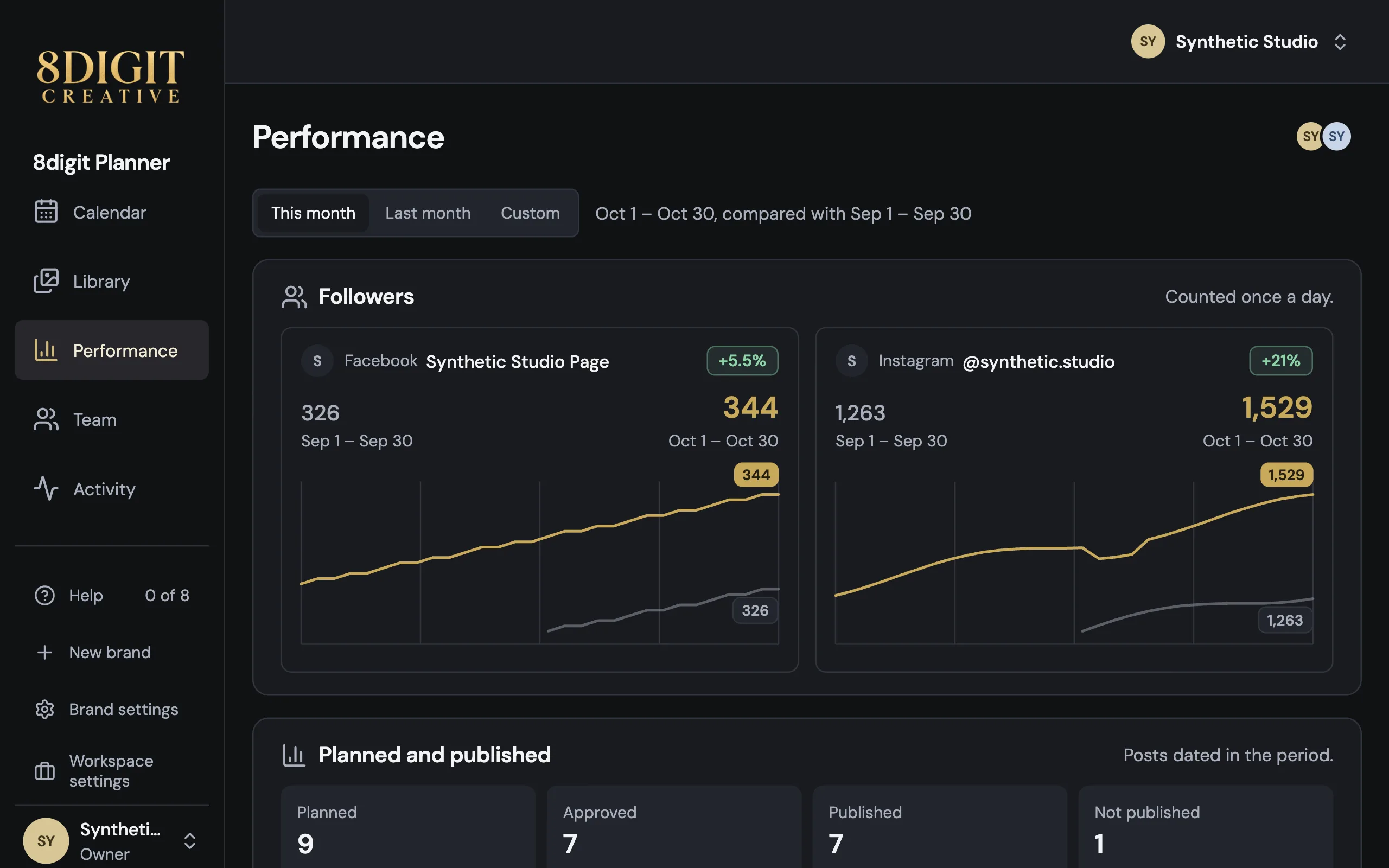
See how each brand is growing
Performance, beside Calendar and Library, shows each brand’s followers this month against the last, and what was planned against what was published. It’s part of every paid plan.
Read the update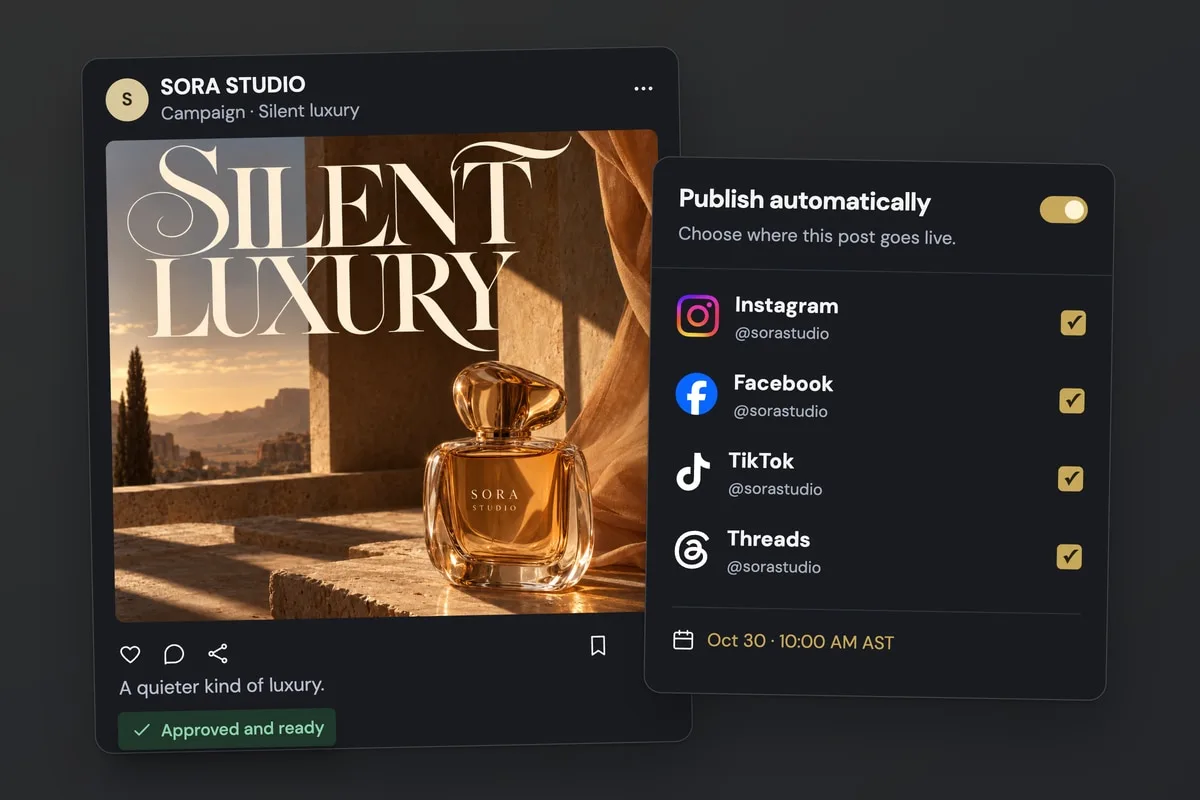
Approved posts now publish on their own
Connect your social accounts and Planner publishes each approved post at its scheduled time, on every plan (Free includes 20 automatic posts a month). Your AI assistant can publish too, if you allow it.
Read the update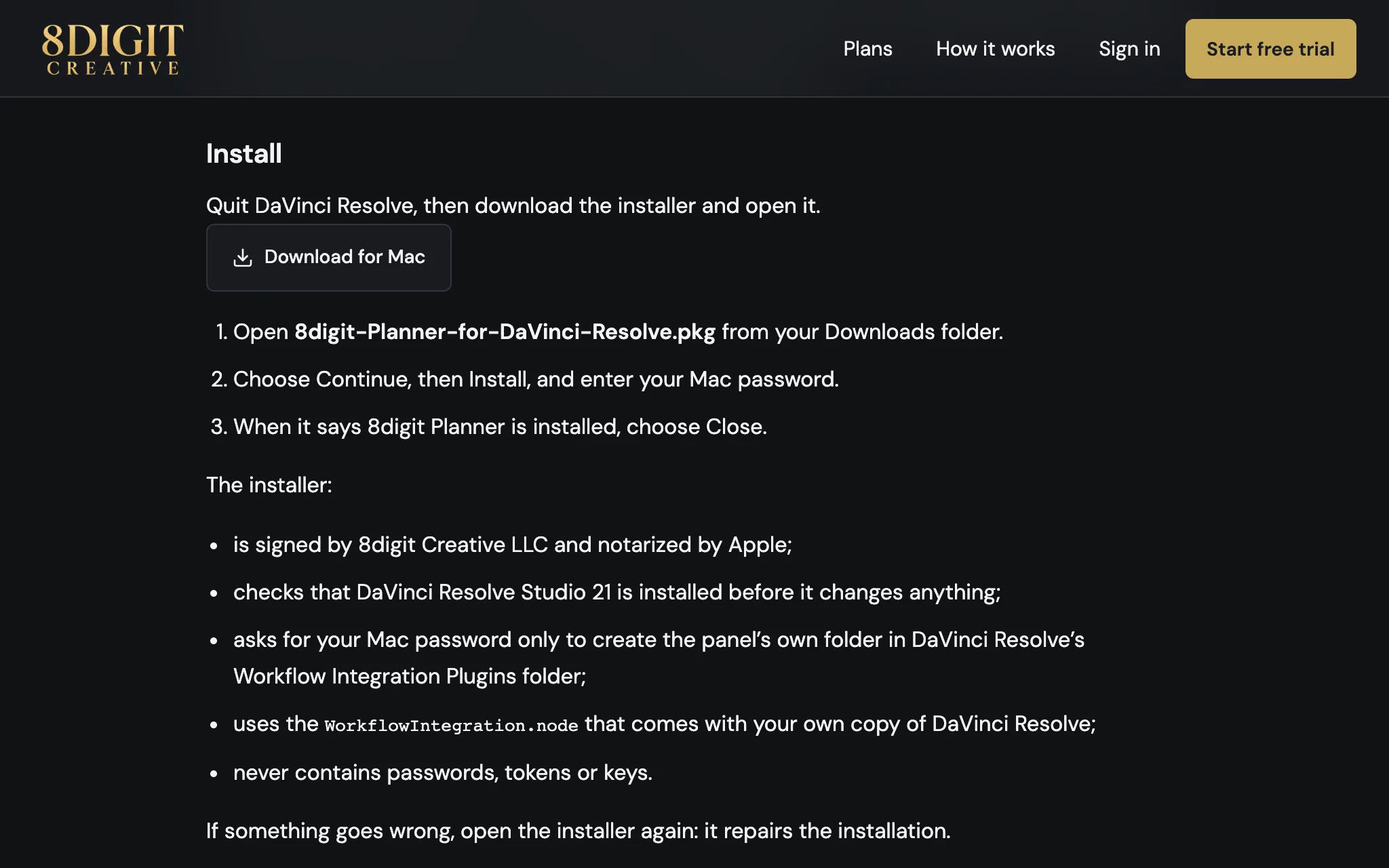
Install the DaVinci Resolve panel without Terminal
The DaVinci Resolve panel now comes with a Mac installer: download it, open it and choose Install. It’s signed by 8digit Creative LLC and notarized by Apple.
Read the update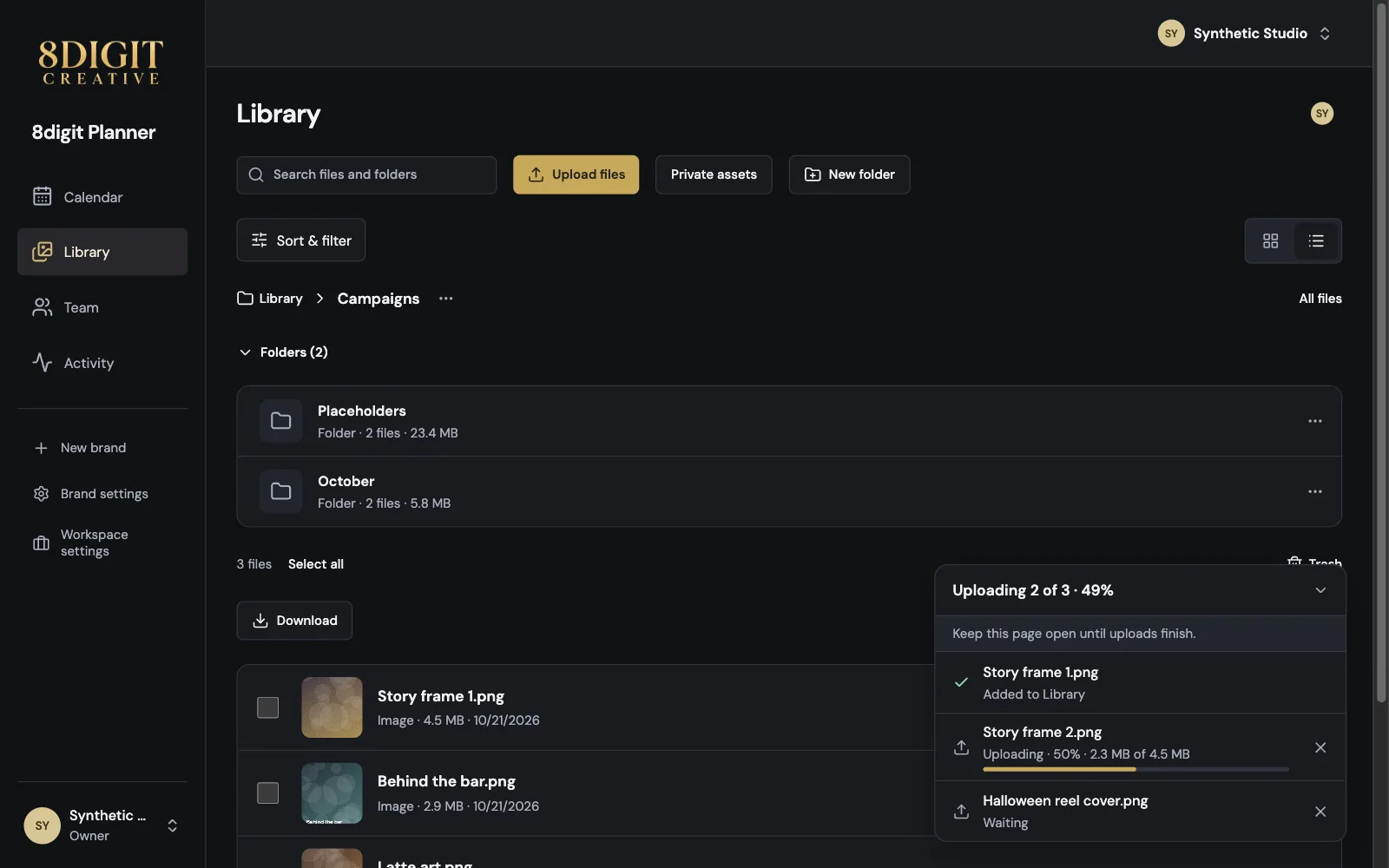
Always know where your uploads and approvals stand
Uploads and downloads now show their progress file by file, approvals carry over between posts and Library, and folders can live inside other folders.
Read the update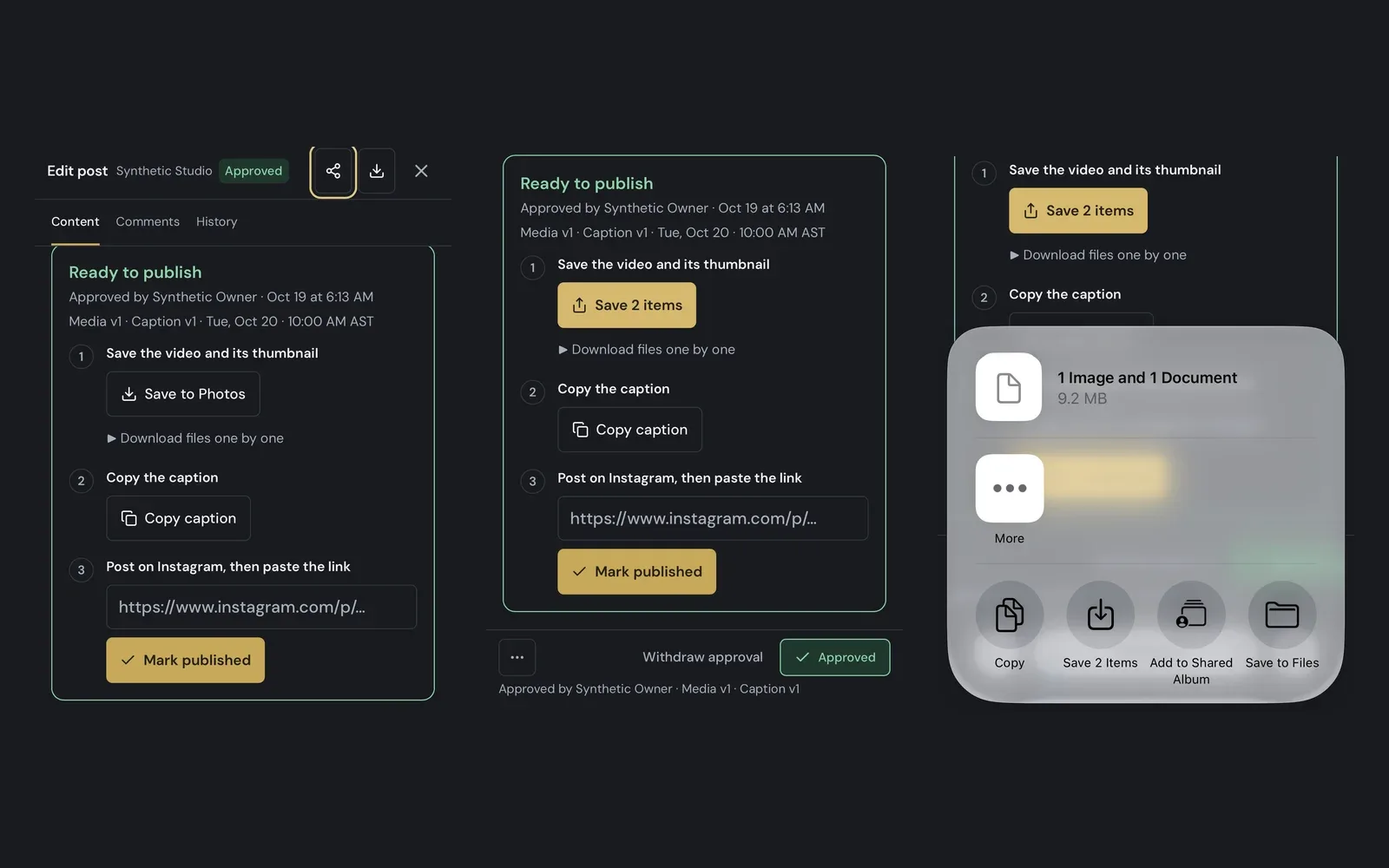
Save a post straight to Photos on your iPhone
On iPhone and iPad, the Publish kit now saves the video and its thumbnail to Photos in two taps, ready for you to post on Instagram.
Read the update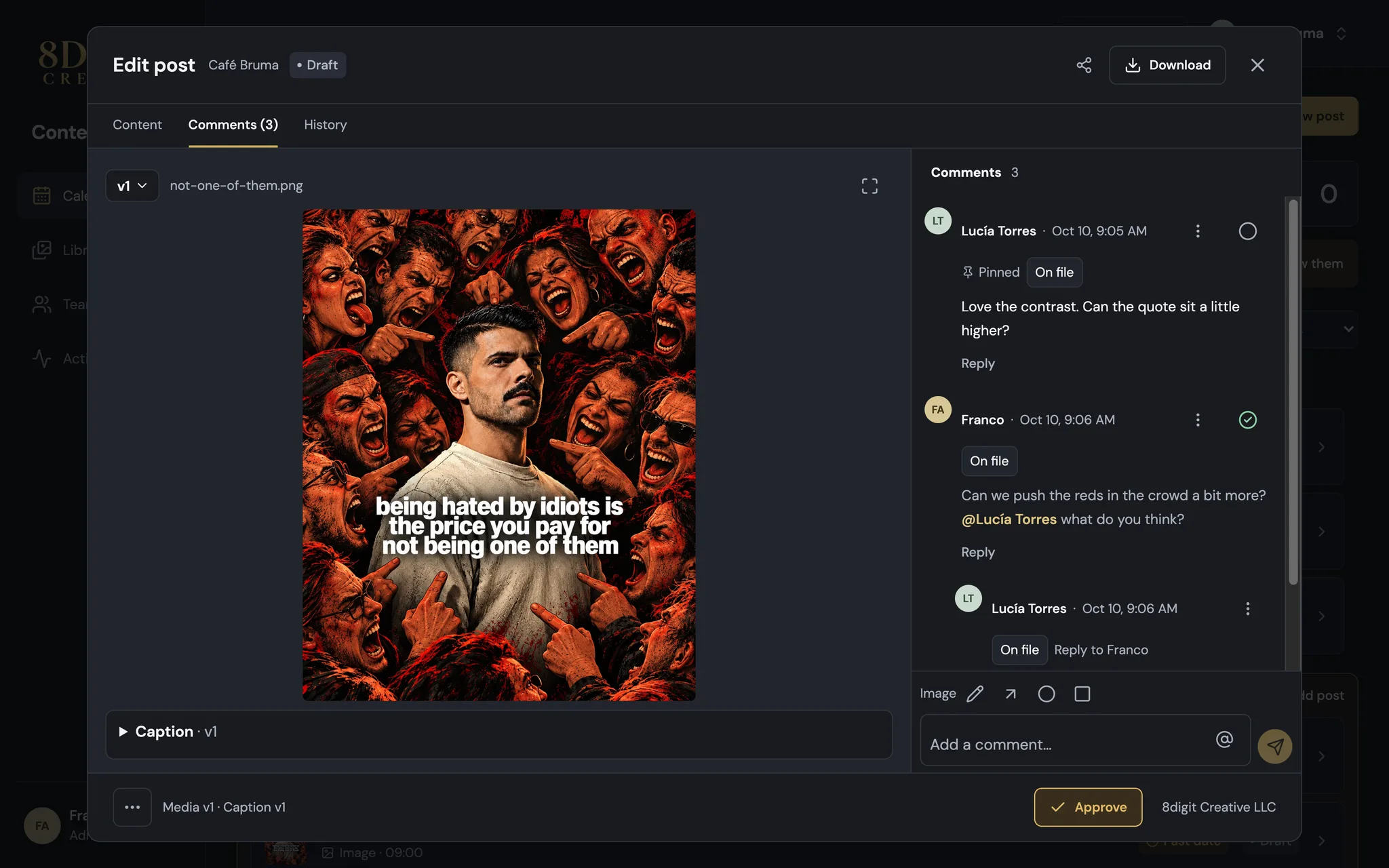
Keep every comment thread moving
Mark comments resolved, pin the ones that matter, edit or delete your own, and mention a teammate with @ so they hear about it right in Planner.
Read the update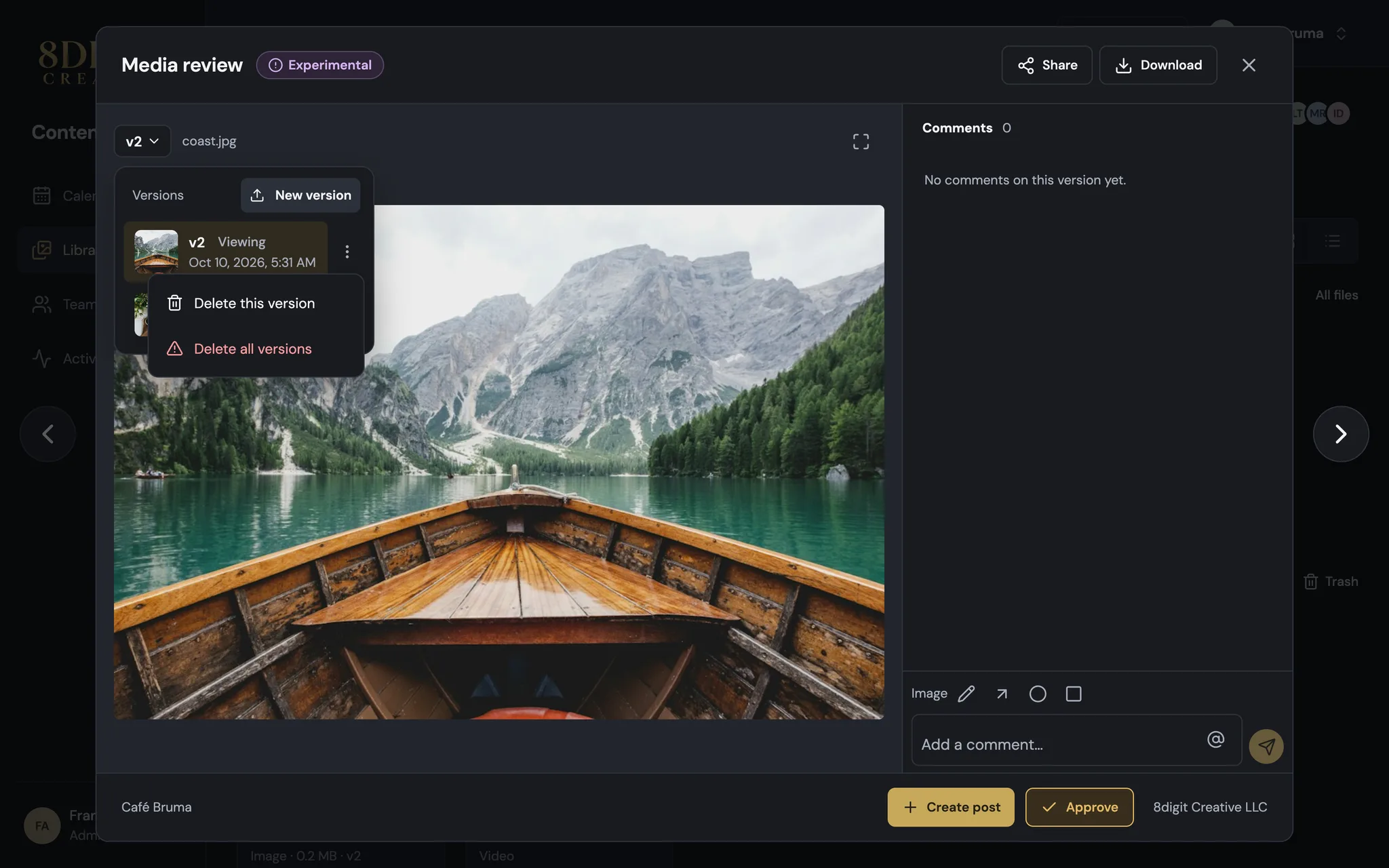
Remove a version without losing the file
Each version now has its own menu: delete the one you don't want and keep the rest, with Restore from Trash for 7 days.
Read the update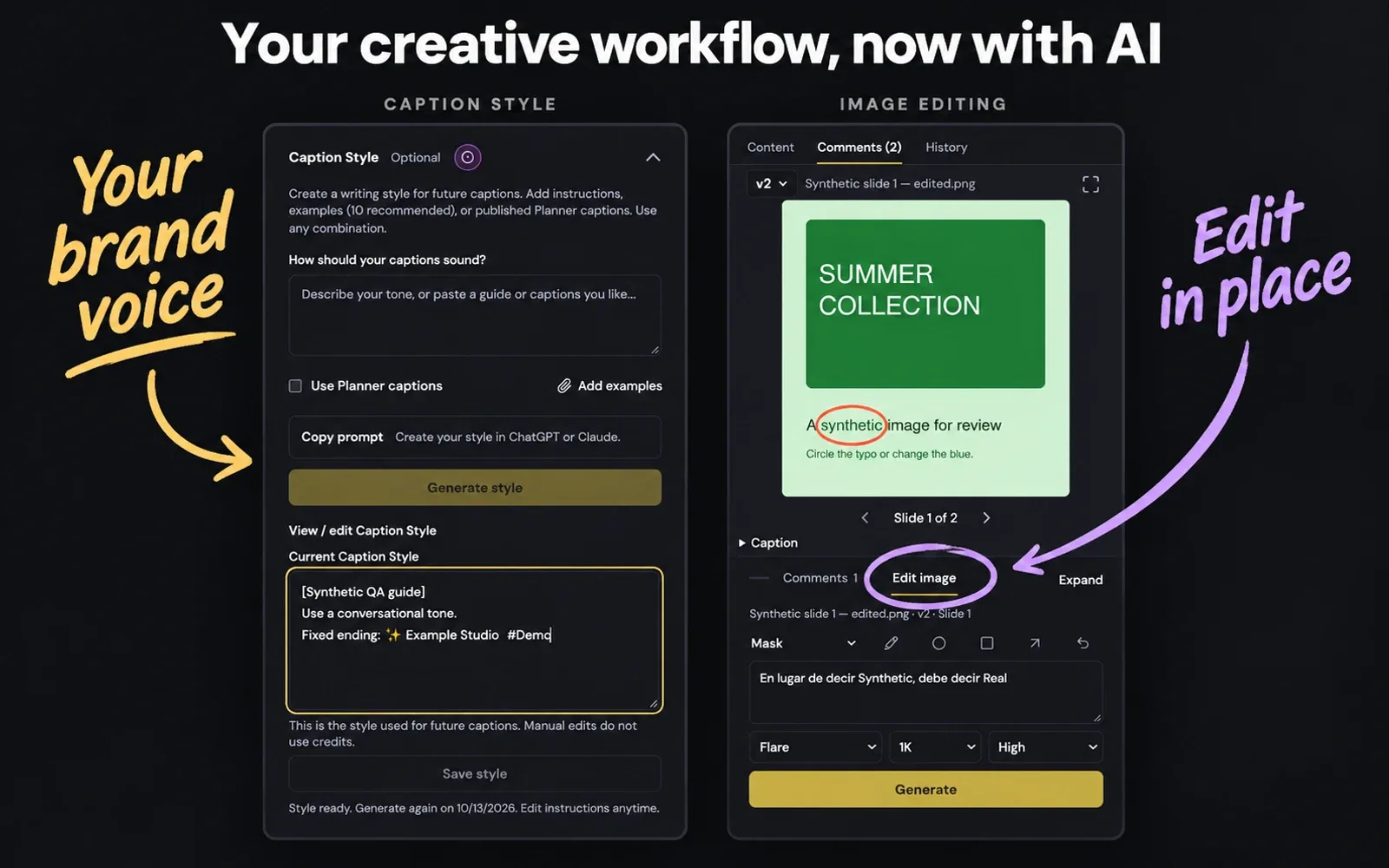
Your creative workflow, now with AI
A first look at AI inside Planner: captions that sound like your brand and image edits that start with your feedback. Both are experimental, currently available in our internal workspace.
Read the update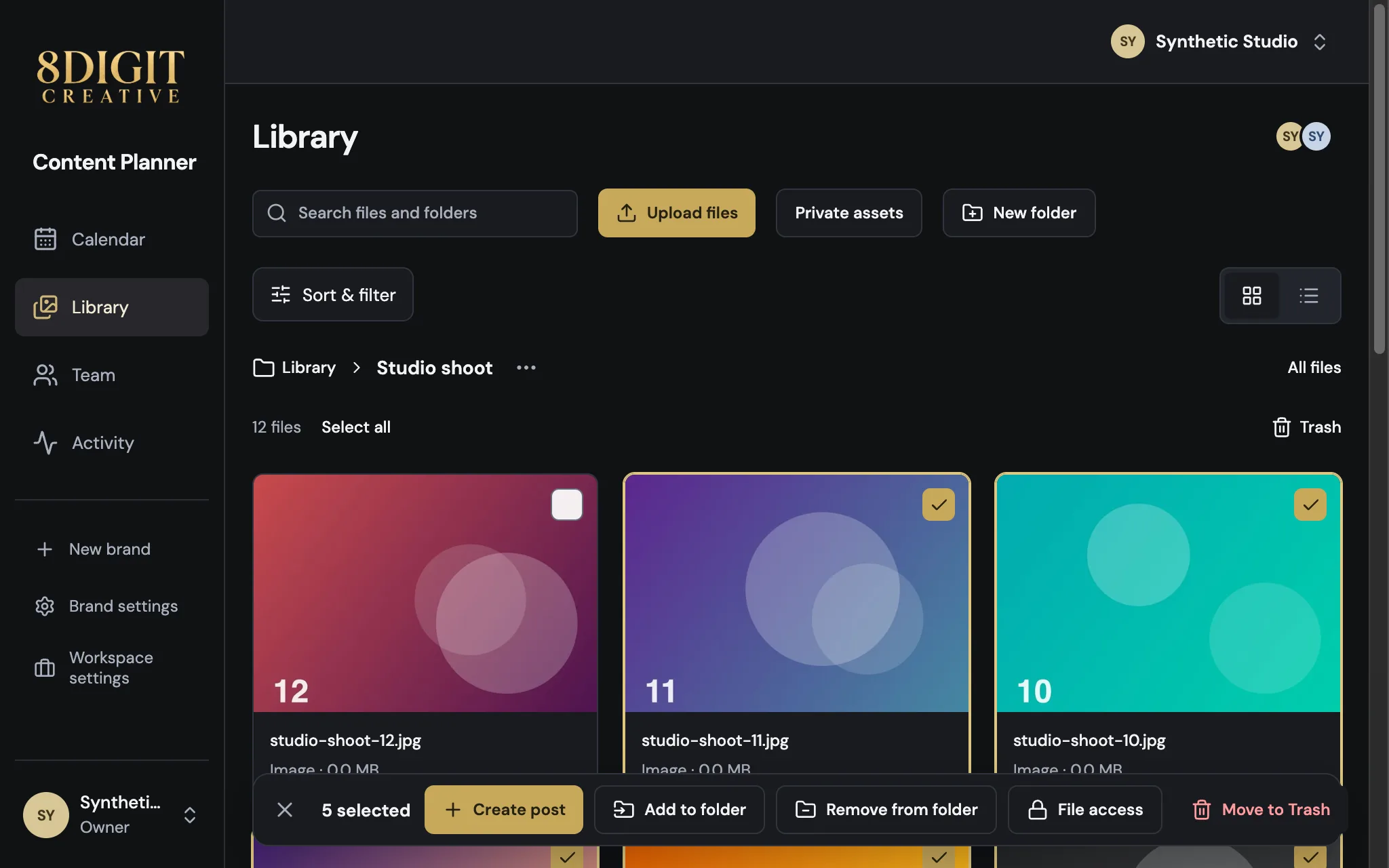
Go through your Library faster
Move from one photo or video to the next without closing Media review, select a whole range of files at once, and find your actions in a bar that never moves.
Read the update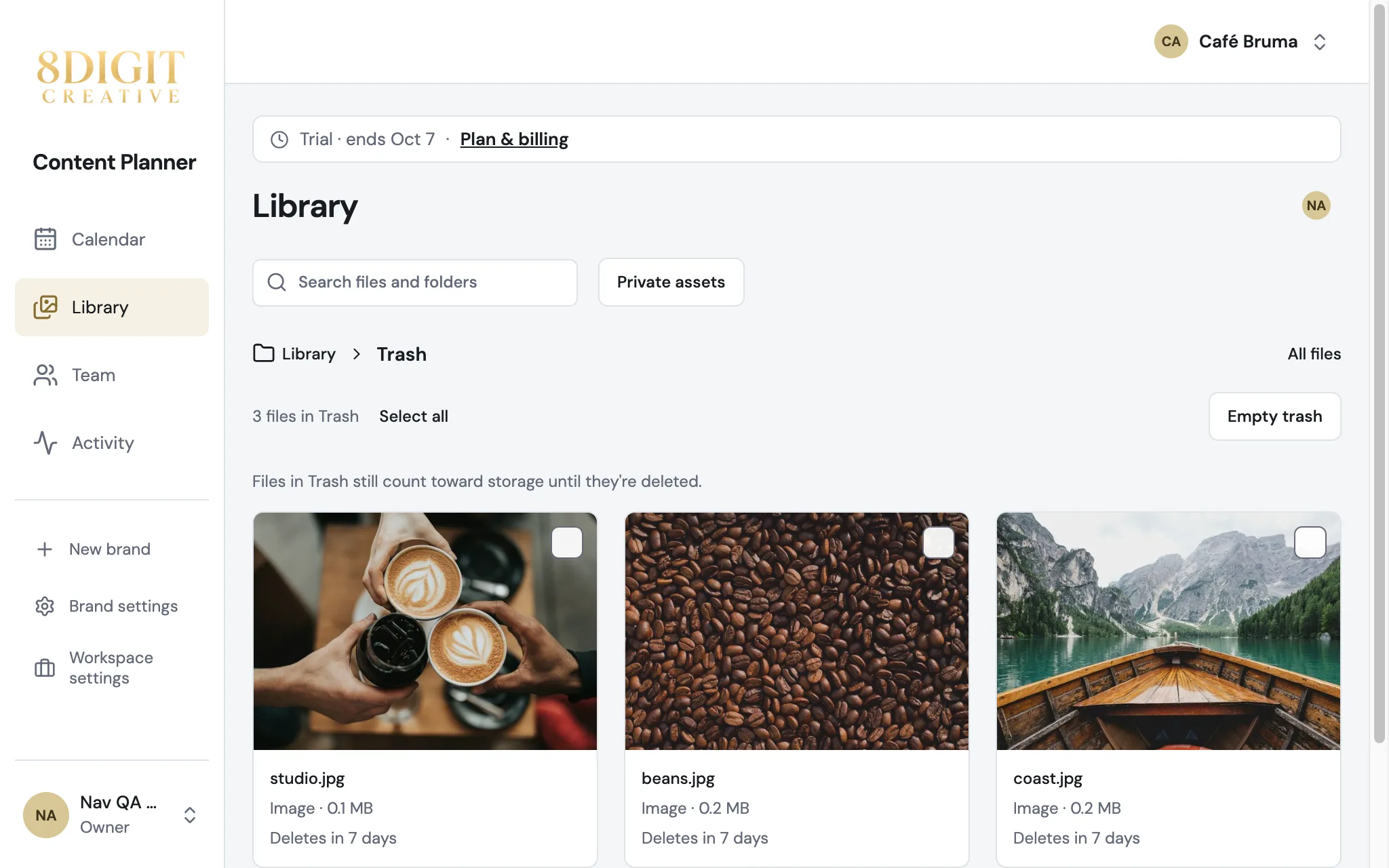
Get deleted files back for 7 days
Deleting files from Library now moves them to Trash. Restore them within 7 days, back in their folders and with their review comments.
Read the update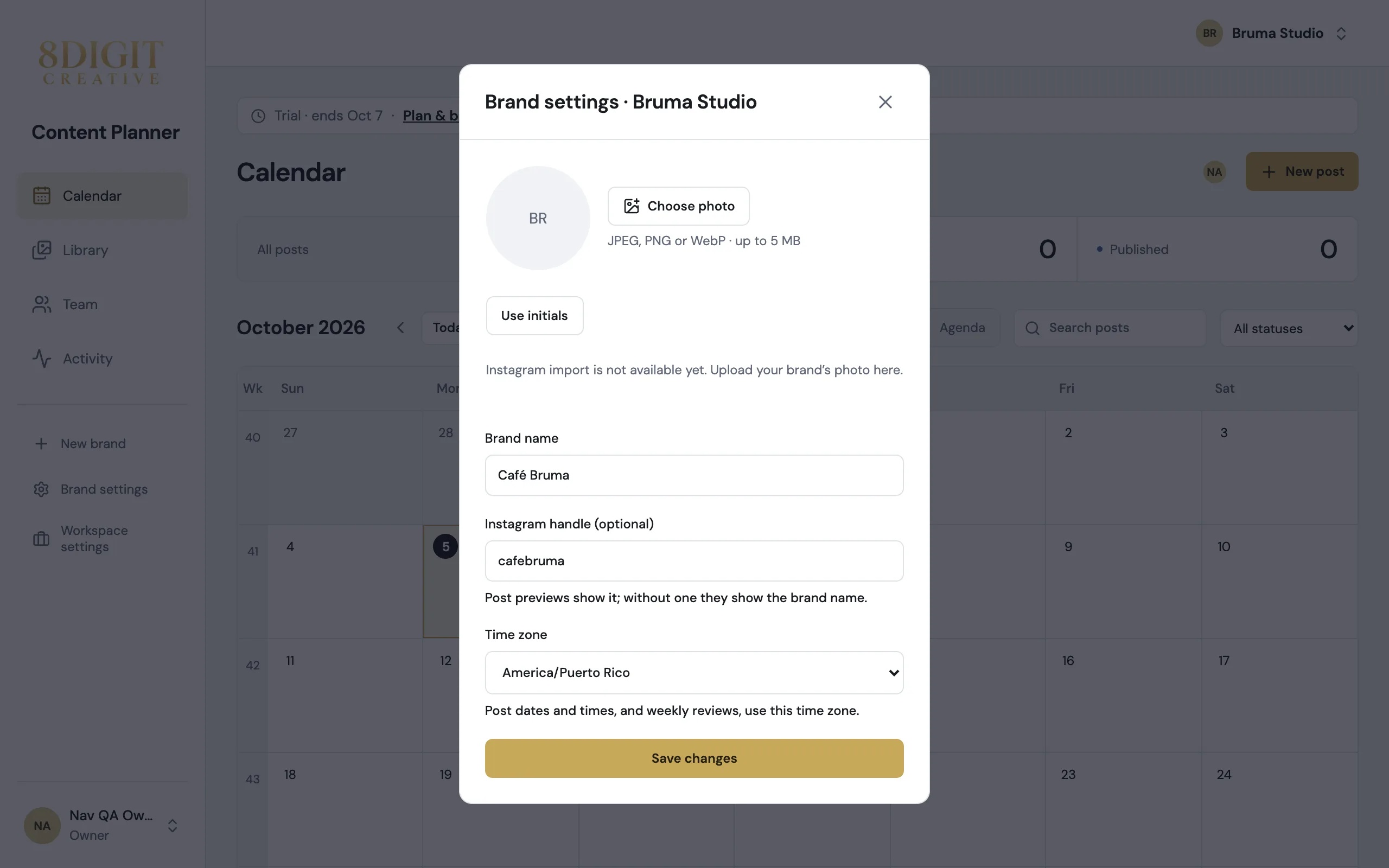
Rename a brand, and set it up in one place
Brand settings now hold everything about a brand: its photo, name, Instagram handle and time zone, saved together with one button.
Read the update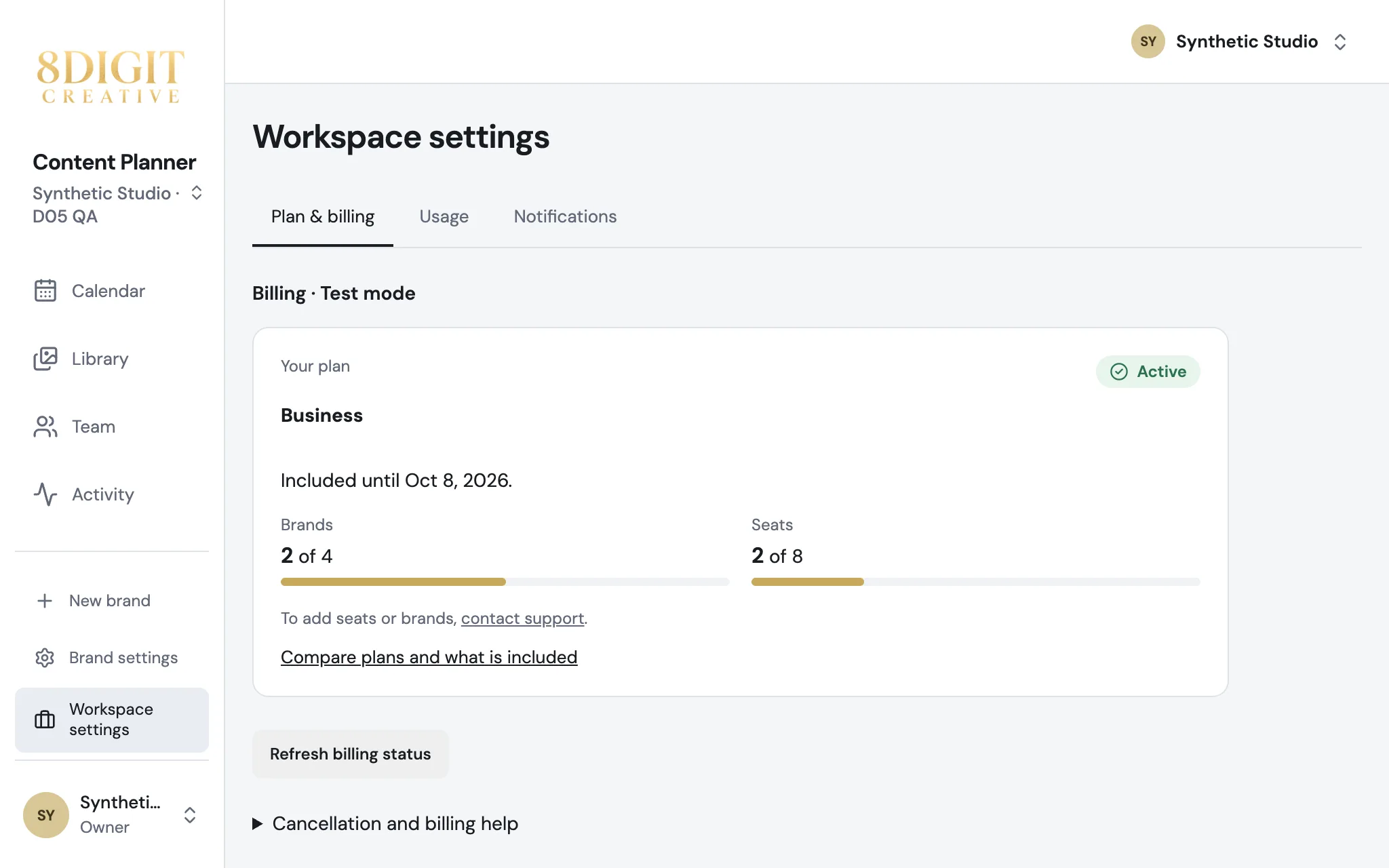
Your plan and settings, without leaving your Planner
Plan & billing, Usage and Notifications now open inside your Planner, under Workspace settings. In more than one workspace? Switch from the name under the logo.
Read the update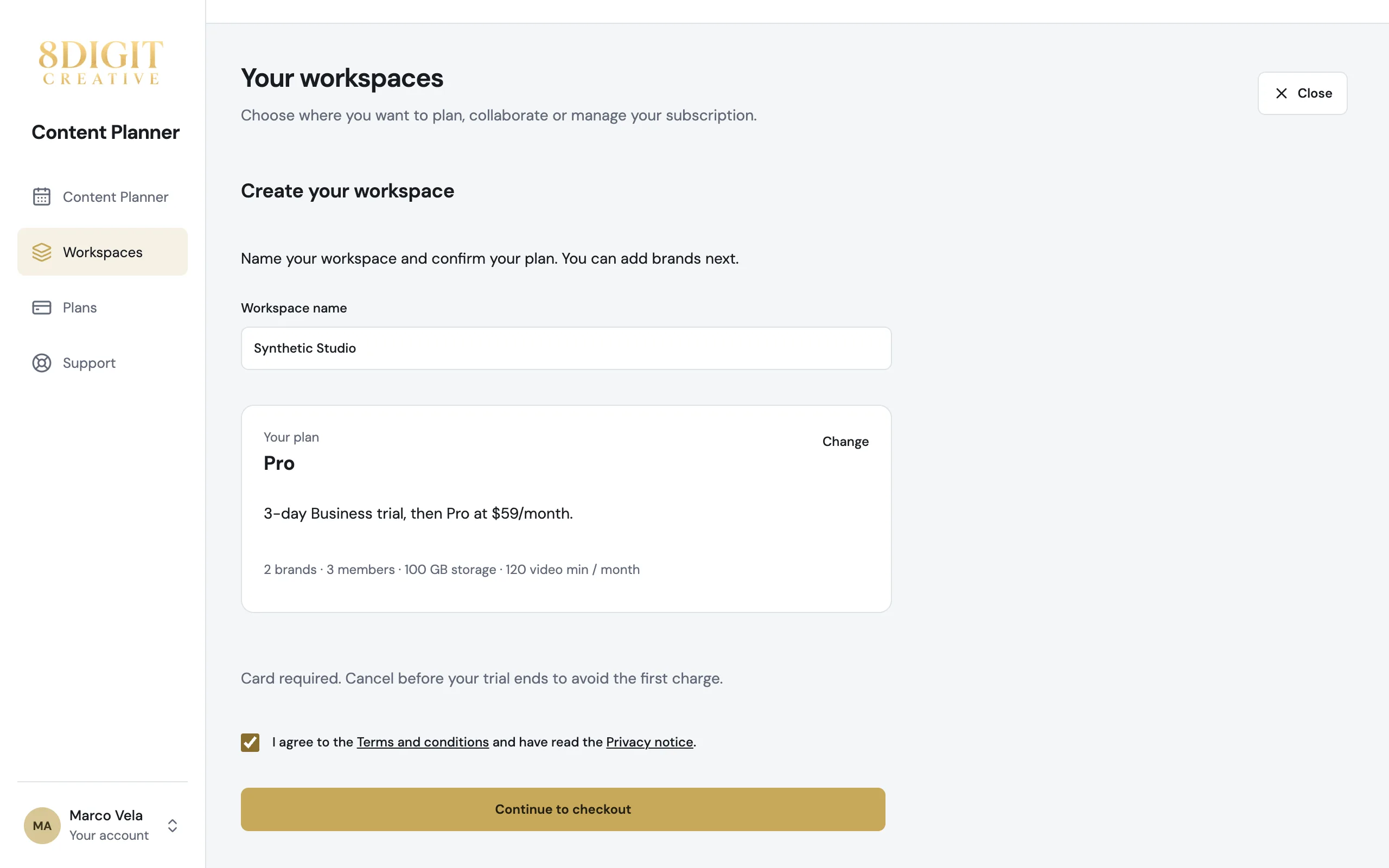
From choosing a plan to planning, in five steps
Create your account with a code instead of a password, name your workspace and confirm your plan on one screen, and land in your Planner right after checkout.
Read the update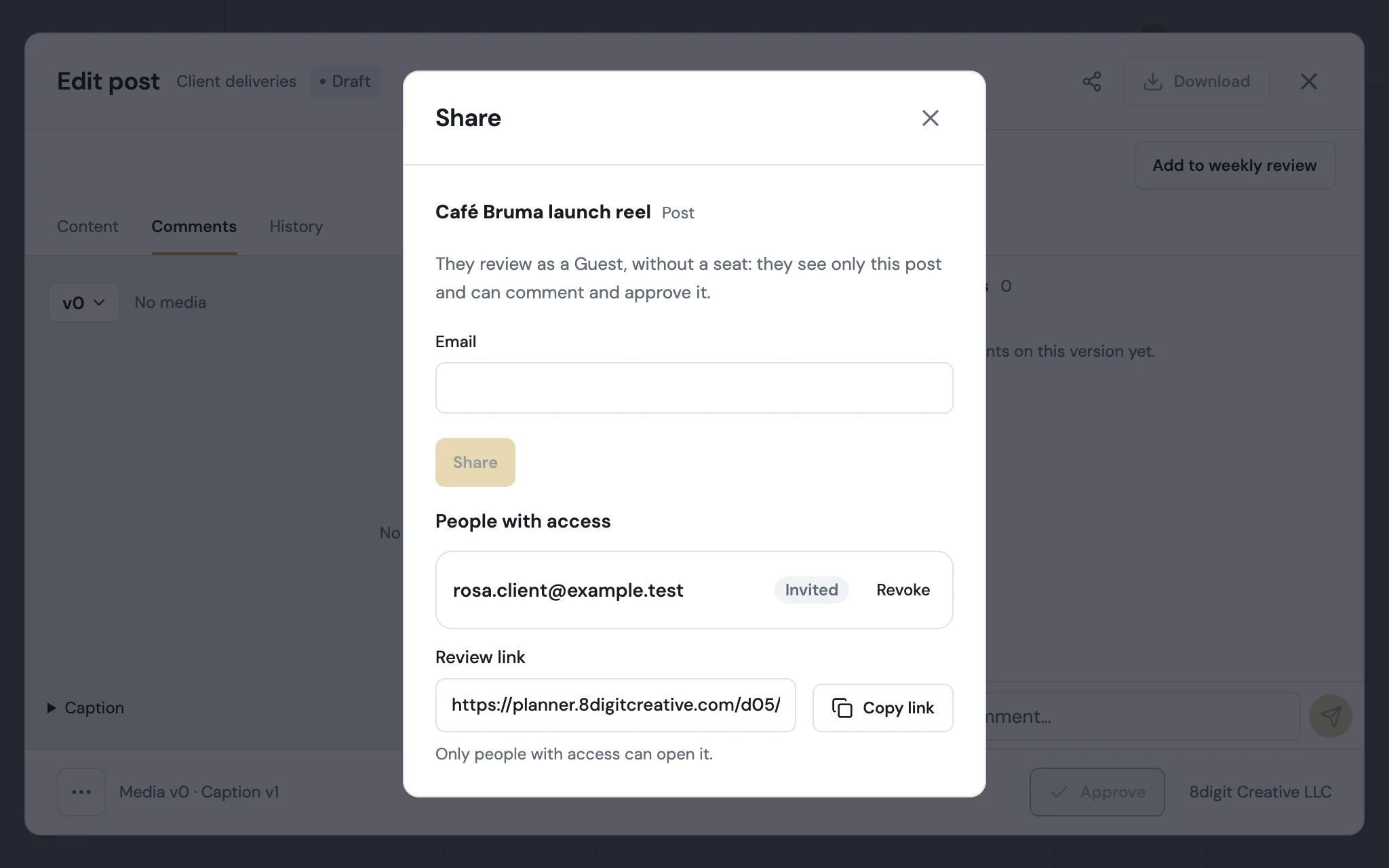
Share any post with a client, like a file
Share now works the same on a post, a Library file and a folder: type your client's email and they open it from their inbox, with no account or password. Everyone gets one review link.
Read the update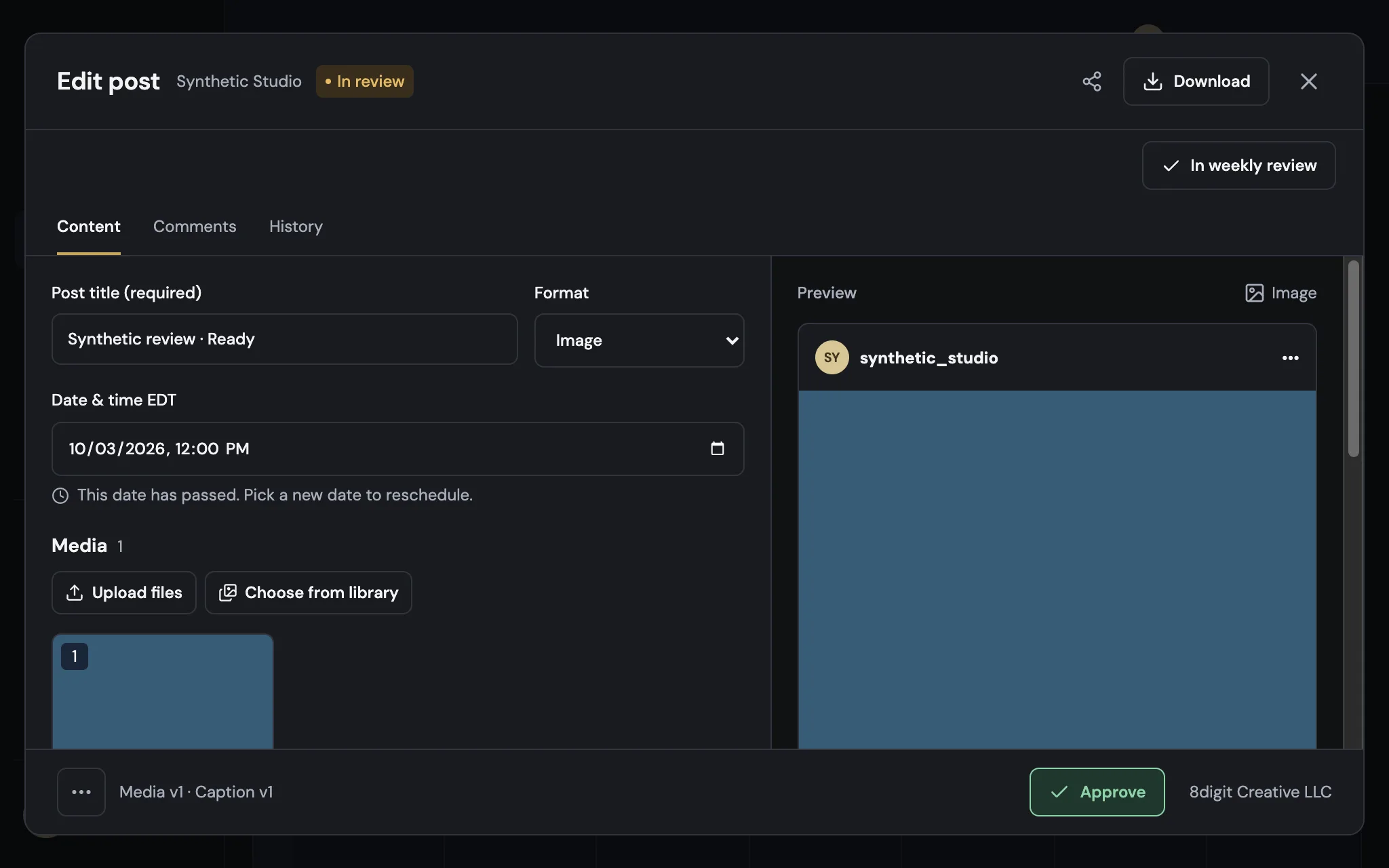
Every brand plans in its own time zone
Post dates and times now use the brand’s time zone, wherever the brand is, and every scheduled time shows it, like 12:00 PM EDT.
Read the update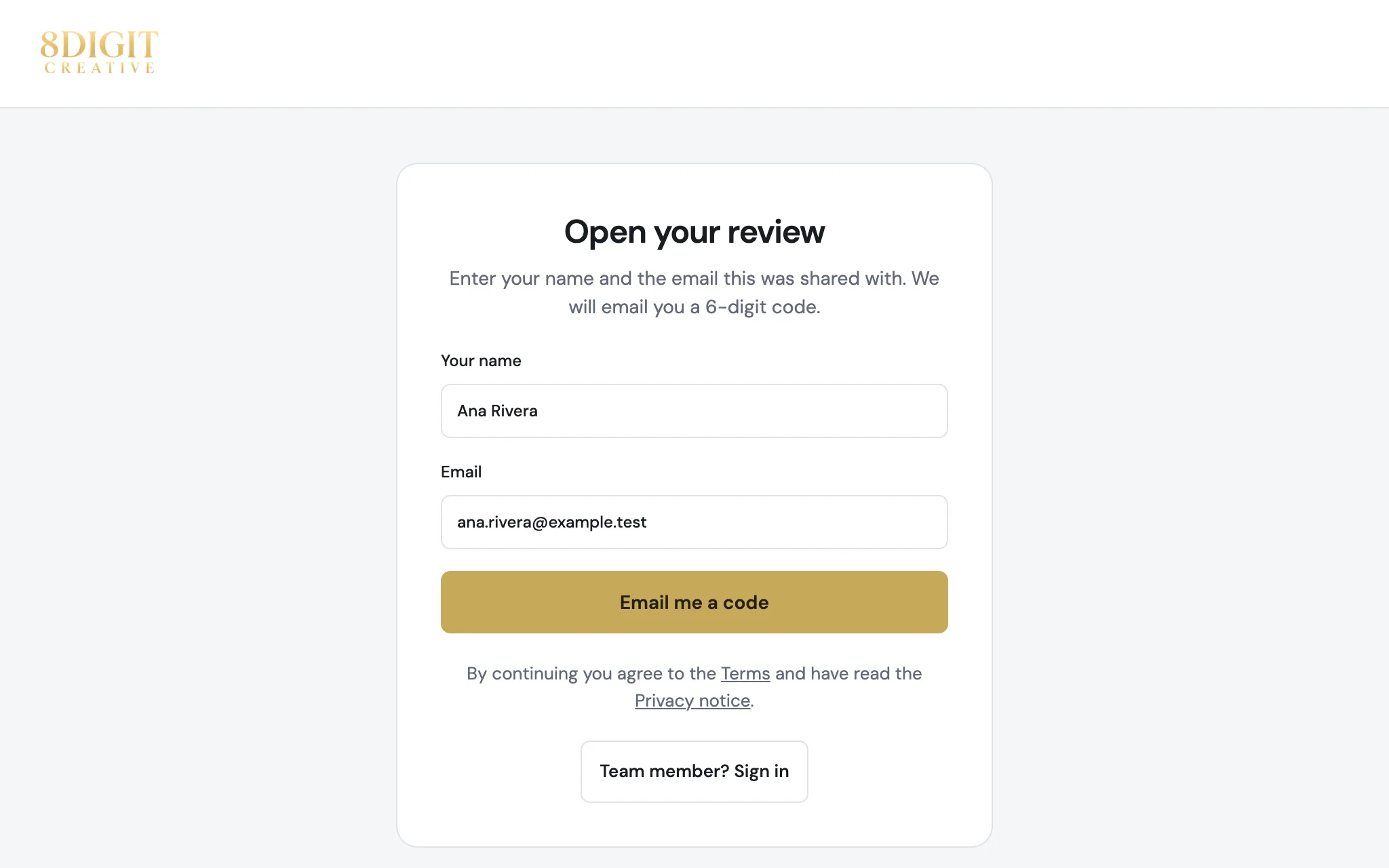
Clients open reviews without an account or password
The people you share with go straight to what you shared: one tap from the email you sent, or a 6-digit code from any link. No account to create and no password to remember.
Read the update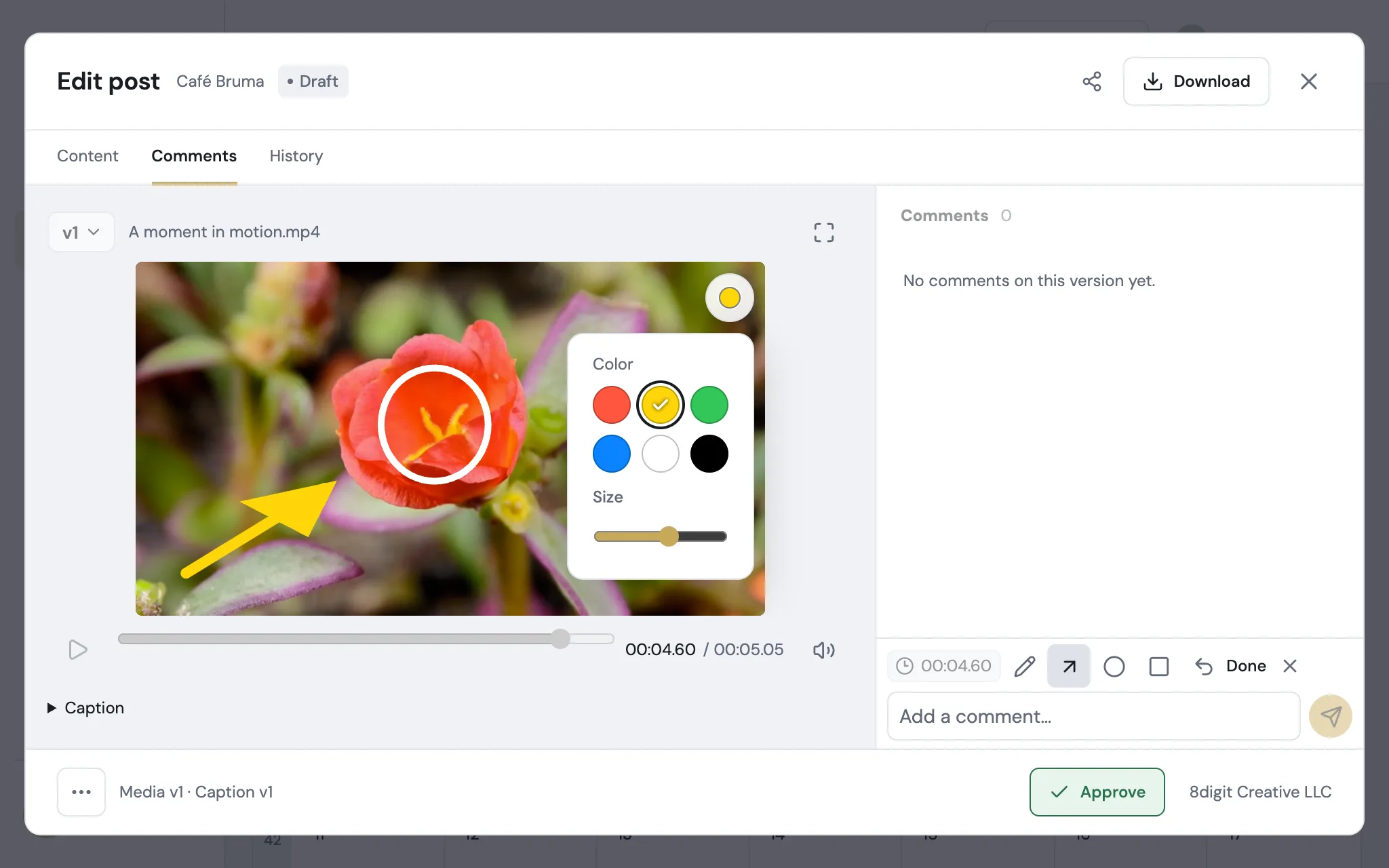
Annotations that stand out on any footage
Choose a color and a size for your annotations, and frame details with the new rectangle. It works on videos, photos and carousels, wherever you leave feedback.
Read the update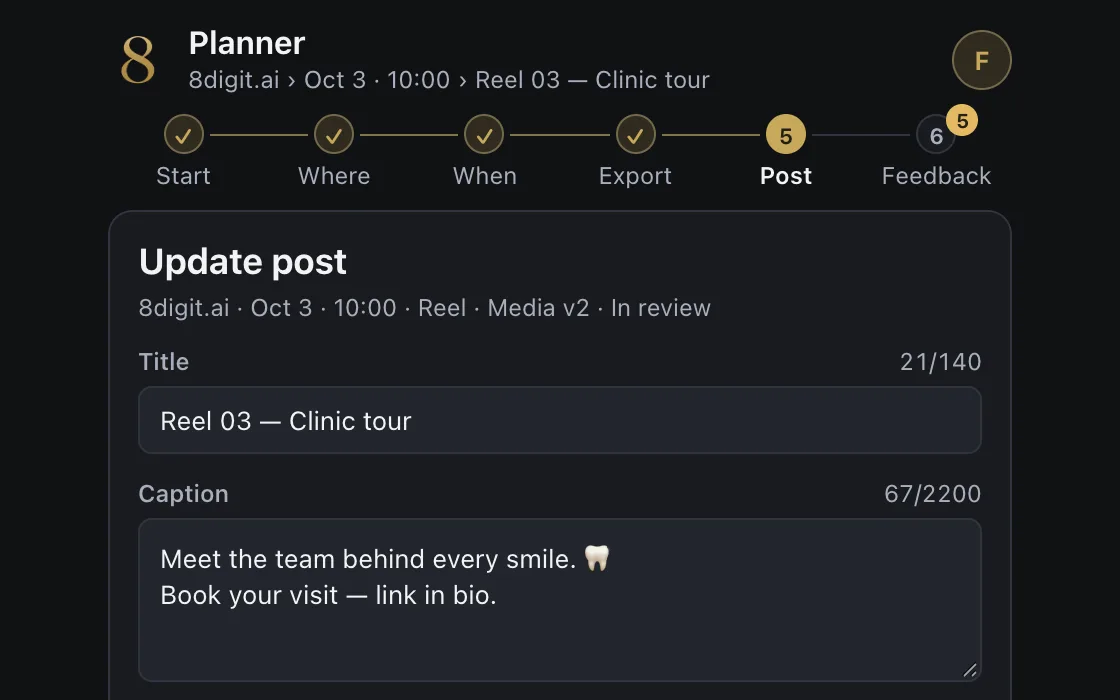
Send your edit to Planner without leaving DaVinci Resolve
The 8digit Planner panel for DaVinci Resolve Studio uploads your timeline to a brand’s Library or puts it on the calendar as a Reel, and brings comments back as timeline markers. It works on a Mac with DaVinci Resolve Studio 21 and installs with one command.
Read the update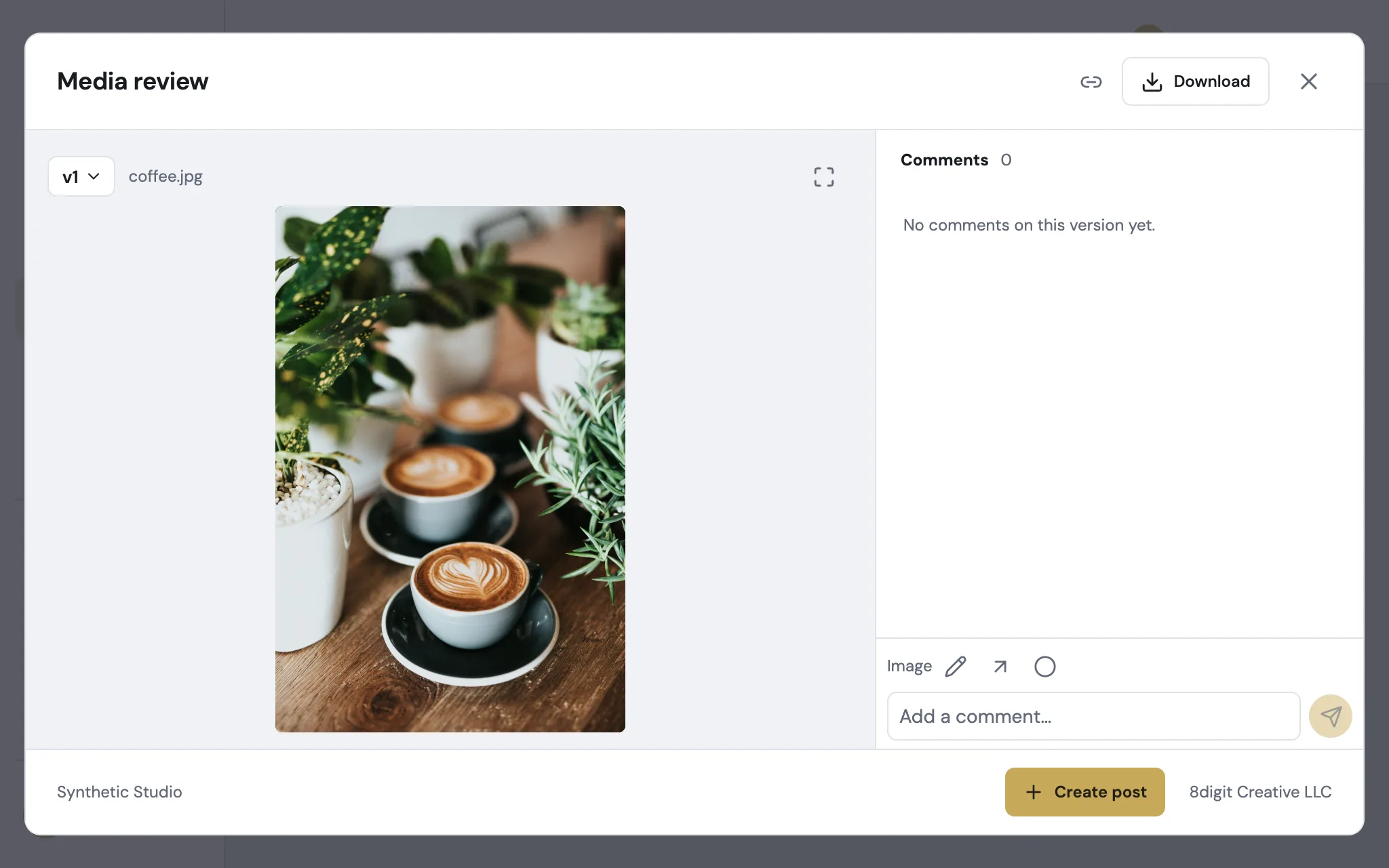
Photos in full quality, and you decide who connects AI
Photos now open in full quality for everyone who can download them. Workspace Owners choose who can connect AI apps, and API keys work in any workspace.
Read the update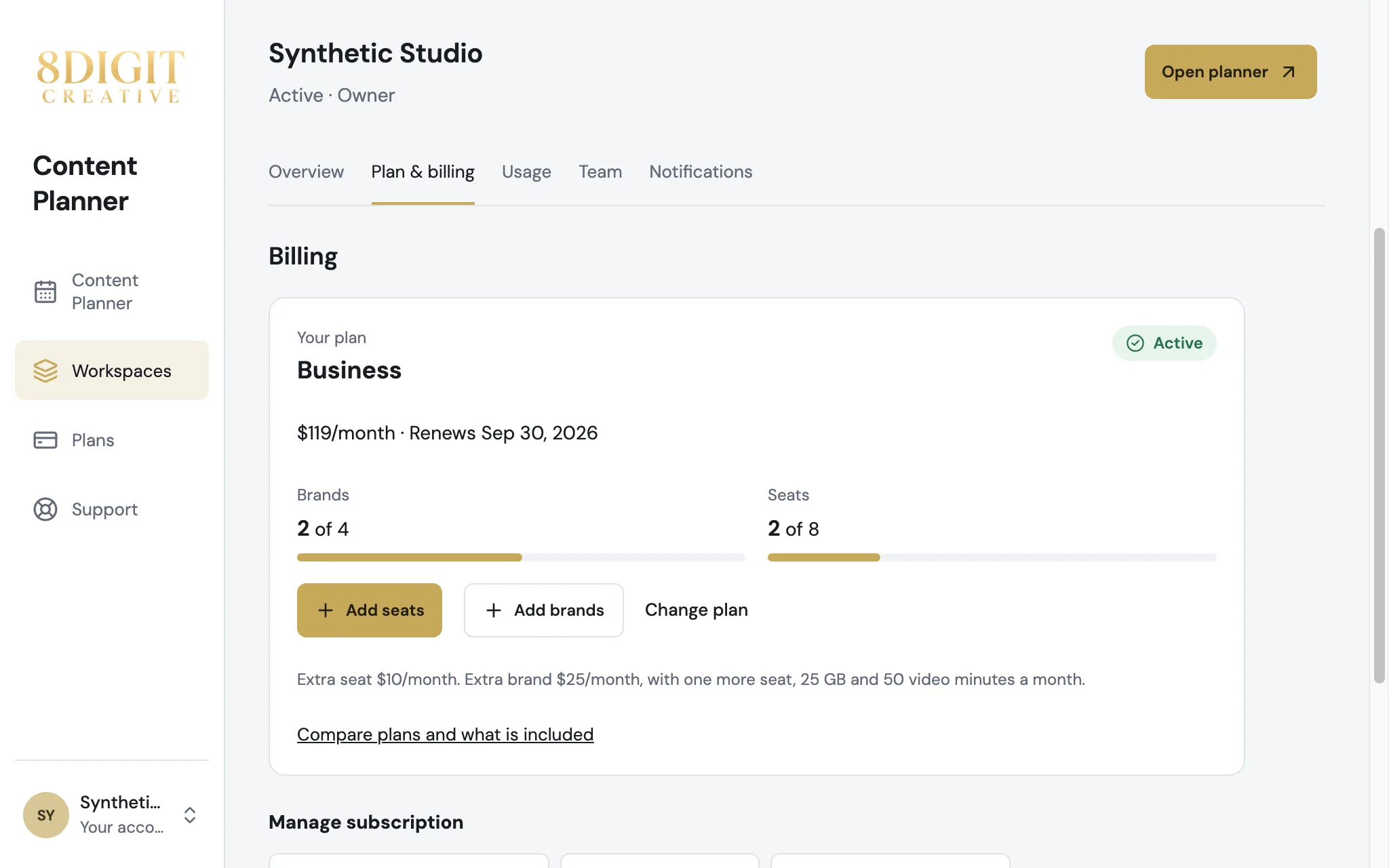
Your plan at a glance, and more room in one click
Plan & billing now shows your plan, what you use and what more room costs. Add seats or brands, or move to a bigger plan, right from there.
Read the update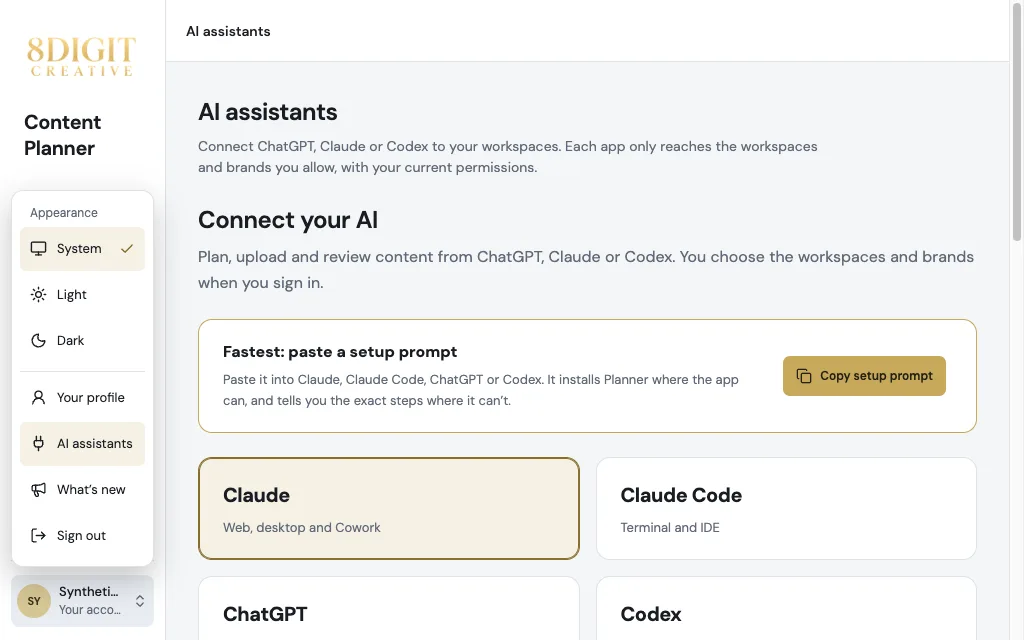
One place to connect your AI, and clearer permissions
Connect Claude or ChatGPT from AI assistants in your account menu, starting from their official directories. Permissions now line up under each brand, and the post editor keeps the same compact buttons on every tab.
Read the update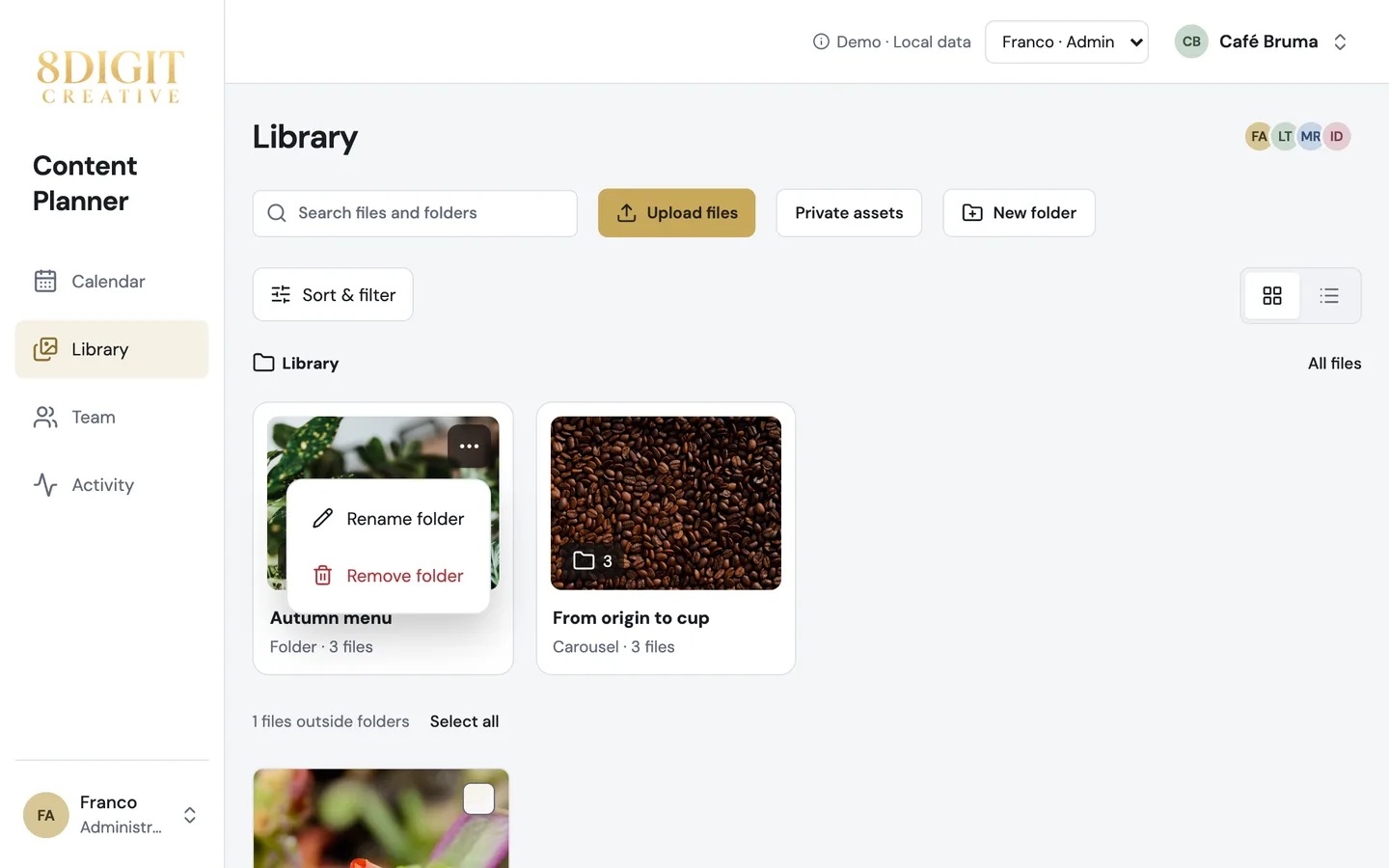
Keep your Library tidy, and quicker to browse
Rename or remove a folder right from its card, delete files even after they were reviewed, and move around Planner without waiting for images to load again.
Read the update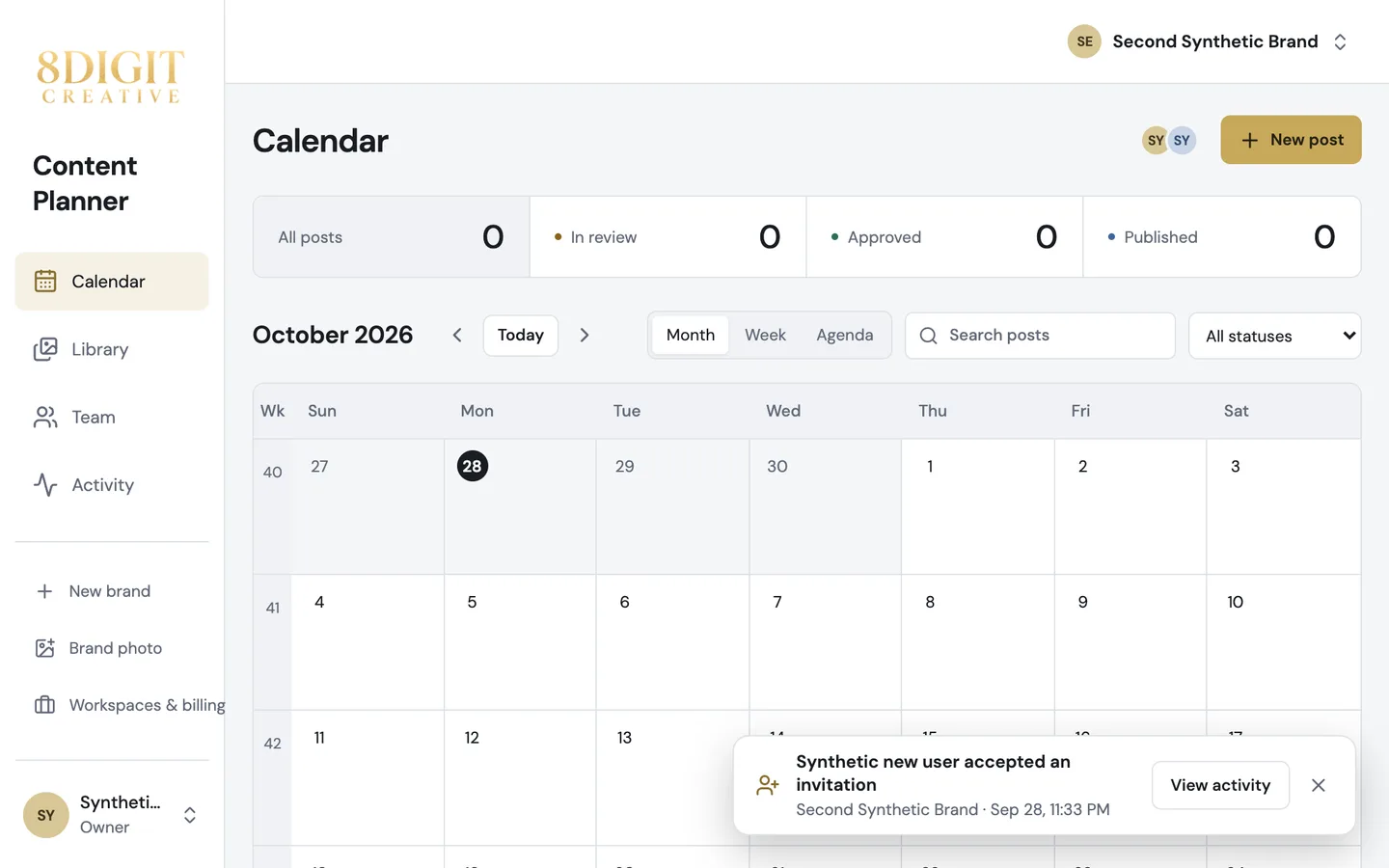
Know when someone accepts your invitation
Planner tells you when someone joins through your invitation, and the post editor keeps its actions in the same place in every tab.
Read the update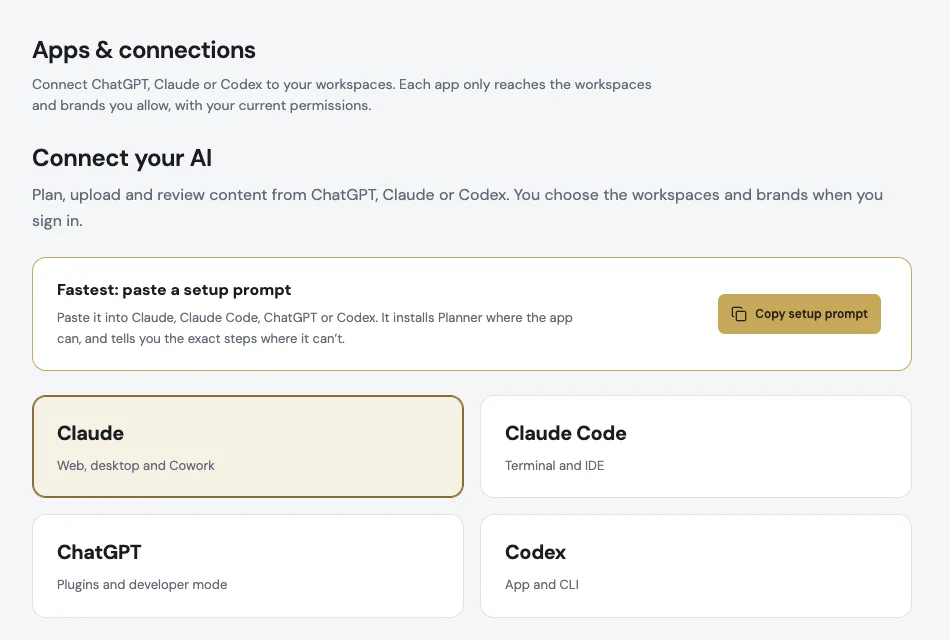
Bring your AI into Planner
Connect Claude, ChatGPT or Codex to any workspace you belong to with one setup prompt, and choose exactly which brands and actions each app can use.
Read the update
From approval to publishing, in fewer steps
Approving shows exactly what goes out, every approved post comes with a Publish kit, and Planner looks and works the same on your phone and desktop.
Read the updateA more organized library and a clearer way around
Library gets compact controls and private folders, and the main places in Planner are easier to reach.
Read the updateYour own workspace, ready to grow
Create your account, choose a plan and manage your workspace in one place.
Read the update