
Know when someone accepts your invitation
Planner tells you when someone joins through your invitation, and the post editor keeps its actions in the same place in every tab.
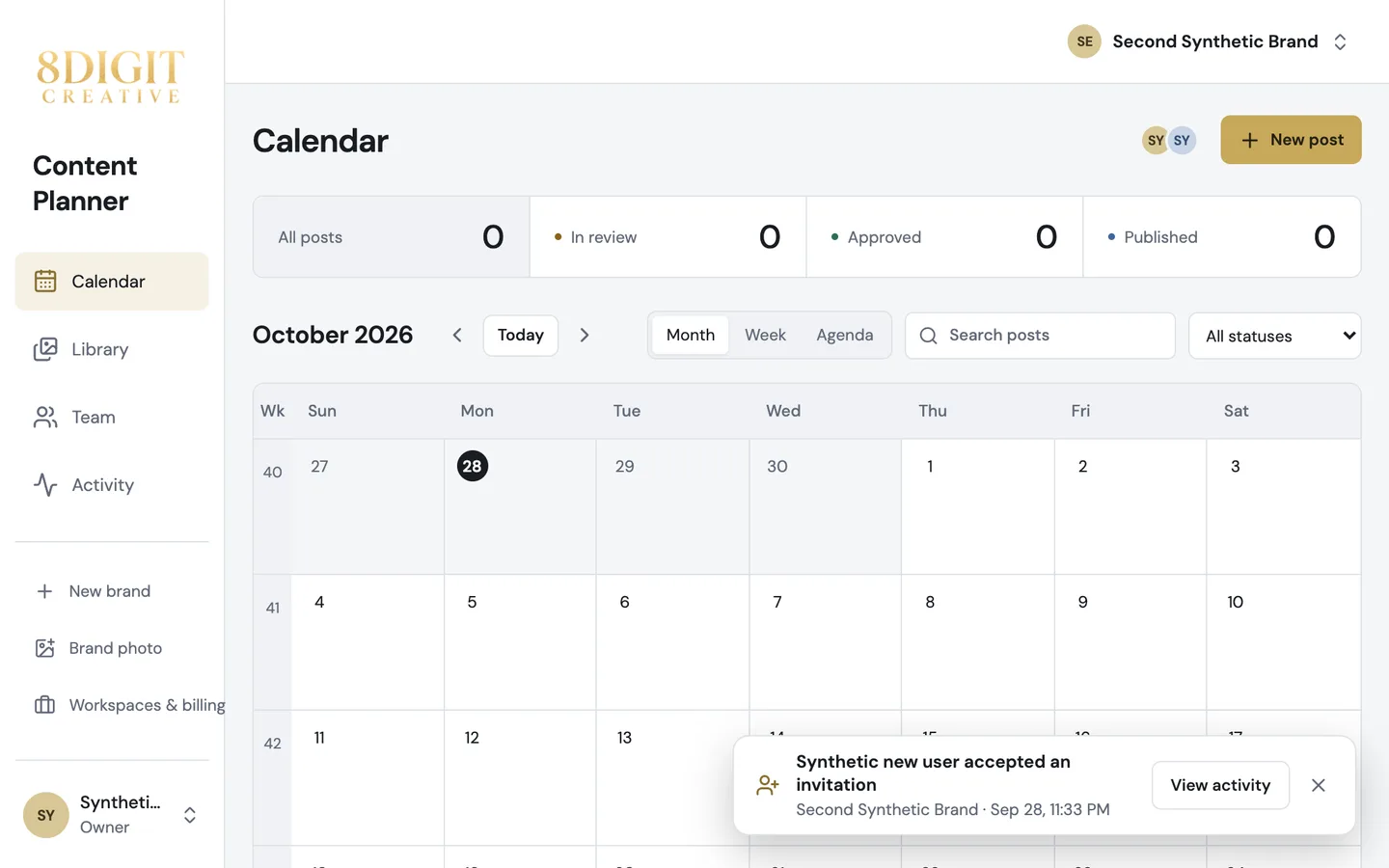
A notice when someone joins
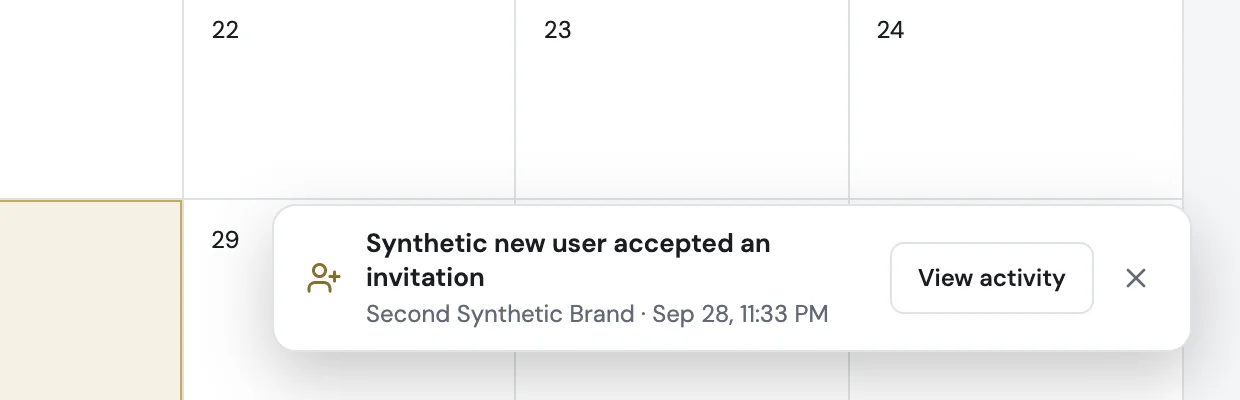
When someone accepts an invitation, the workspace owner and the person who invited them see a notice the next time they open Planner: who joined, the brand and the time, with a link to Activity.
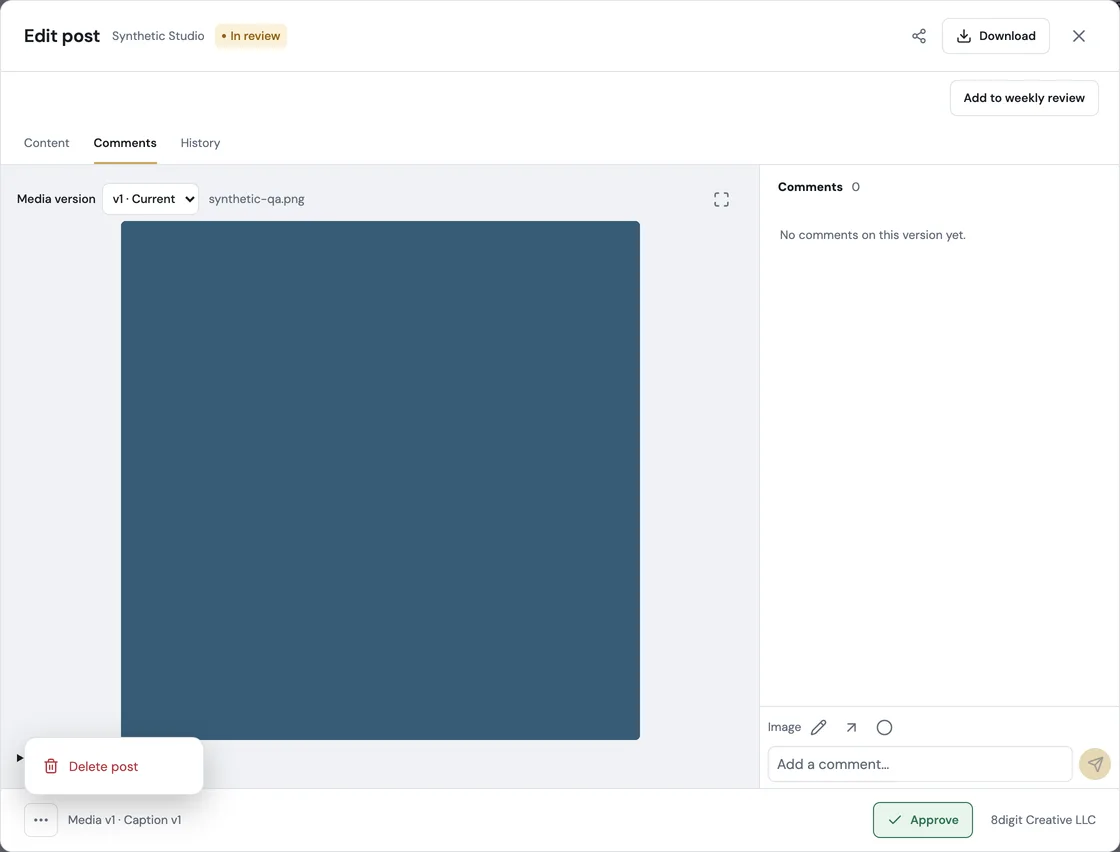
The same bar in every tab
Content, Comments and History share one bar at the bottom of the post: the main action on the right, such as Approve, and Delete post under More.
Also improved
- Vertical videos fill the review frame edge to edge, with no side bars.
- Choose the resolution from the gear in the player’s controls. Nothing sits over the picture, so captions and supers stay visible.