
Your plan at a glance, and more room in one click
Plan & billing now shows your plan, what you use and what more room costs. Add seats or brands, or move to a bigger plan, right from there.
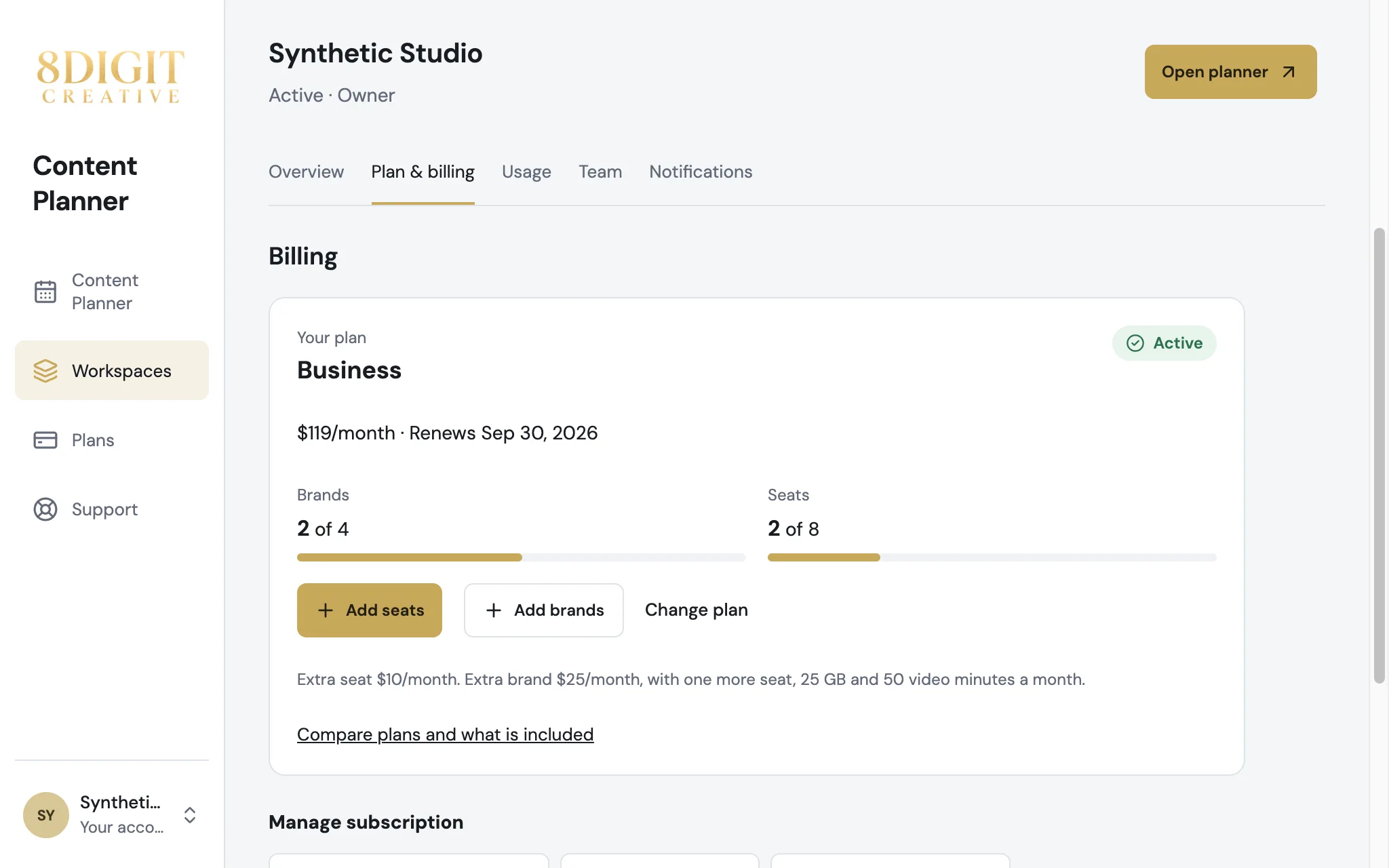
Add seats and brands in a click
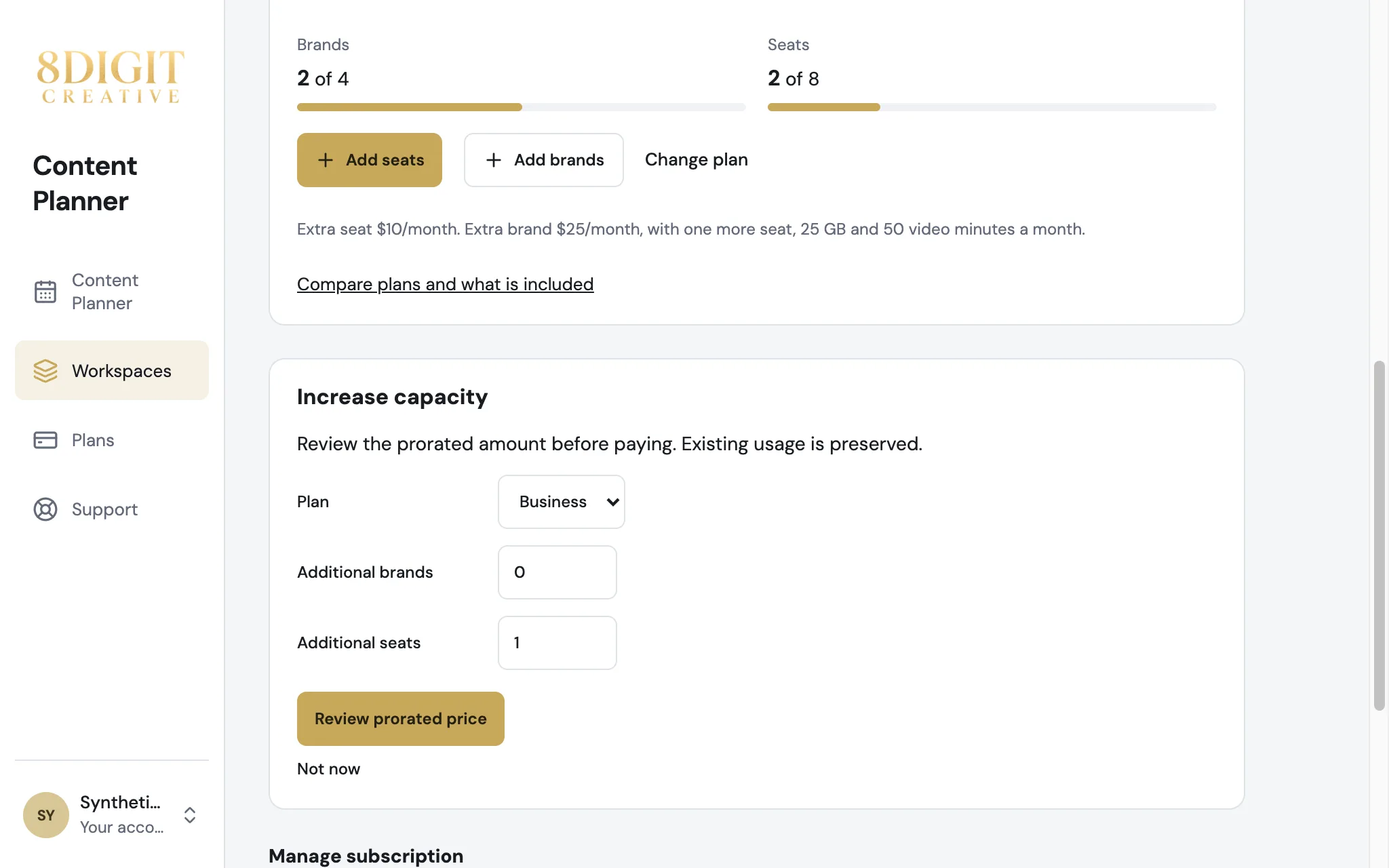
Add seats and Add brands open the change with the amount filled in. You review the prorated price before paying.
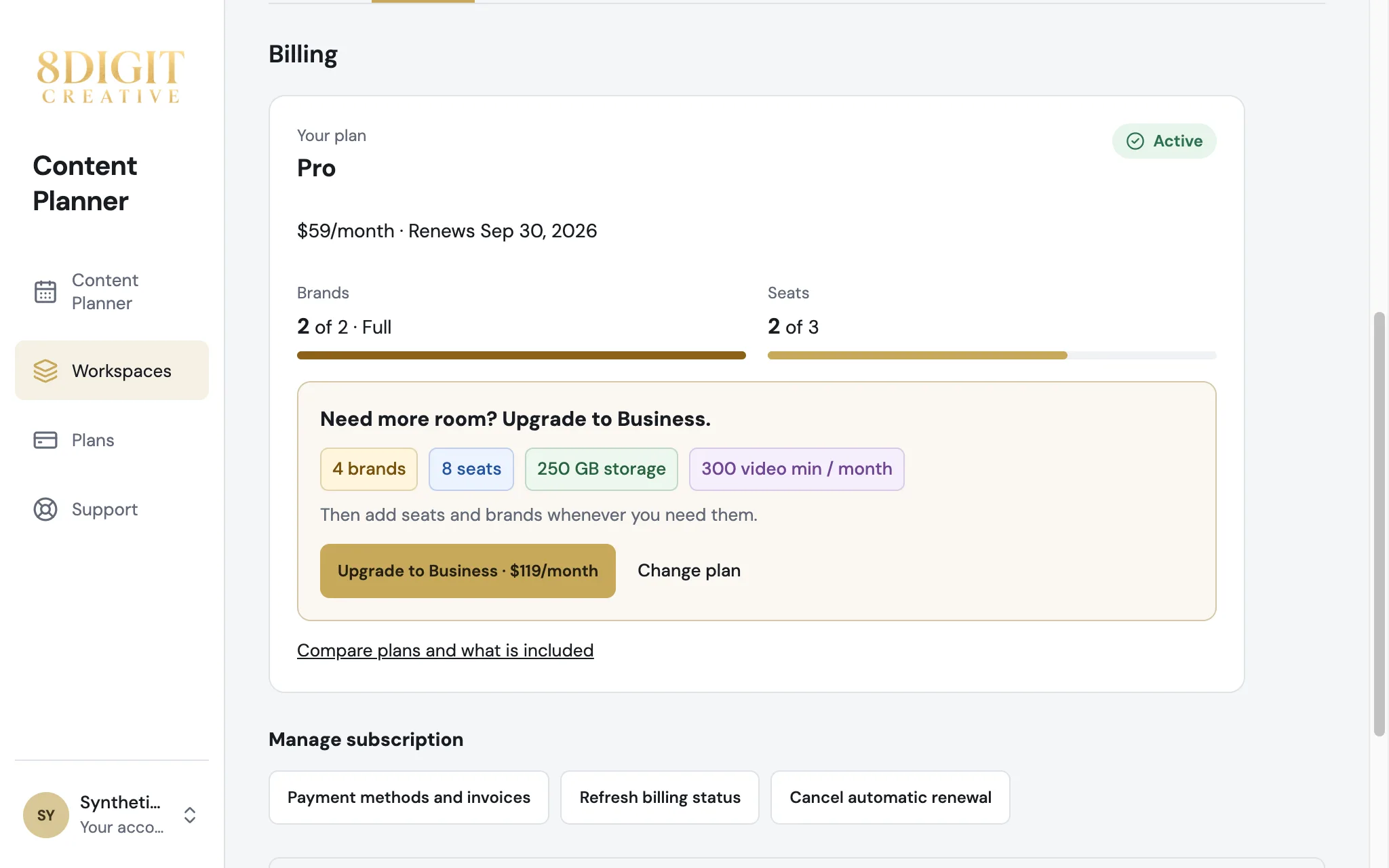
See what the next plan adds
On Personal and Pro, your plan shows what the next plan includes, and you can upgrade from the same card.
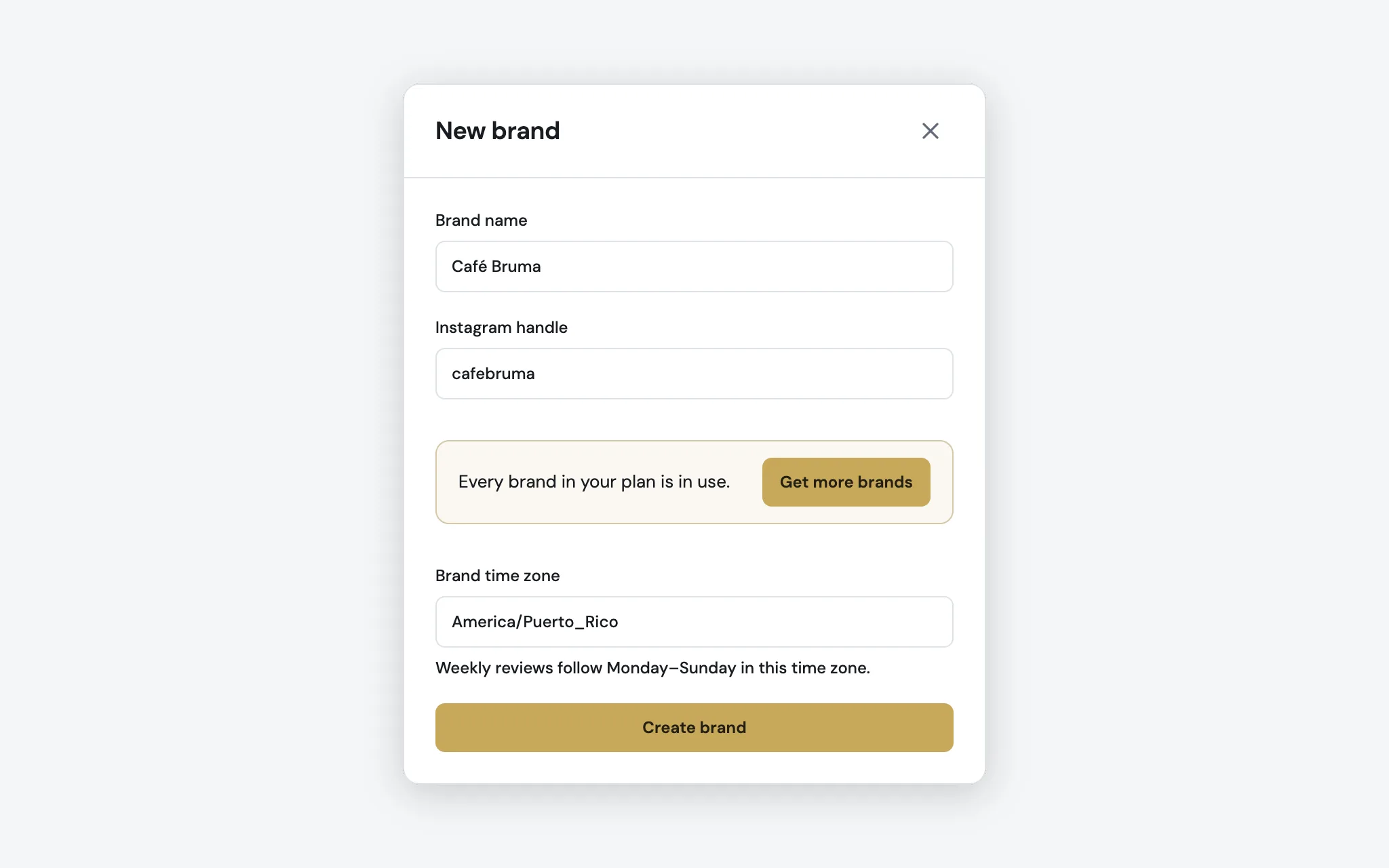
More room when your plan is full
When seats, brands, storage or video minutes run out, the workspace Owner gets a button to add more right there. Everyone else is told to ask the Owner.
Also improved
- A video upload checks your plan’s video minutes before it starts, so you know right away when they are used up.
- Content Planner opens the workspace you choose in Workspaces, and shows its name when you belong to more than one.
- The workspace you choose in Workspaces is marked with a check, not only with a color.