
Keep your Library tidy, and quicker to browse
Rename or remove a folder right from its card, delete files even after they were reviewed, and move around Planner without waiting for images to load again.
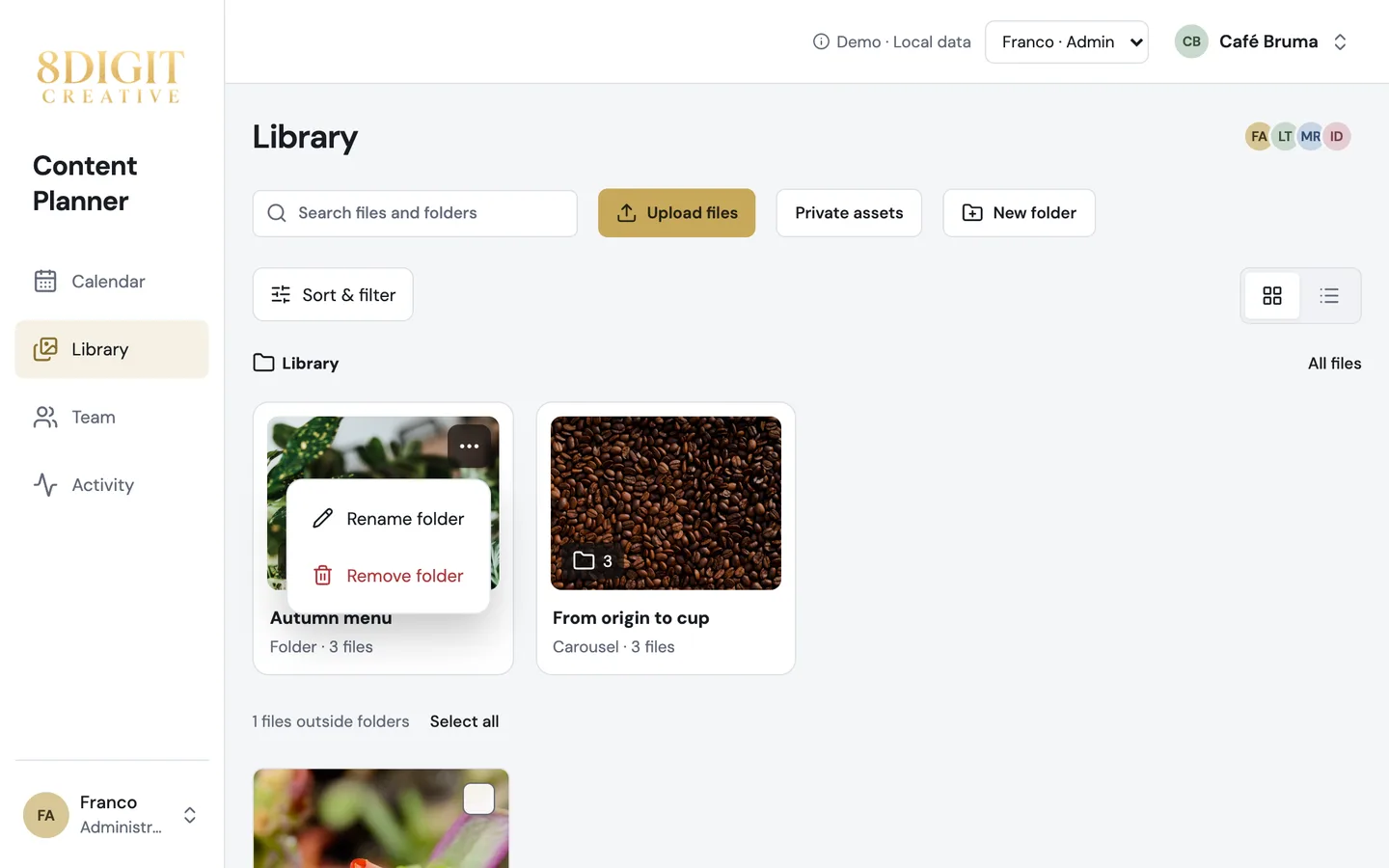
Folder actions on every card
Open ⋯ on a folder’s card to rename or remove it without opening it first. Removing a folder keeps its files and posts; files without another folder return to Library.
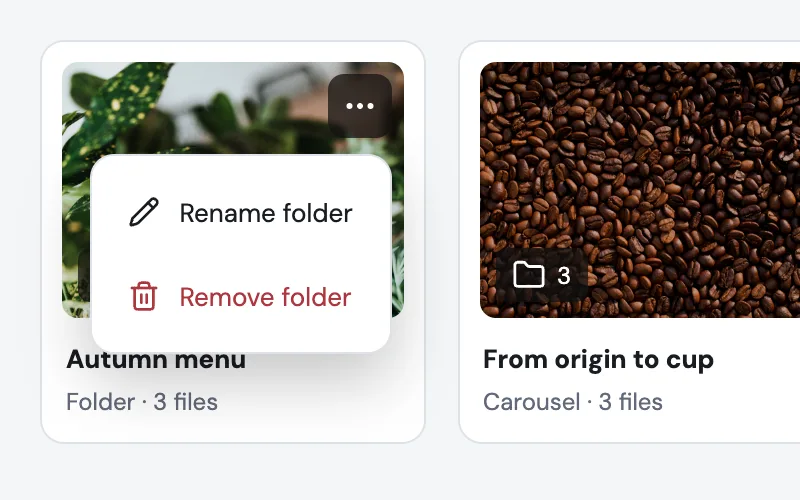
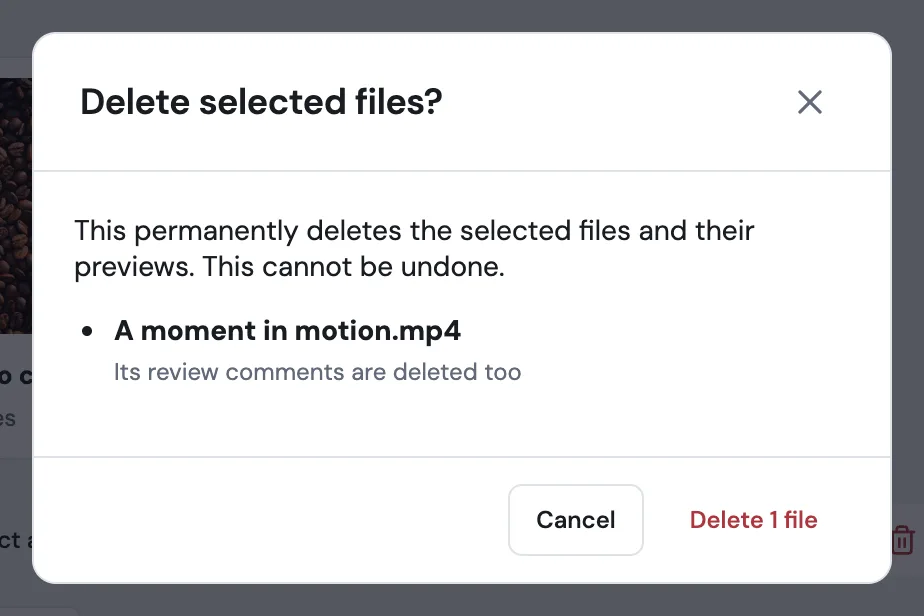
Delete files after review
Anyone who manages content can now delete a file that has review comments; the comments go with it, and the confirmation says so. A file a post still uses stays until you delete that post, which keeps its Library files.
Also improved
- Thumbnails and photos load once and stay loaded as you move around Planner, even in large workspaces.
- What’s new opens as a short preview; the full update is one click away.
- Closing What’s new in one tab keeps it closed in your other tabs, even right after an update.