
Photos in full quality, and you decide who connects AI
Photos now open in full quality for everyone who can download them. Workspace Owners choose who can connect AI apps, and API keys work in any workspace.
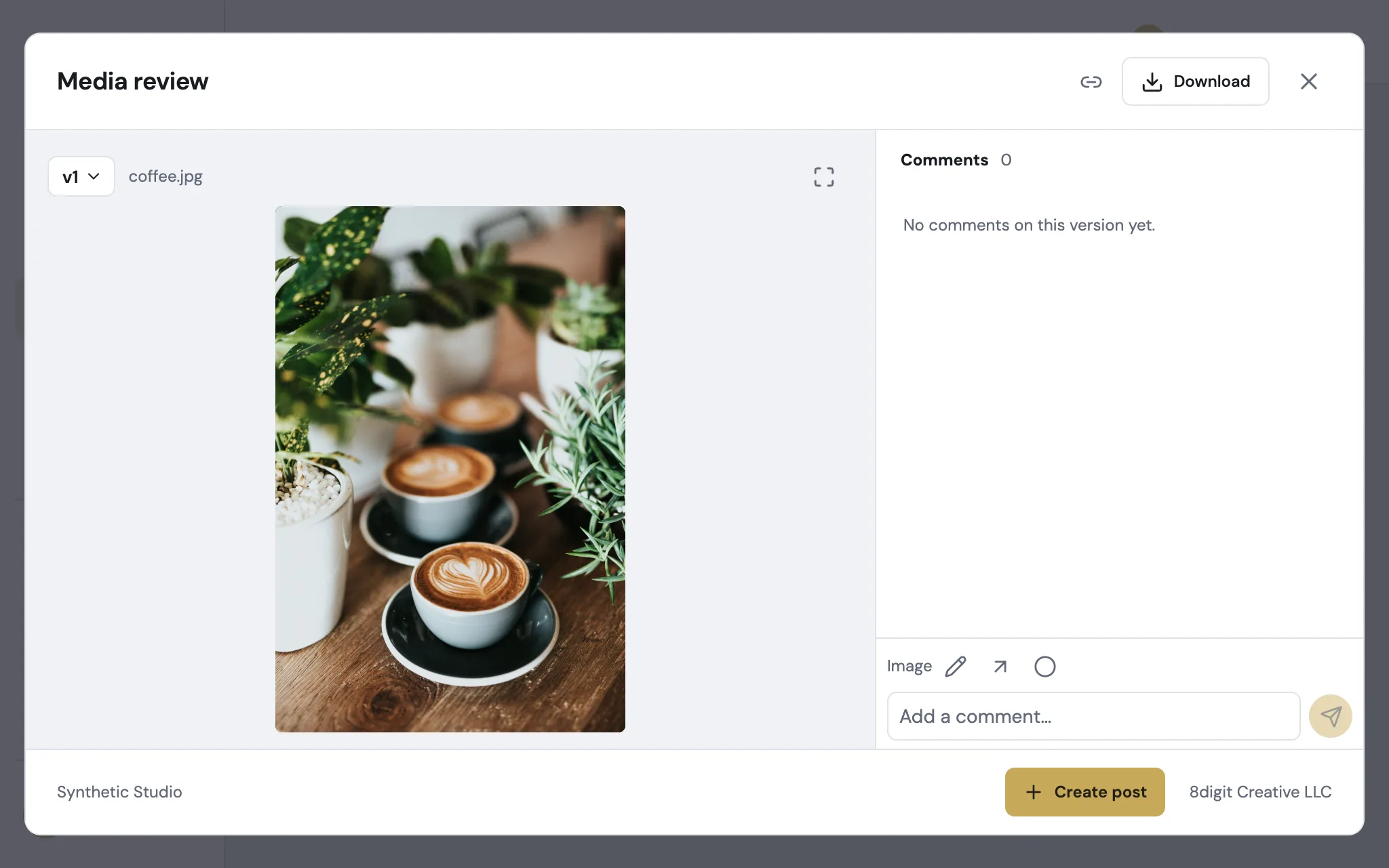
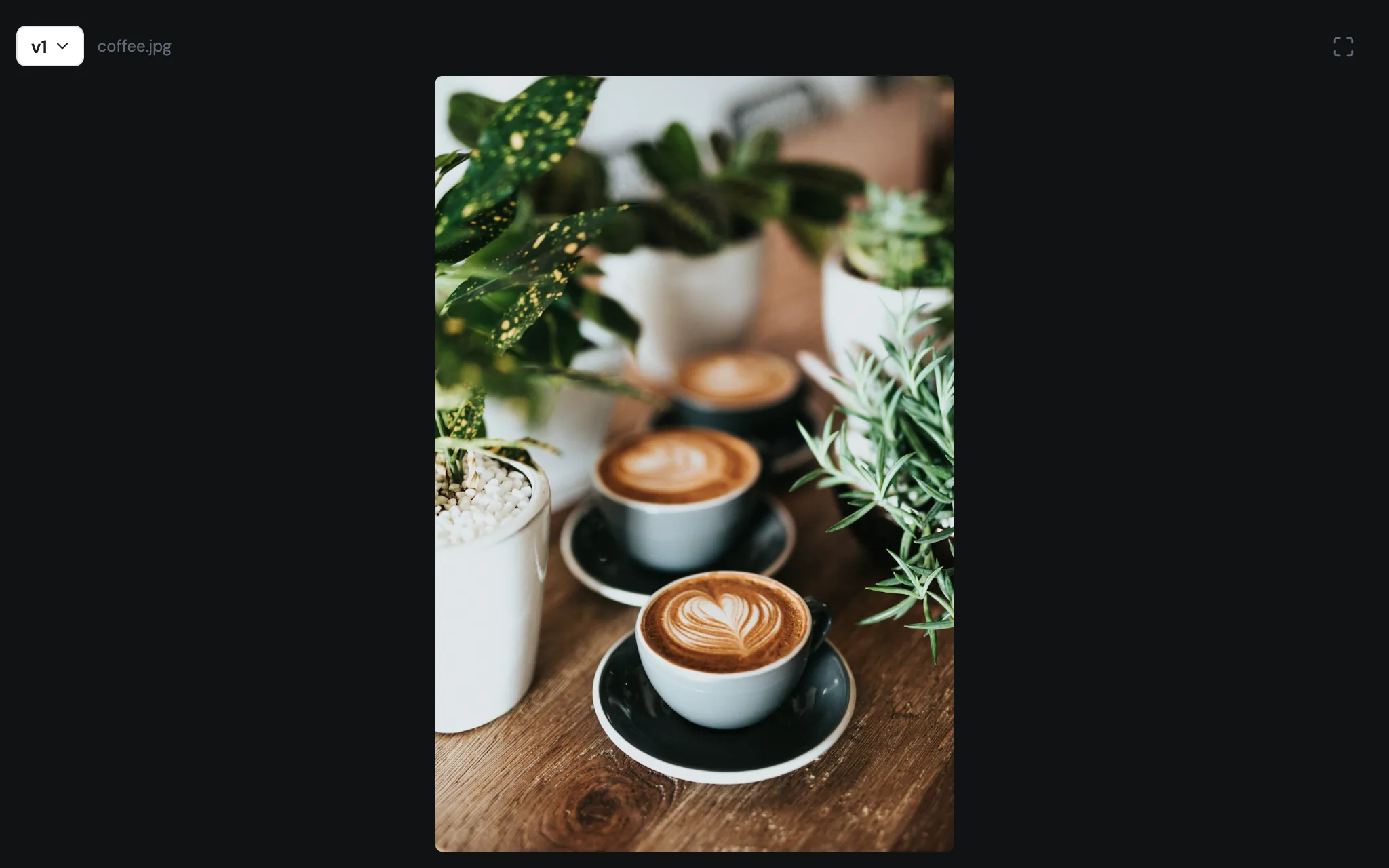
See every photo in full quality
Opening a photo in Library or in a post shows the original file to everyone who can download it. Everyone else sees the preview until that version is approved.
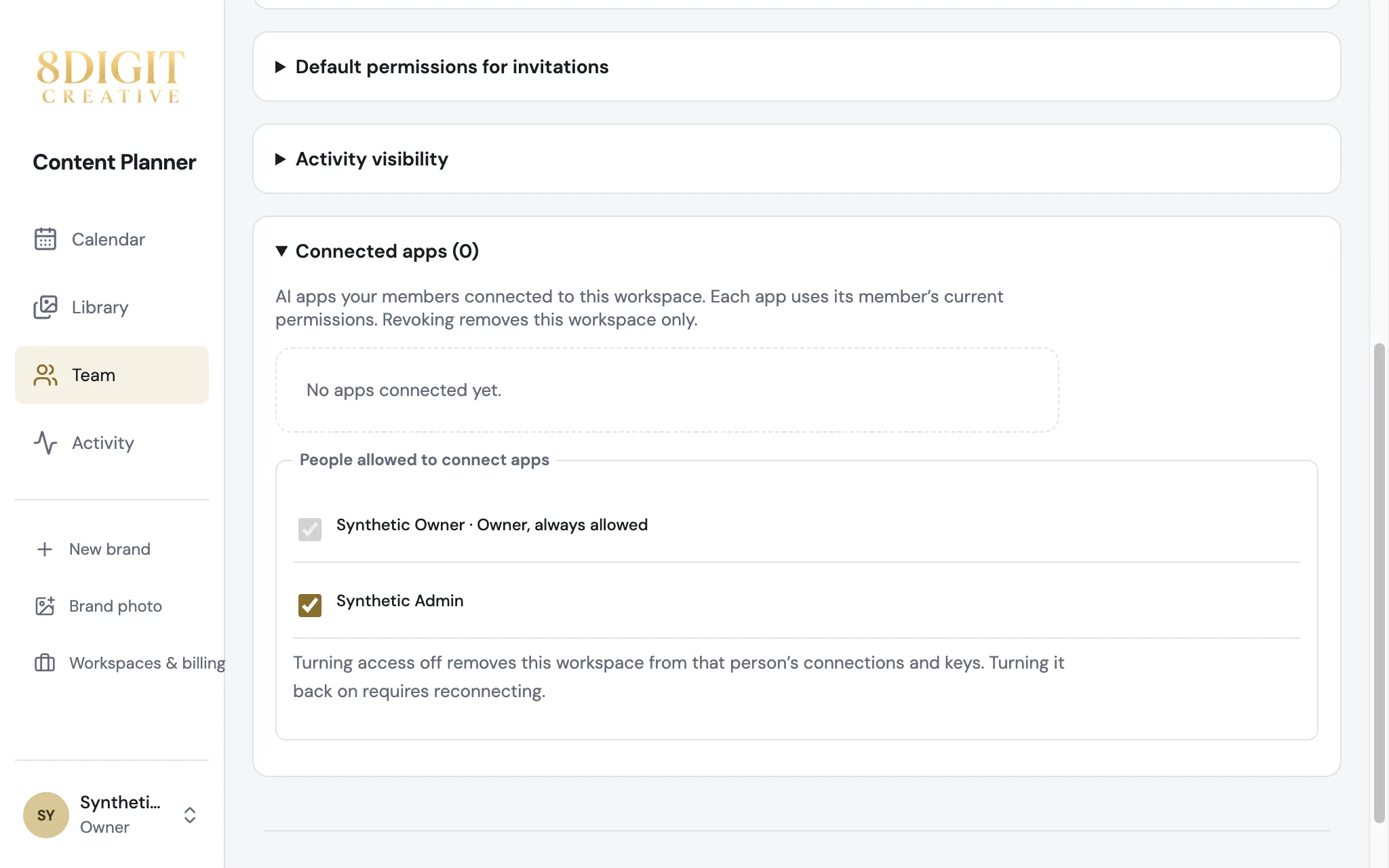
Choose who can connect AI apps
In Team, under Connected apps, the workspace Owner decides who can connect Claude, ChatGPT or Codex. Turning someone off removes this workspace from their connections and keys.
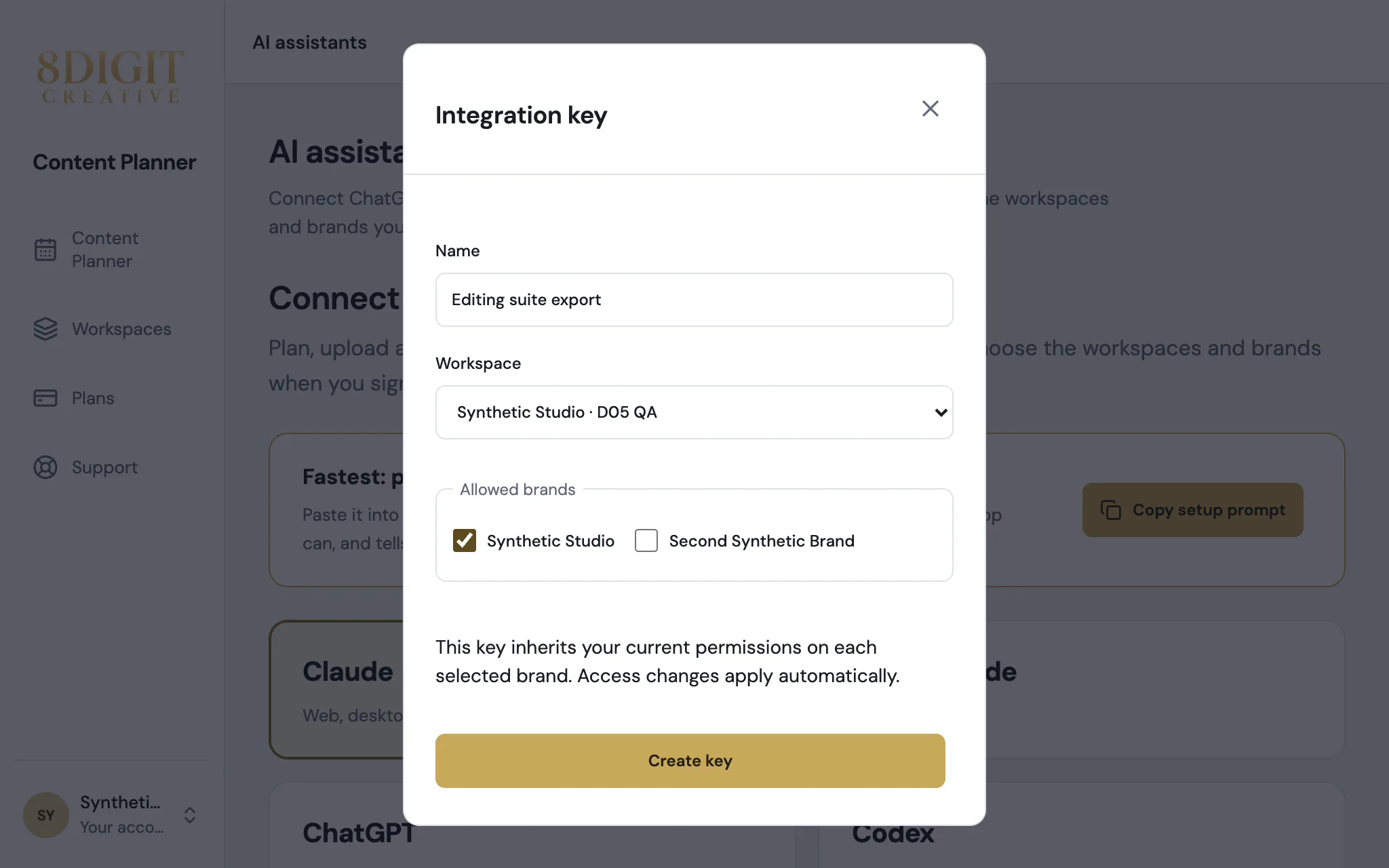
API keys for any workspace
In AI assistants, under Advanced, create a key for any workspace where you can connect apps and pick the brands it reaches. It keeps your current permissions and expires in 90 days.
Also improved
- Forms inside dialogs on account pages, like creating an API key, keep their spacing.