
Clients open reviews without an account or password
The people you share with go straight to what you shared: one tap from the email you sent, or a 6-digit code from any link. No account to create and no password to remember.
One tap from the email
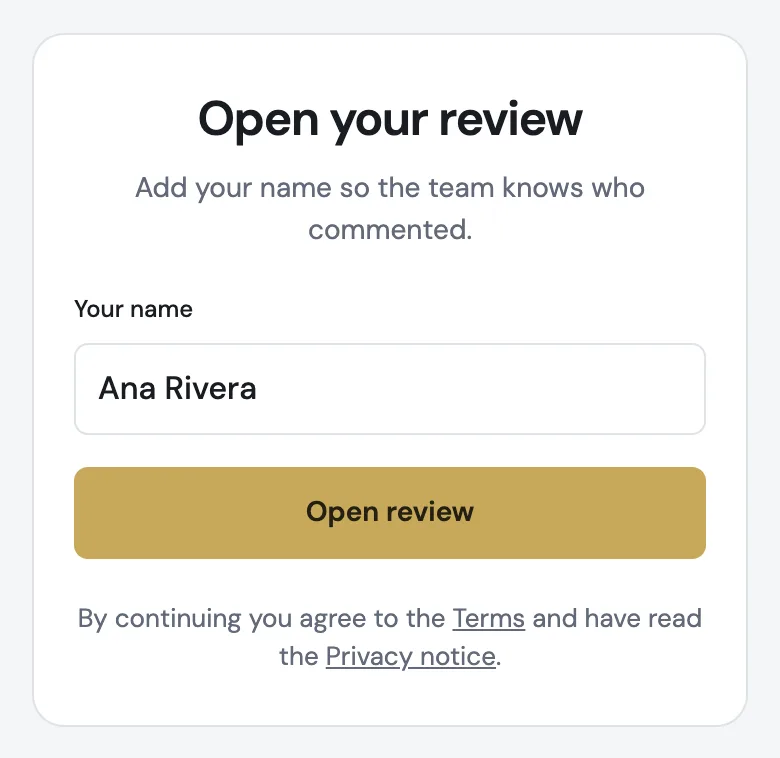
Every email a reviewer gets opens their review directly. The first time, they add their name so you know who commented.
A code from any link
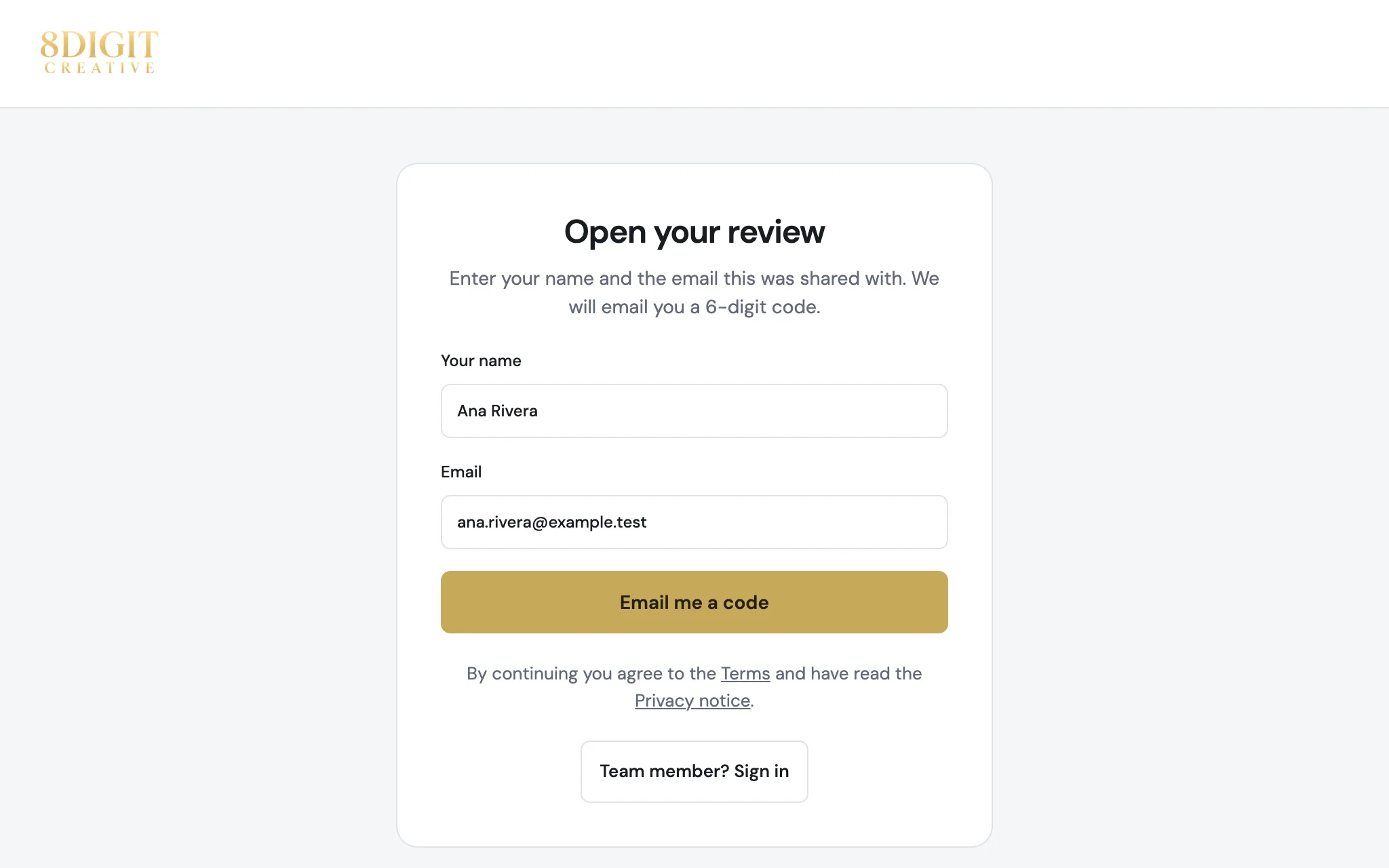
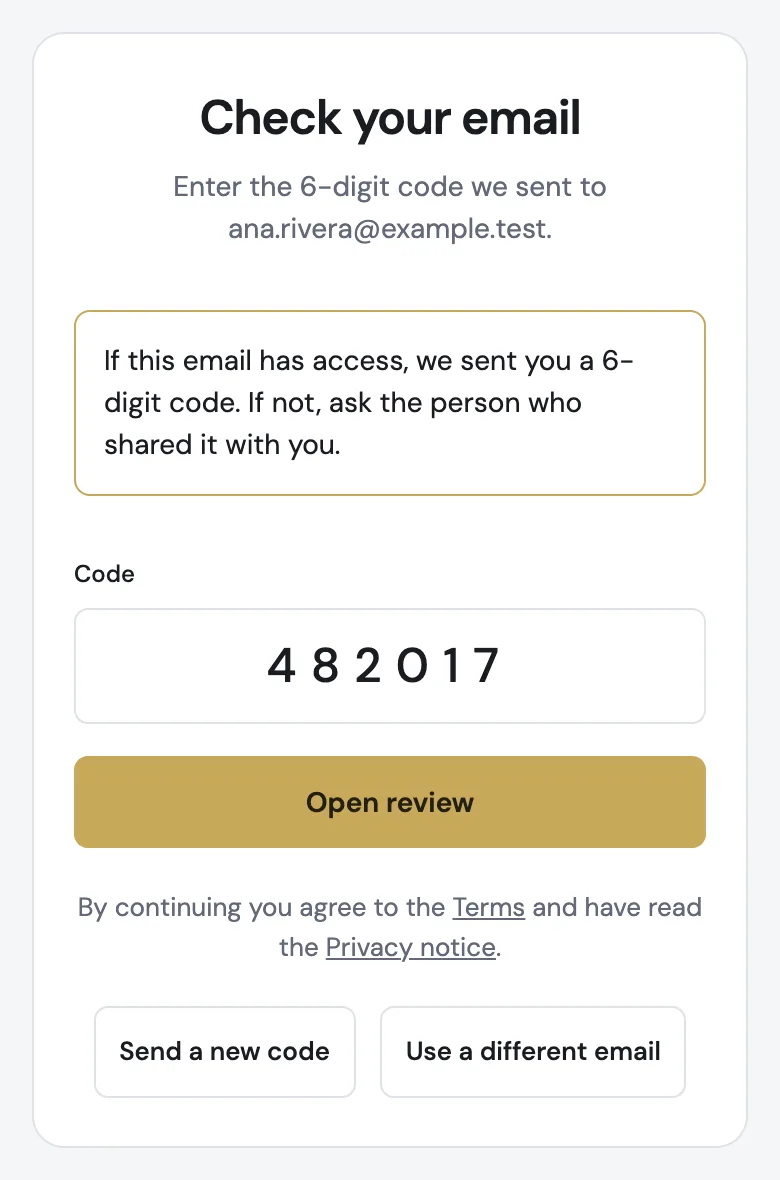
A link you send by WhatsApp or text works too: the reviewer enters their name and email, then the 6-digit code that arrives by email. Only the emails you shared with get a code.
Also improved
- Reviewers you invite from Team always get an email, so they can enter with a code.
- Signing in from a review link brings you back to that review.
- The Back to workspaces button on the review error screen is readable again in the light theme.