
From choosing a plan to planning, in five steps
Create your account with a code instead of a password, name your workspace and confirm your plan on one screen, and land in your Planner right after checkout.
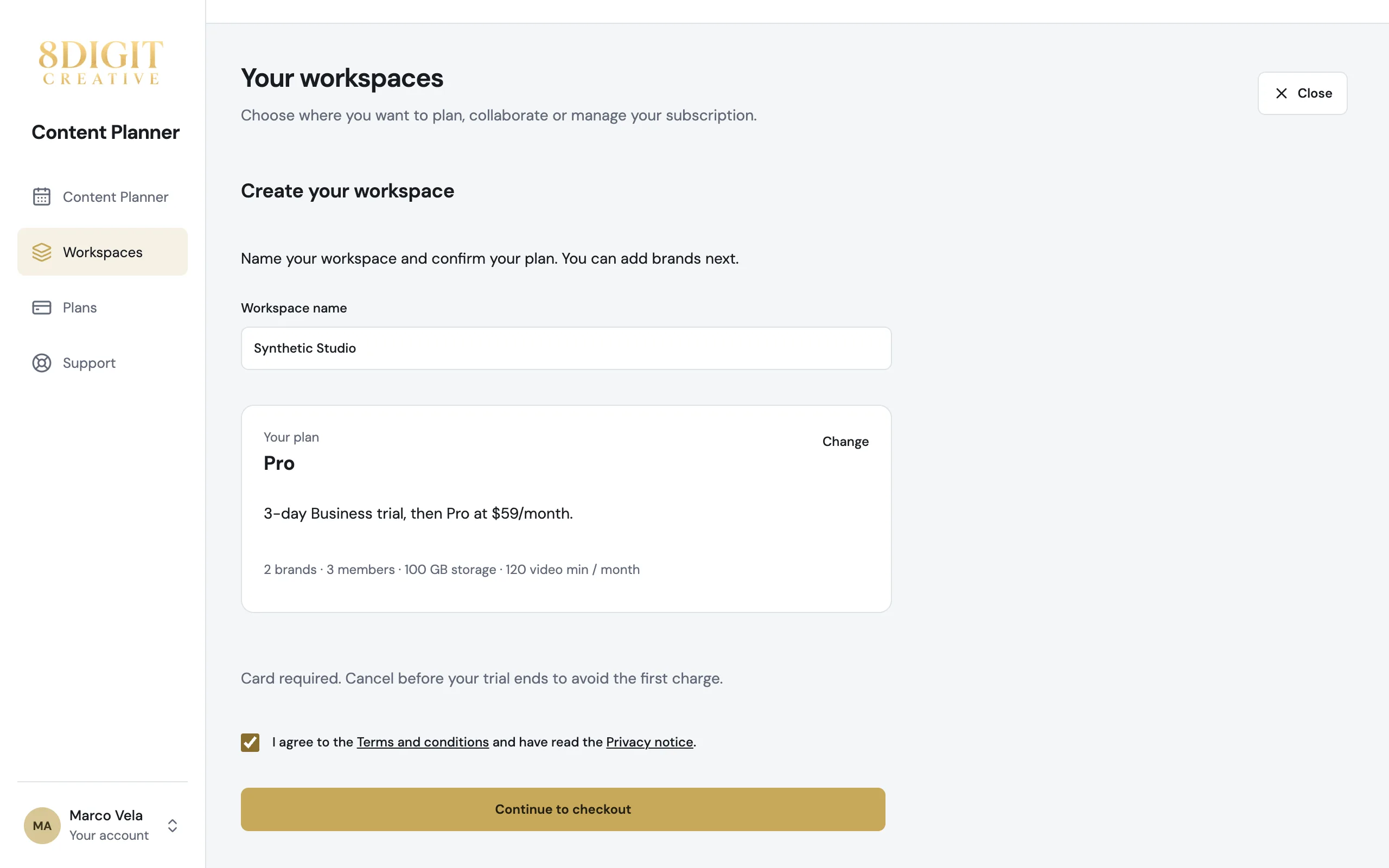
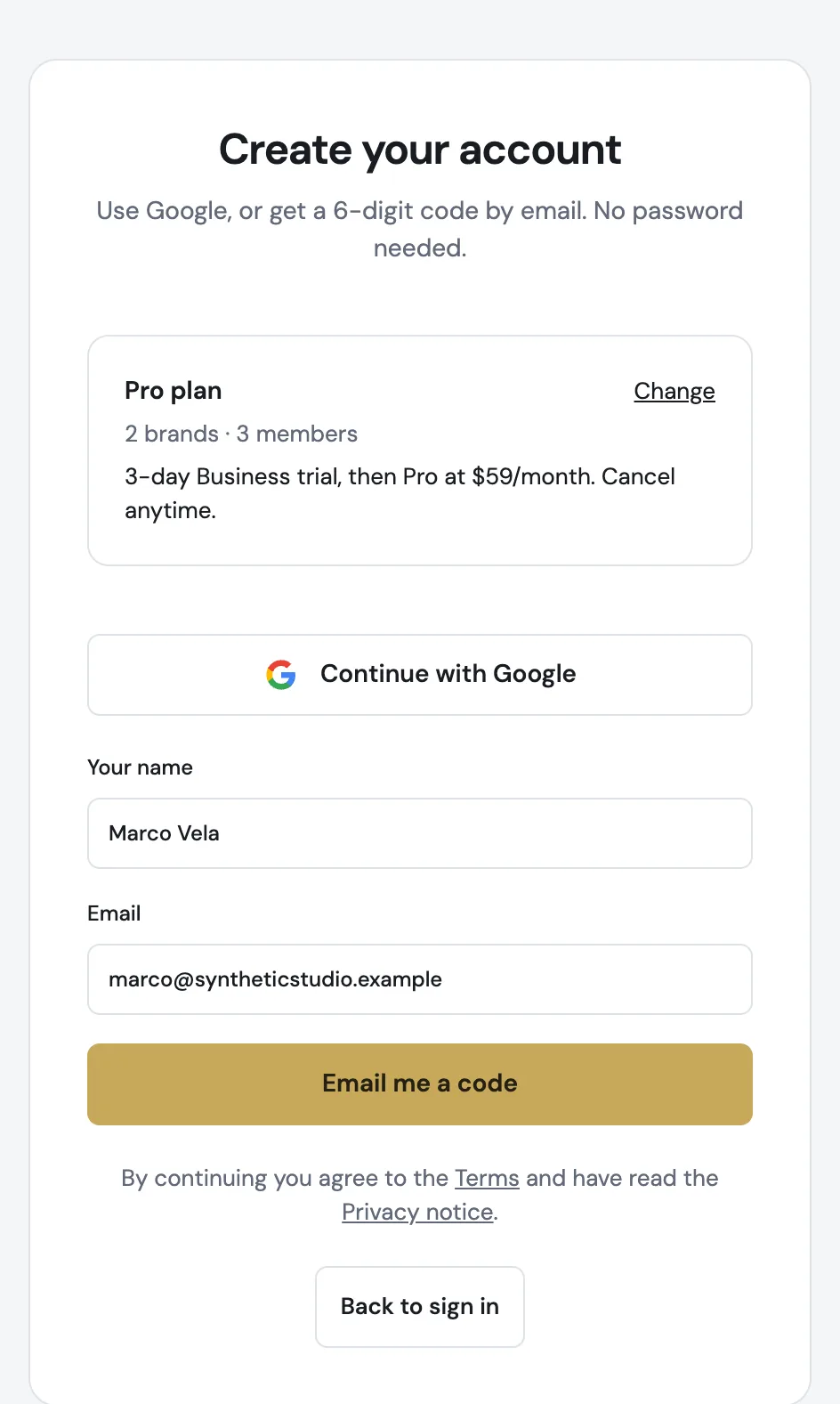
Sign up with a code, no password
Continue with Google, or type your name and email and enter the 6-digit code we send you. You can add a password later in Account security if you like.
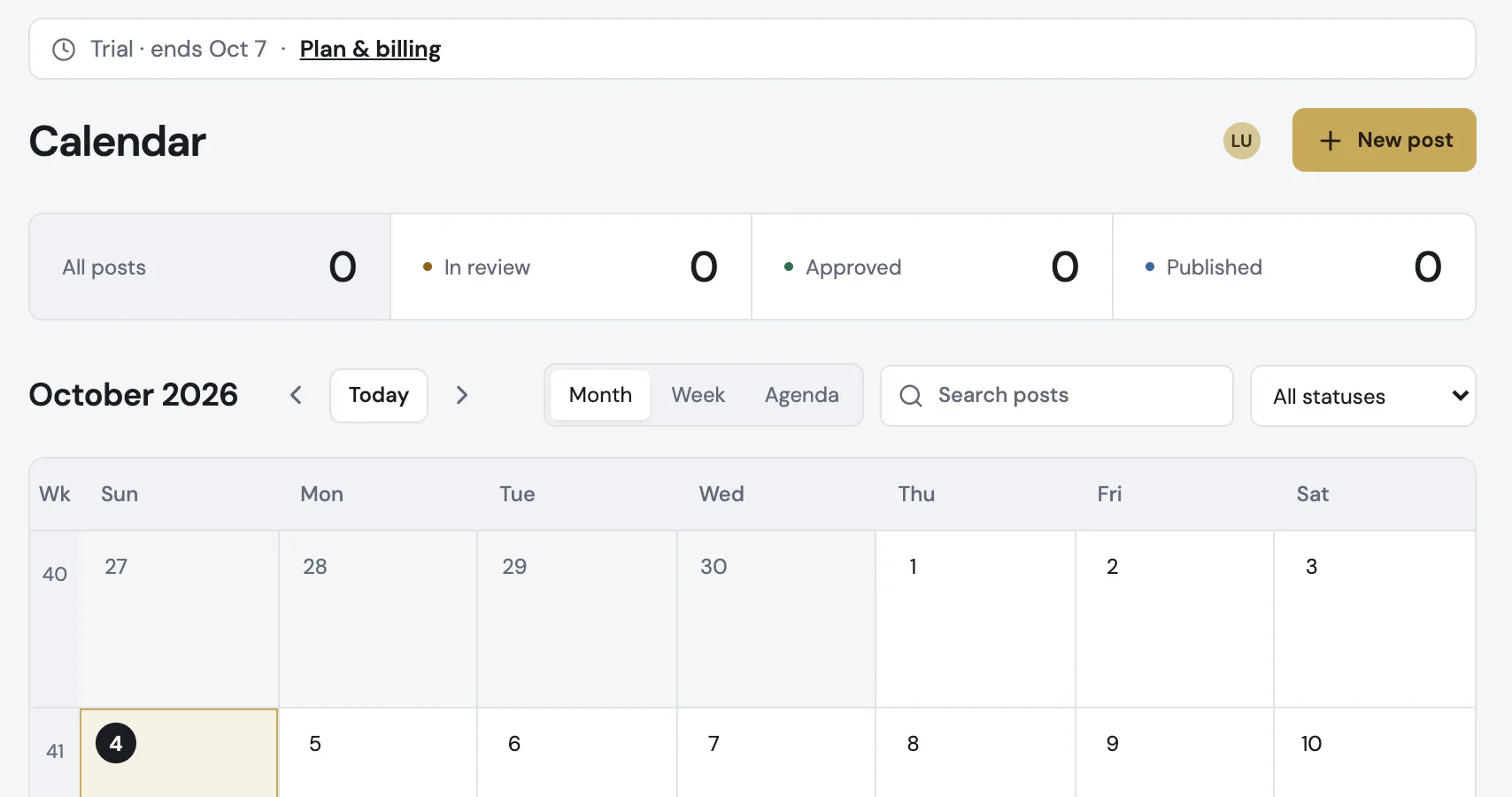
Your trial, always in view
After checkout you go straight to your first brand and your Planner. While the trial lasts, you see when it ends and can open Plan & billing from there.
Also improved
- If your trial or subscription ended, reactivate your workspace from Plan & billing and keep all your content.
- The Instagram handle is optional when you create a brand, and you can add it later in Brand settings.
- Workspaces & billing and the Stripe billing portal take you back to Plan & billing.
- Start your own planner opens the workspace setup even if you already belong to other workspaces.