
Share any post with a client, like a file
Share now works the same on a post, a Library file and a folder: type your client's email and they open it from their inbox, with no account or password. Everyone gets one review link.
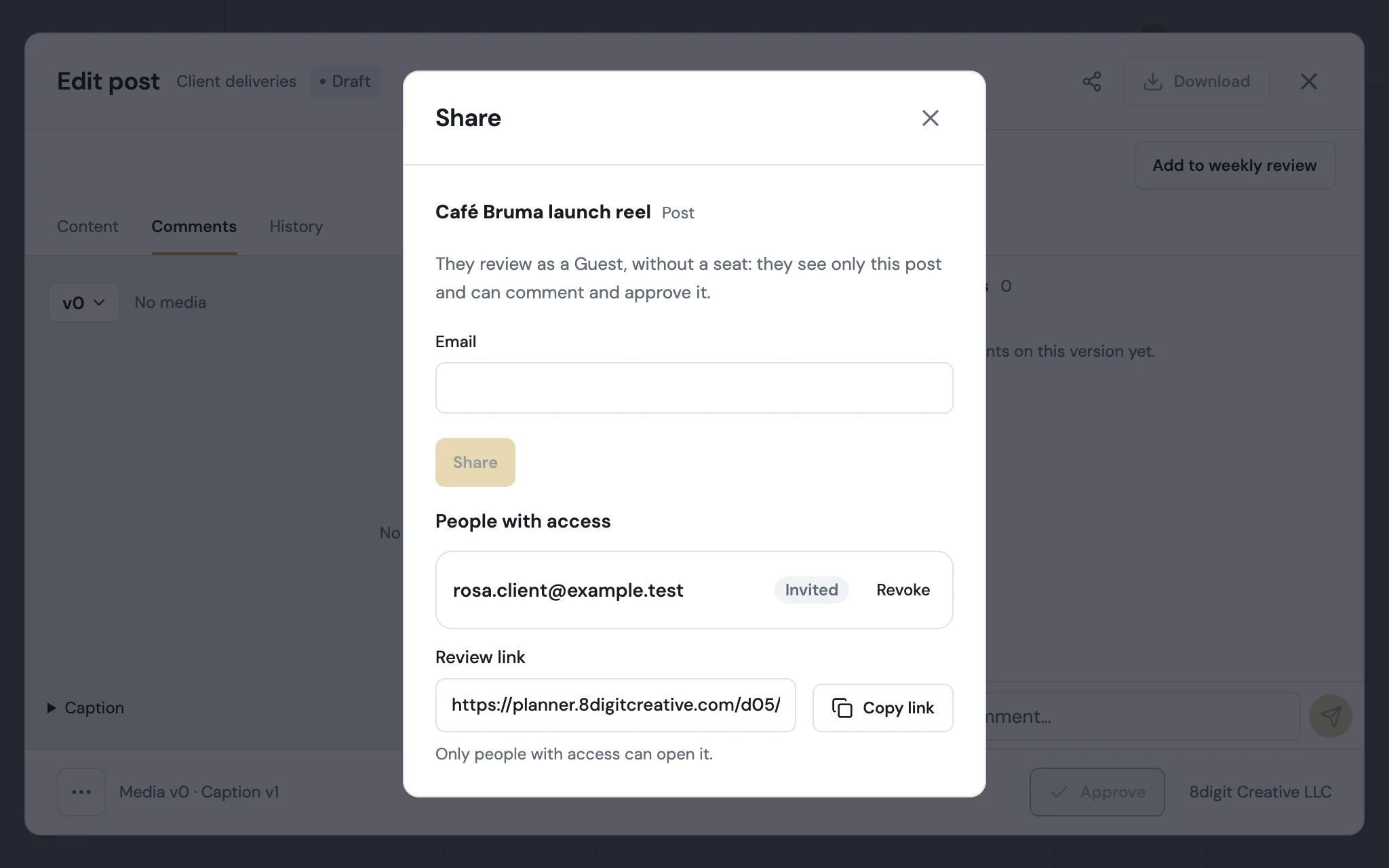
Share a post by email
Open the post and tap Share. Your client reviews it as a Guest, without a seat: they see only that post, comment and approve. You see who has access and can revoke it.
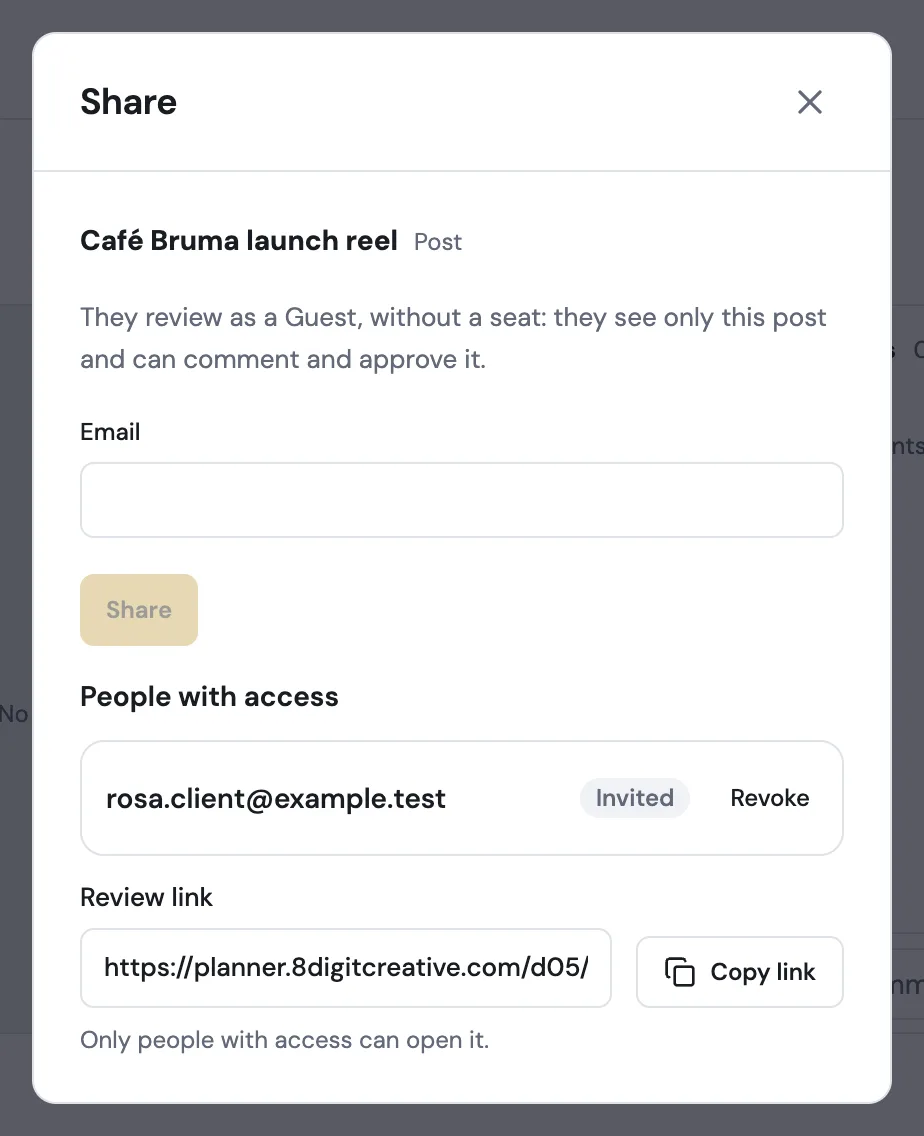
One link for everyone
Copy link gives the same review link to everyone. A client opens their review; someone on your team lands on the same post in the Planner. It never makes anything public.
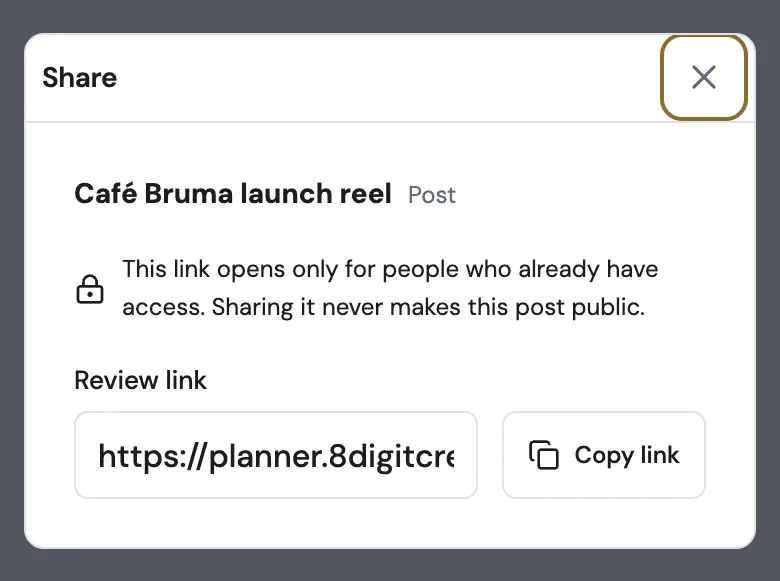
Also improved
- Media review has a single Share button instead of Share link and Share for review.
- Review links show the post or file preview when you paste them in WhatsApp or iMessage.