
Go through your Library faster
Move from one photo or video to the next without closing Media review, select a whole range of files at once, and find your actions in a bar that never moves.
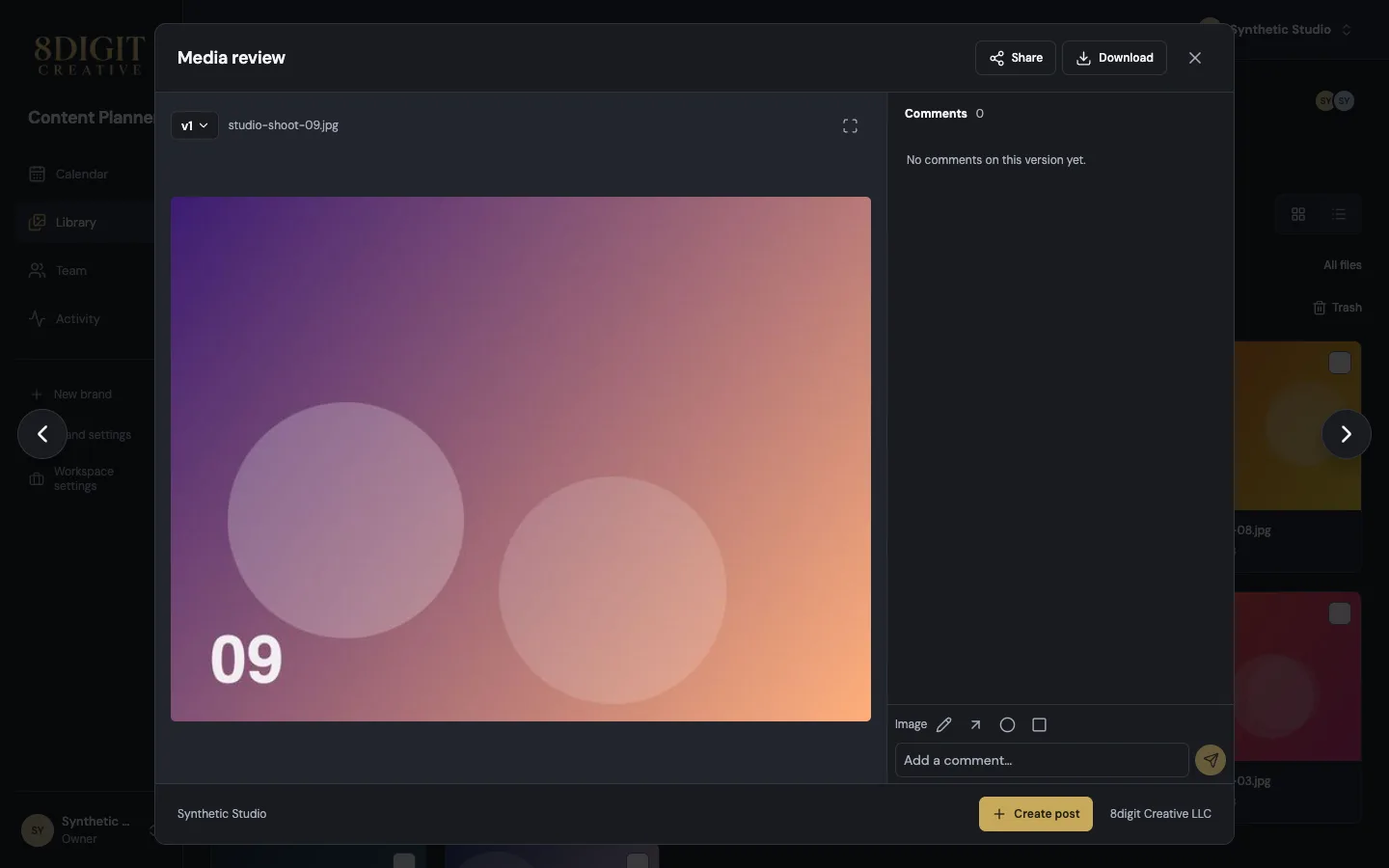
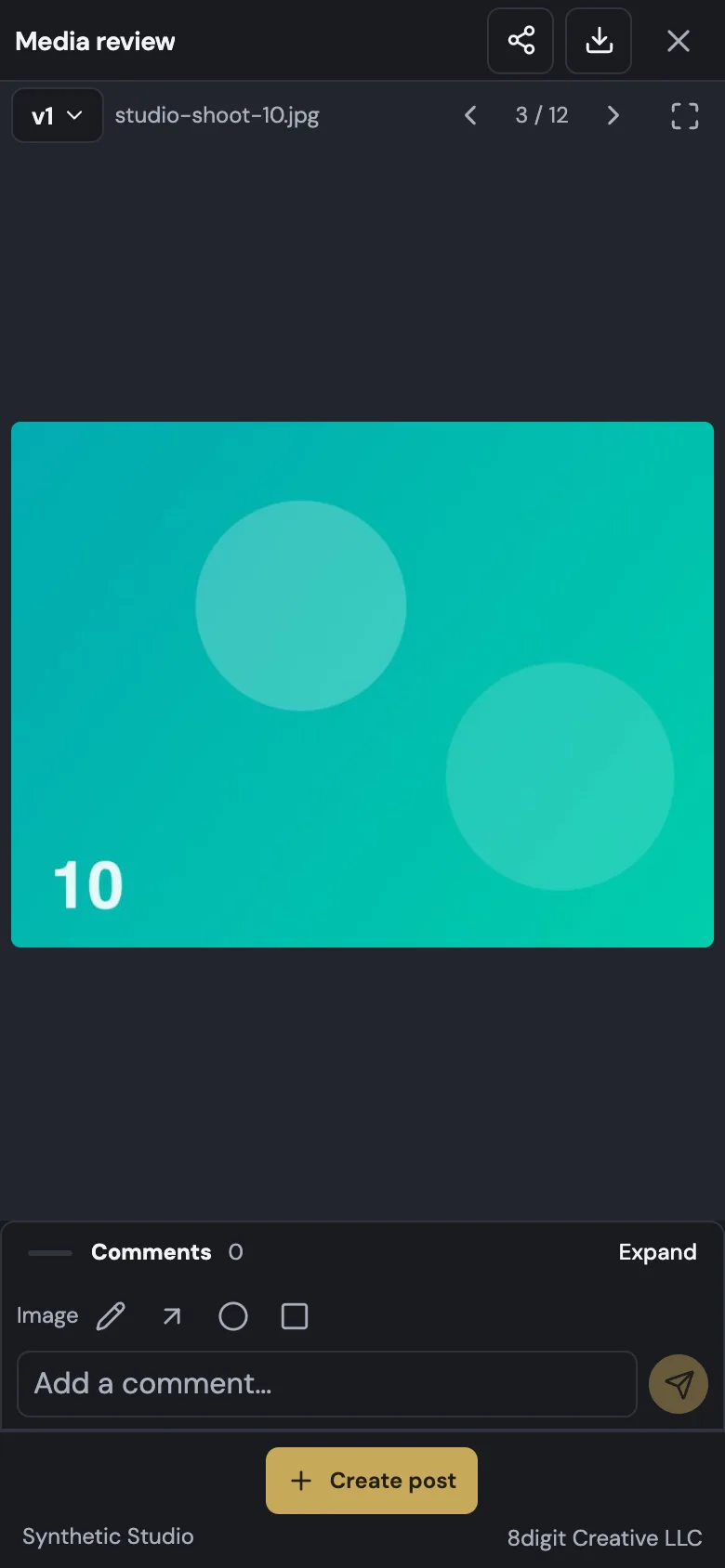
Next and previous, without closing
In Library, Media review has arrows beside it: move to the previous or next file in the order you see them, or press ← and →. A comment you haven't sent asks before you move on.
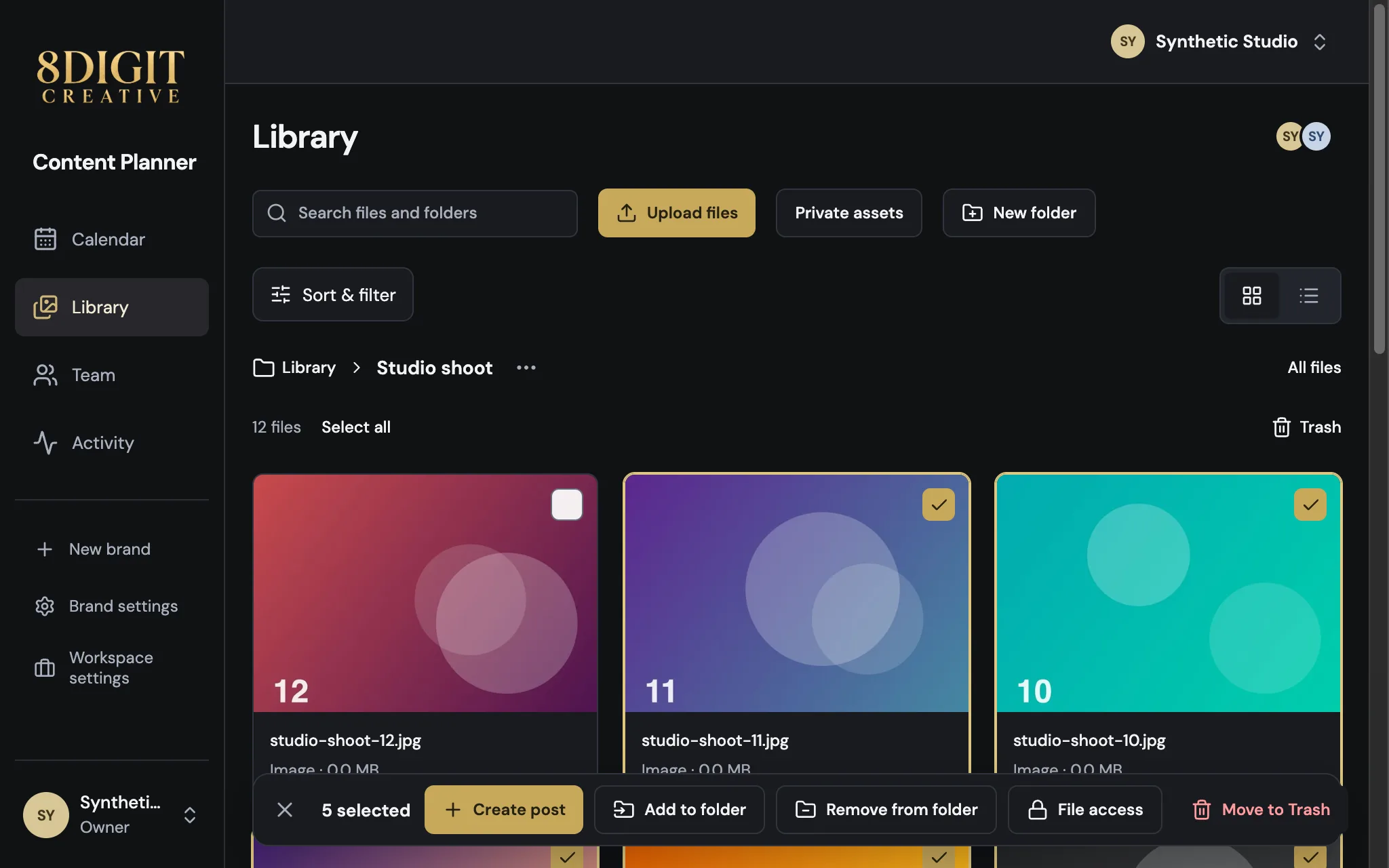
Select a range in one go
Select a file, then hold Shift and select another: everything in between is selected. On a phone, press a checkbox and drag across the files. The file count and Select all stay where they are, and your actions wait in a bar at the bottom.
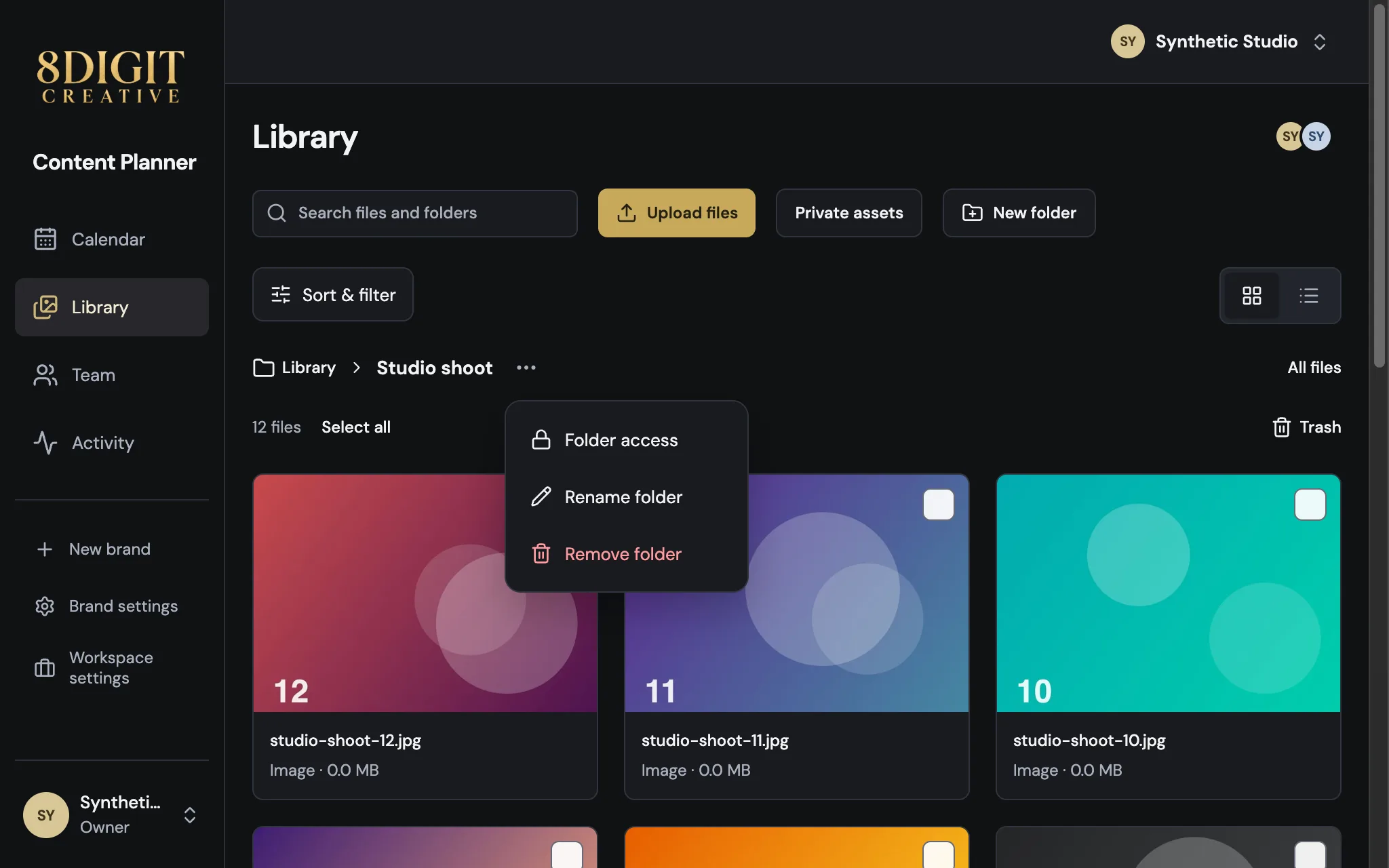
Folder options and Trash, out of the way
Folder access, Rename folder and Remove folder are in the ⋯ menu next to the folder's name. Trash is no longer among your folders: open it from the end of the files line.
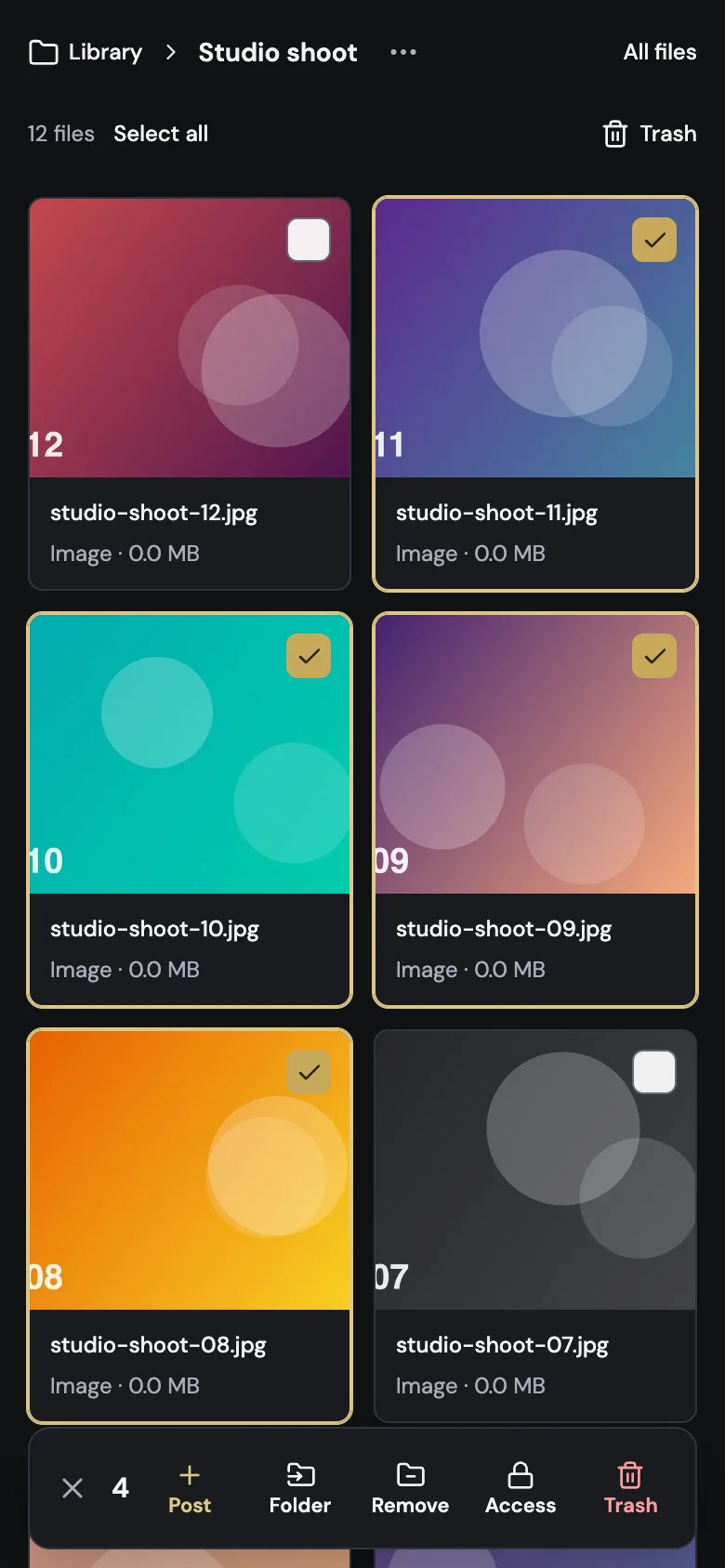
On your phone, too
Use ‹ and › next to the file name to move through the files. There's no swiping, so scrubbing through a video never changes the file by accident.
Also improved
- Trash uses the same bar for Restore and Delete forever.
- Notices appear above the selection bar instead of covering it.
- Library says “1 file” instead of “1 files”.