Get deleted files back for 7 days
Deleting files from Library now moves them to Trash. Restore them within 7 days, back in their folders and with their review comments.
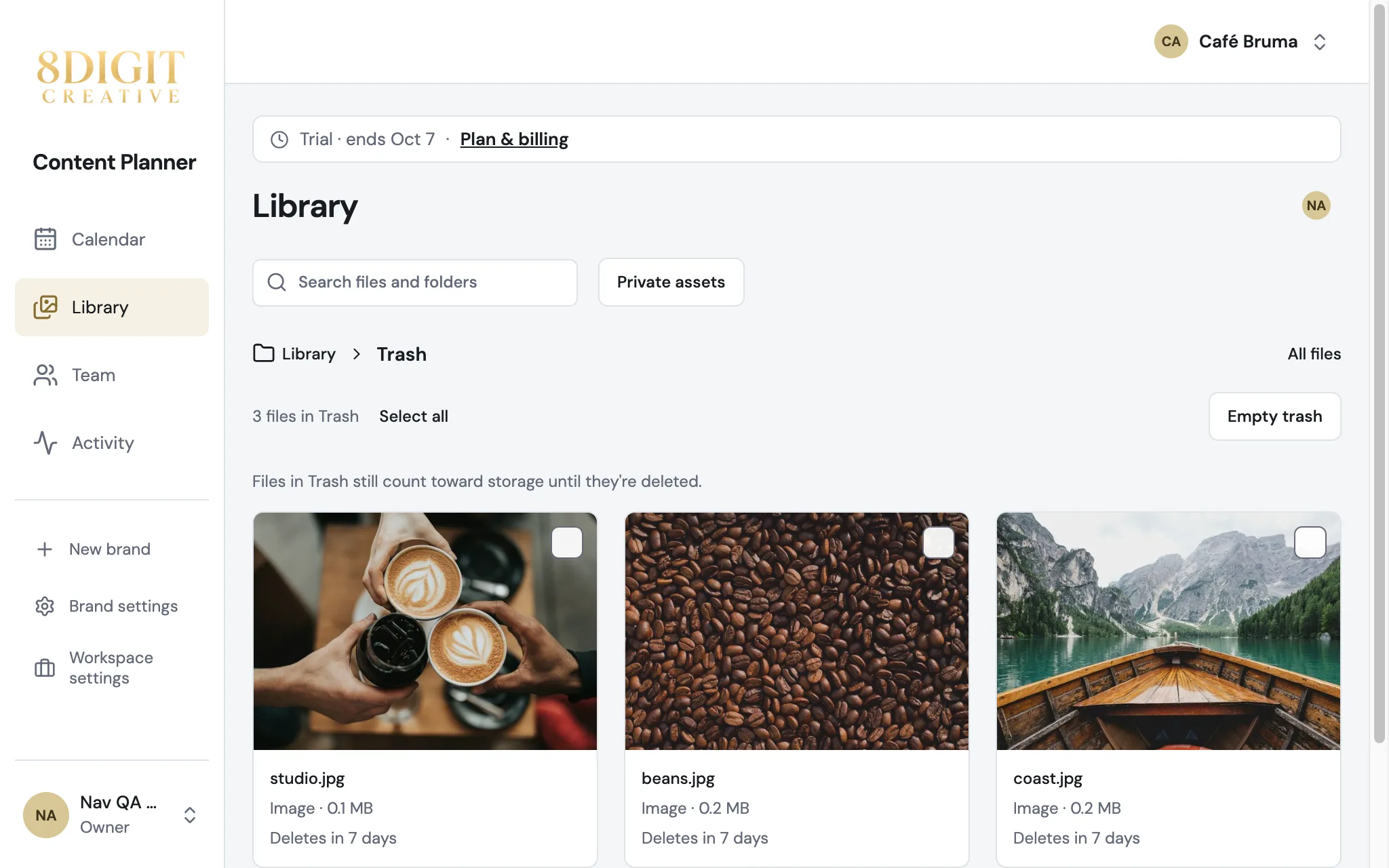
Delete without the worry
Deleting from Library now moves files to Trash, the last card after your folders. Everyone who manages the brand's content can open it.
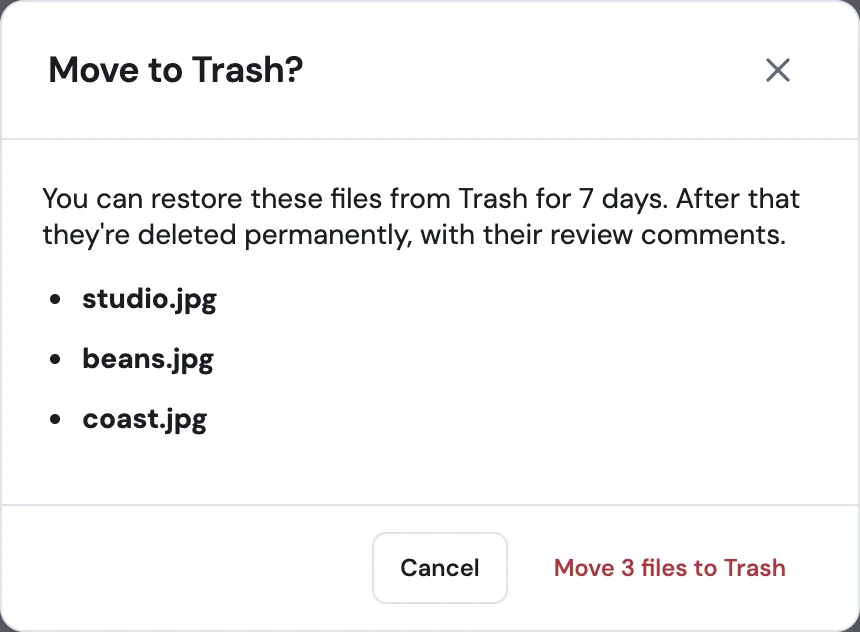
Restore in one click
Select files in Trash and choose Restore: they go back to their folders with their review comments. A video shows Preparing video… for a few minutes before it plays again.
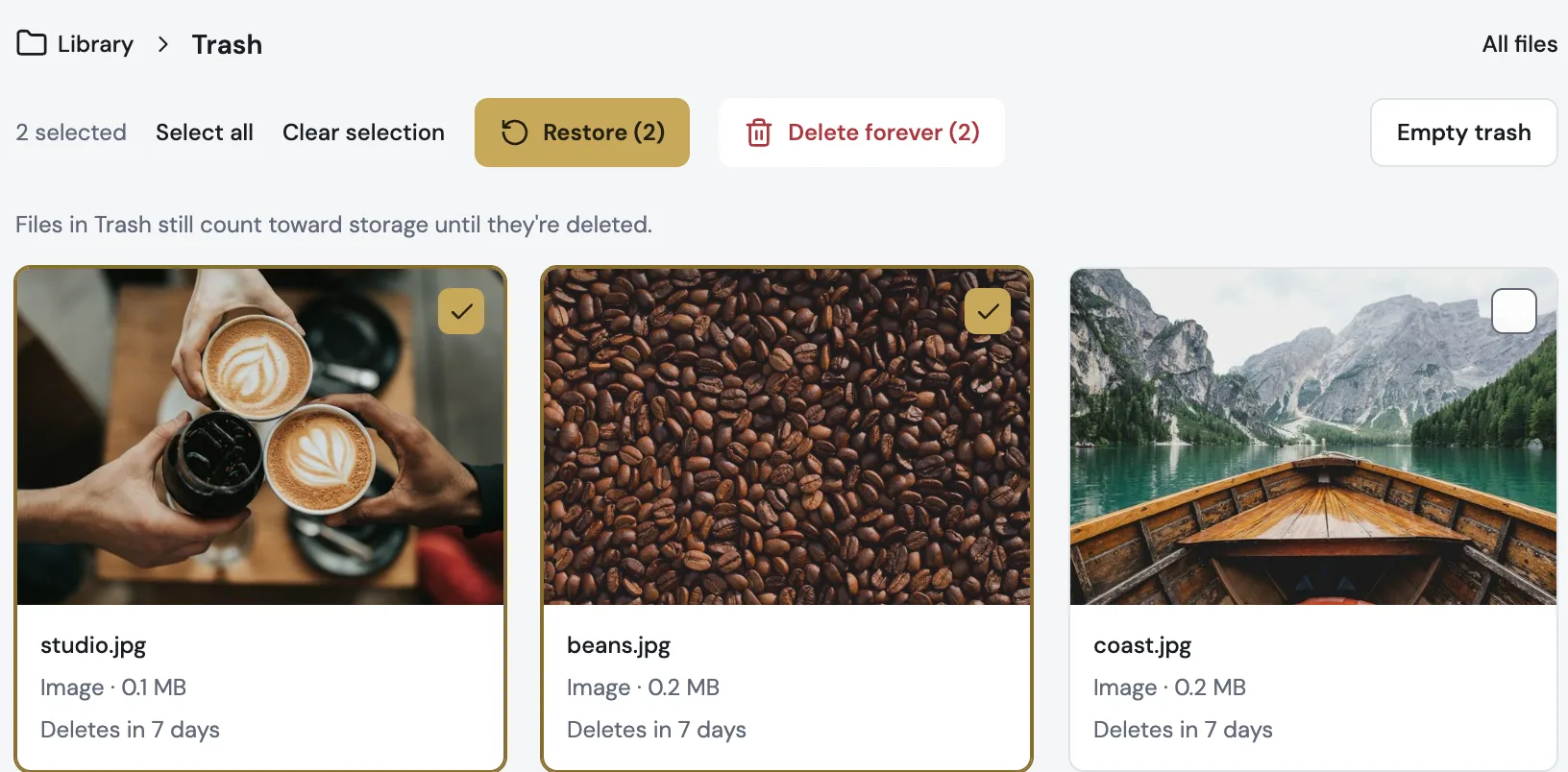
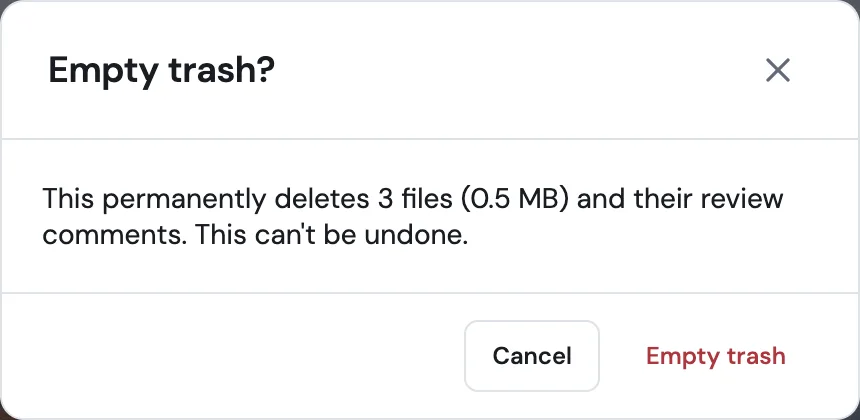
Free up space when you want
Delete forever and Empty trash remove files right away. Otherwise Planner deletes them for good after 7 days; until then they still count toward storage.