
Your plan and settings, without leaving your Planner
Plan & billing, Usage and Notifications now open inside your Planner, under Workspace settings. In more than one workspace? Switch from the name under the logo.
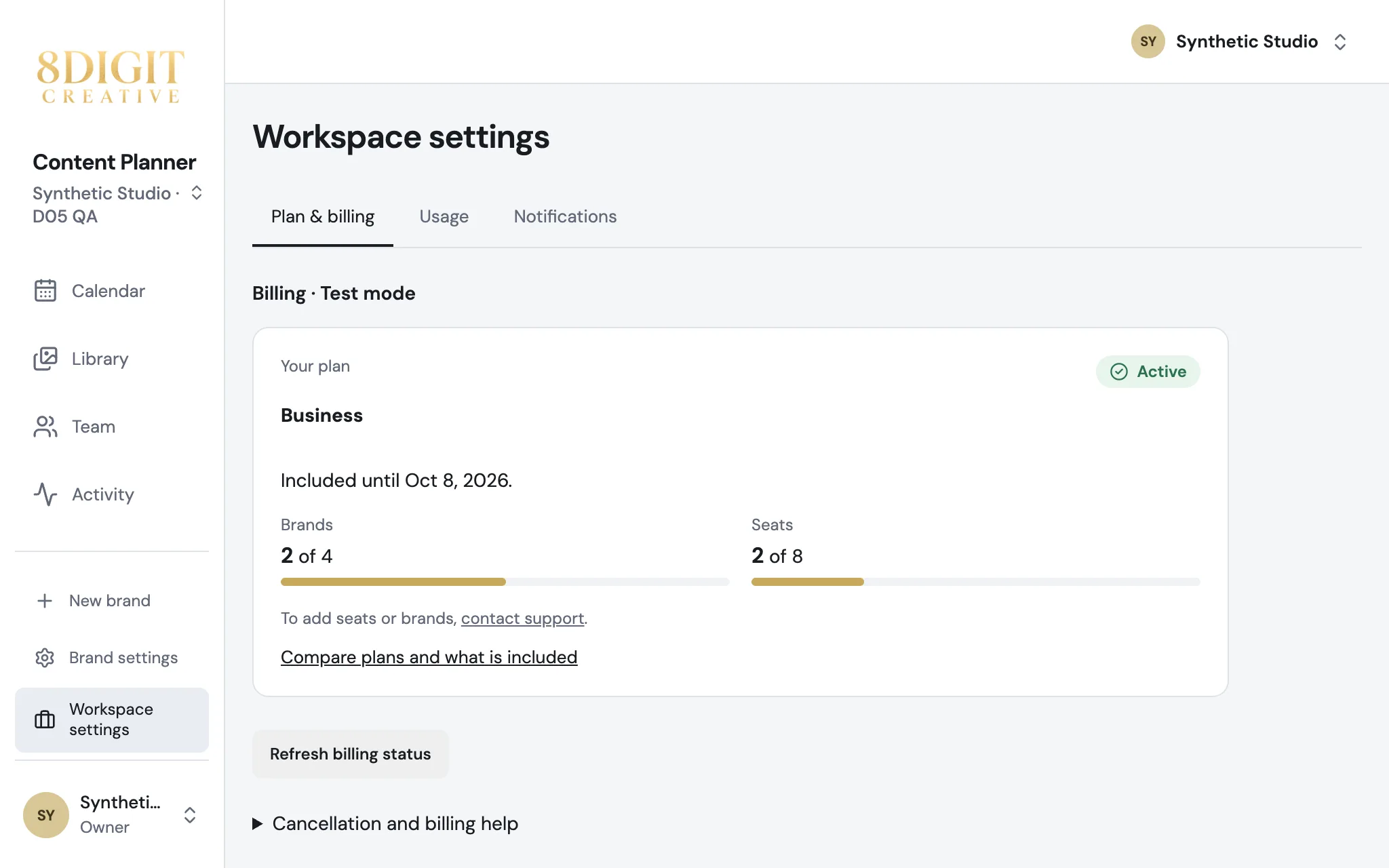
Workspace settings in the sidebar
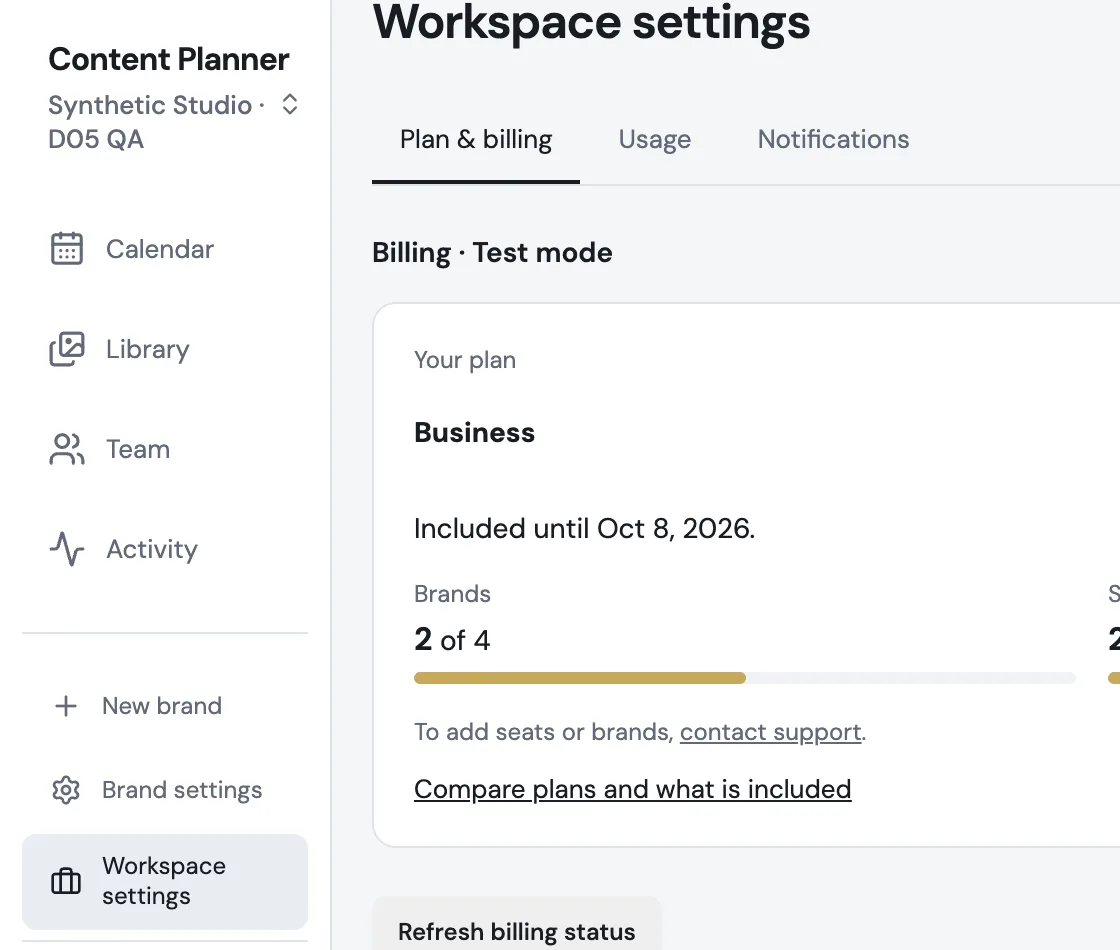
Open Workspace settings under Brand settings. Owners see Plan & billing and Usage; everyone sets their Notifications there. Team stays where it was.
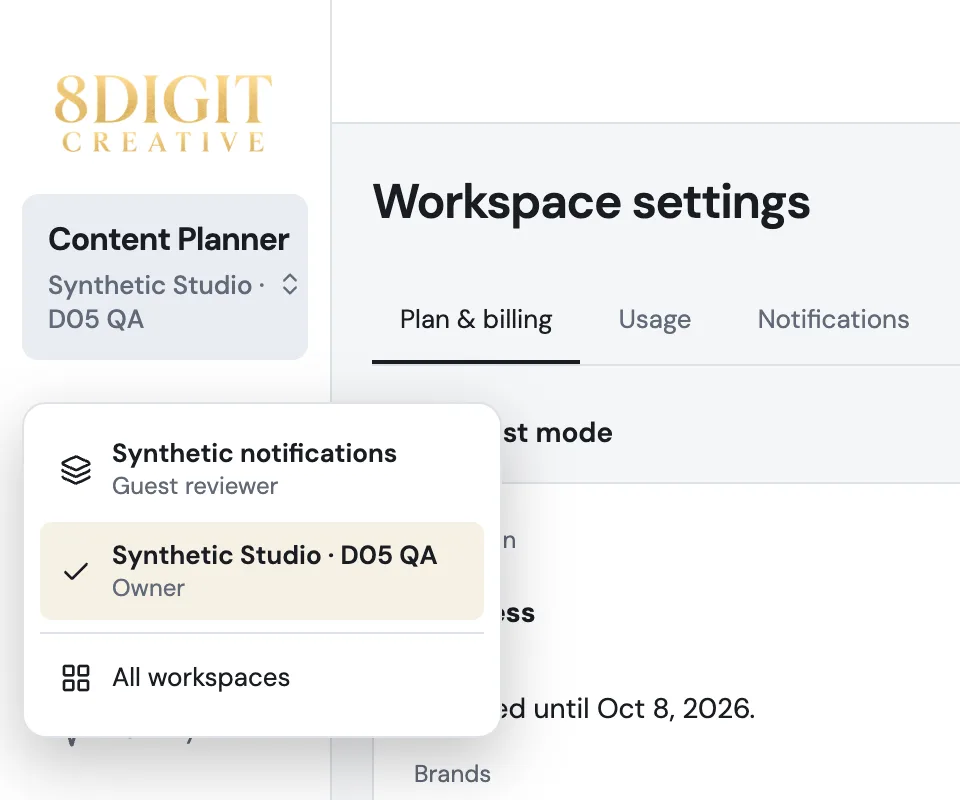
Switch workspaces from the sidebar
If you belong to more than one workspace, its name appears under Content Planner. Tap it to open another one, or see all of them.
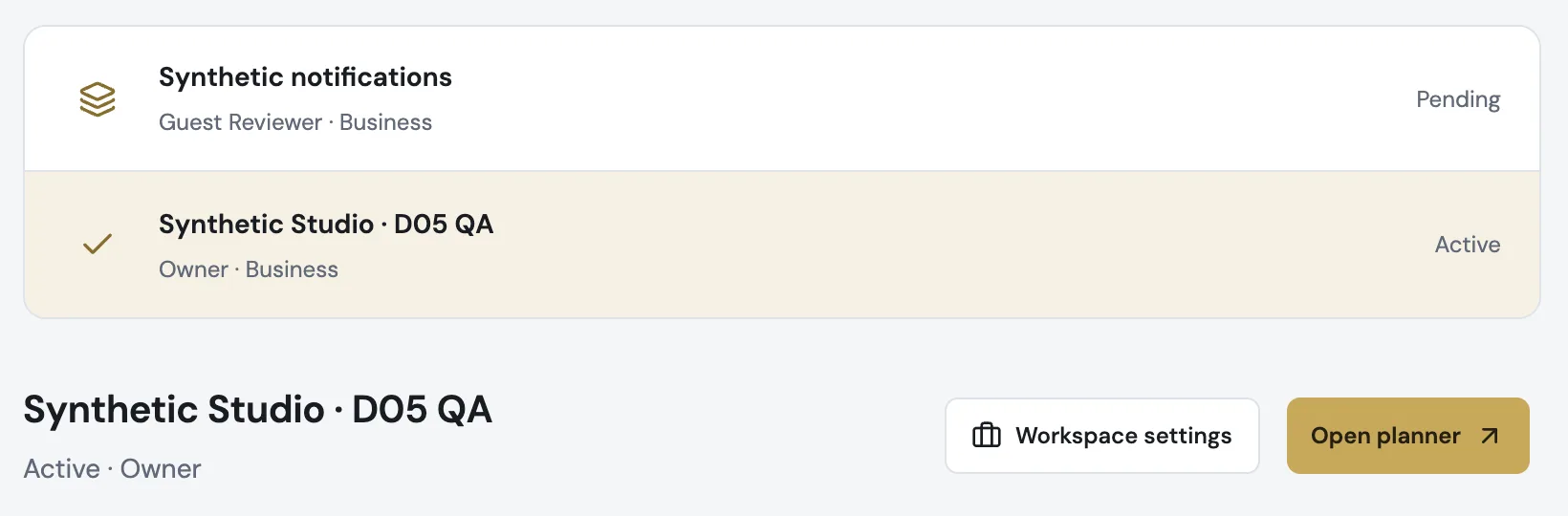
Workspaces is now just your list
Pick a workspace to open its planner or its settings. Before checkout, or after a plan ends, Plan & billing is still right there.
Also improved
- Choosing a plan carries its card into the sign-up screen, so you see the plan you picked come with you.
- Links in earlier emails, the trial notice and the Stripe billing portal open the same settings in your Planner.
- Notifications settings use the Planner's layout.
- Long labels in the sidebar wrap instead of running past its edge.