
Keep every comment thread moving
Mark comments resolved, pin the ones that matter, edit or delete your own, and mention a teammate with @ so they hear about it right in Planner.
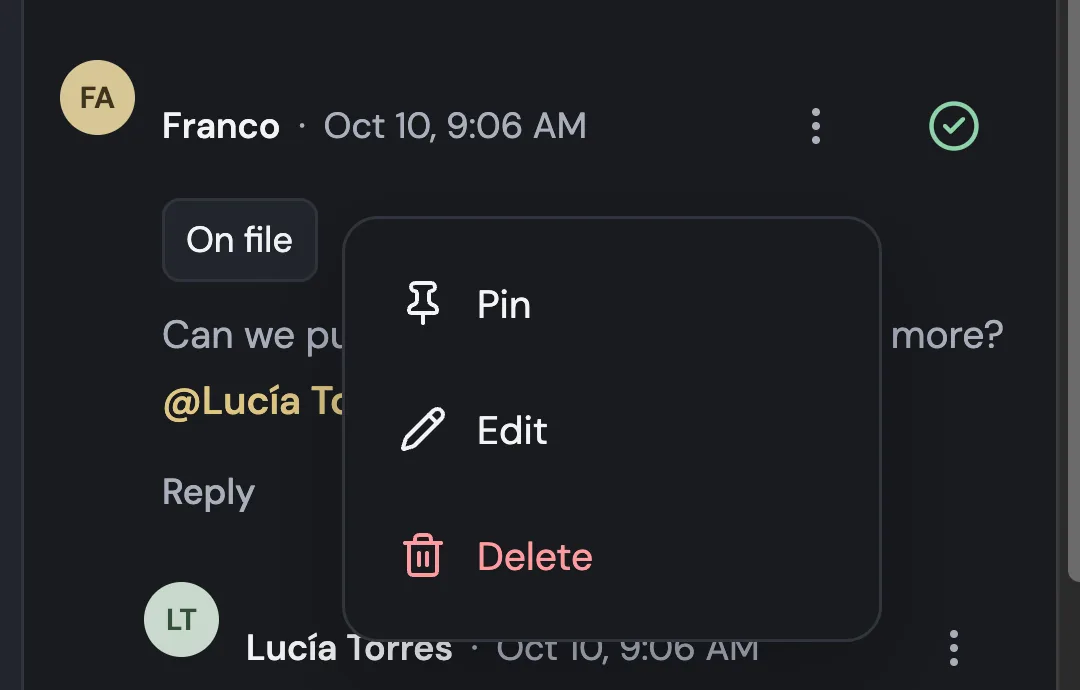
Resolve, pin, edit and delete
Each comment has a menu beside the name with Pin, Edit and Delete, and a circle to mark it resolved. The person who wrote it hears when it's resolved, and pinned comments stay at the top.
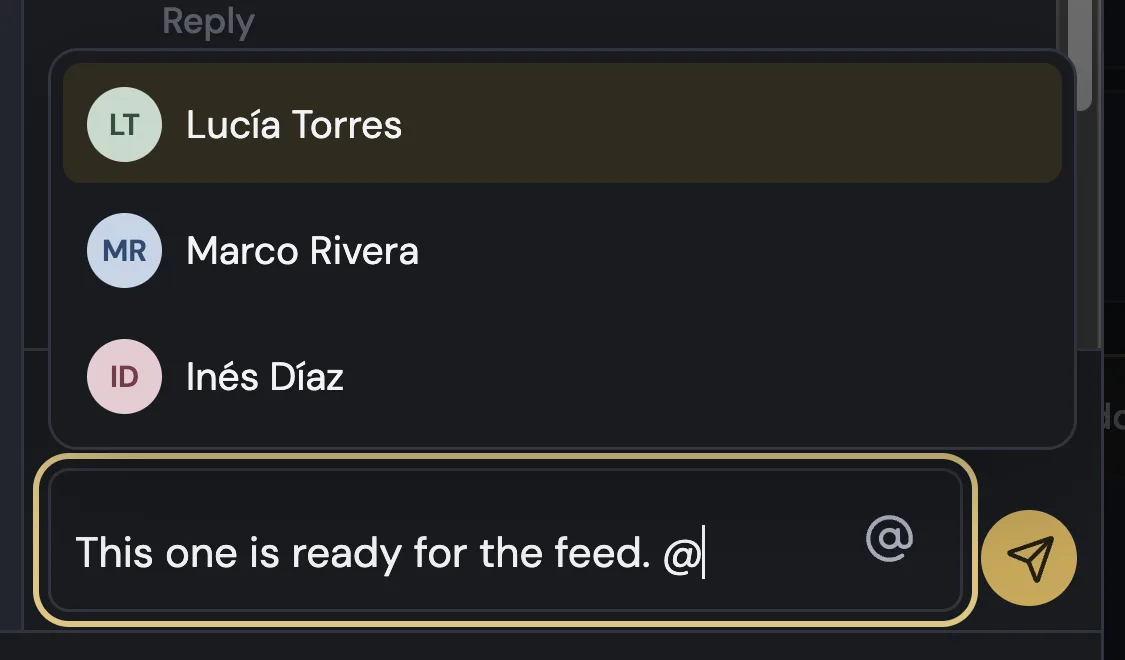
Mention your team with @
Type @ or press @ in the comment field to pick someone from the brand's team. They get a notice in Planner, with a button that opens the comment.
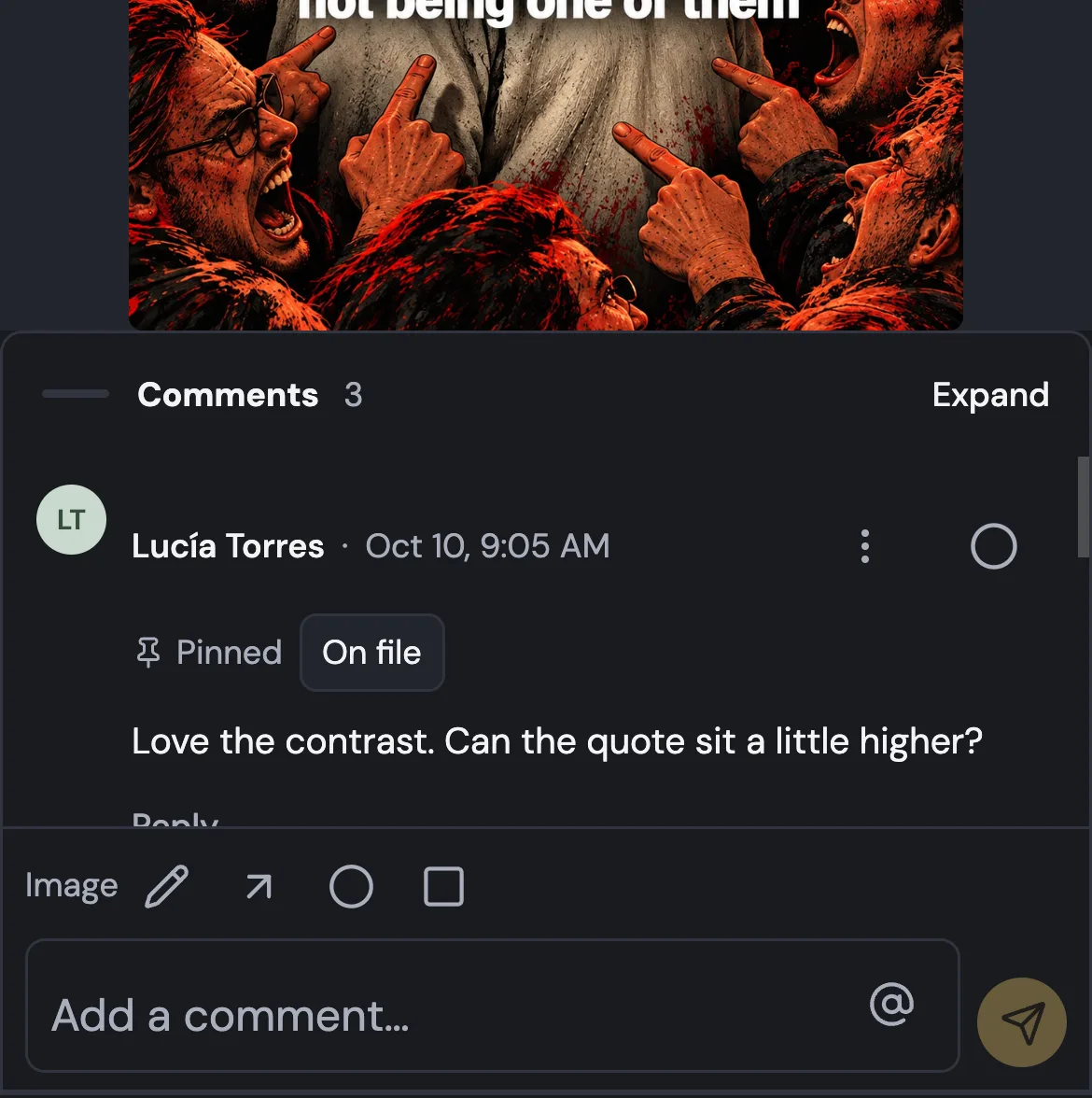
Comments open on your phone
On a phone, comments open at half height, ready to read. While you type, the top bar steps aside so you only see the image and your comment.
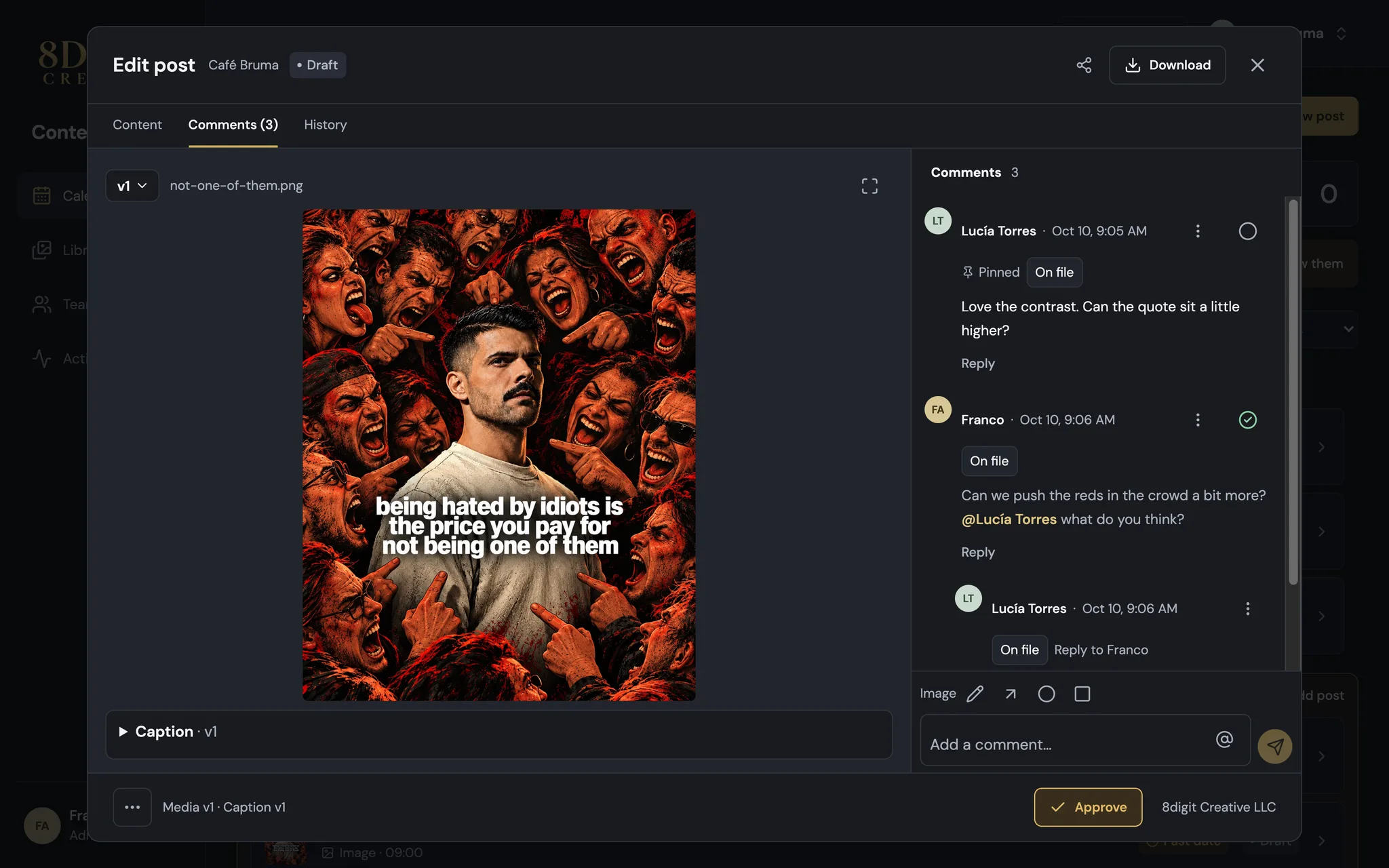
Also improved
- Name and date share one line, with the On file tag right below.
- Guest reviewers' comments show their name, marked “(Guest)”.
- Guest reviewers see the name of each team member who commented.