
Always know where your uploads and approvals stand
Uploads and downloads now show their progress file by file, approvals carry over between posts and Library, and folders can live inside other folders.
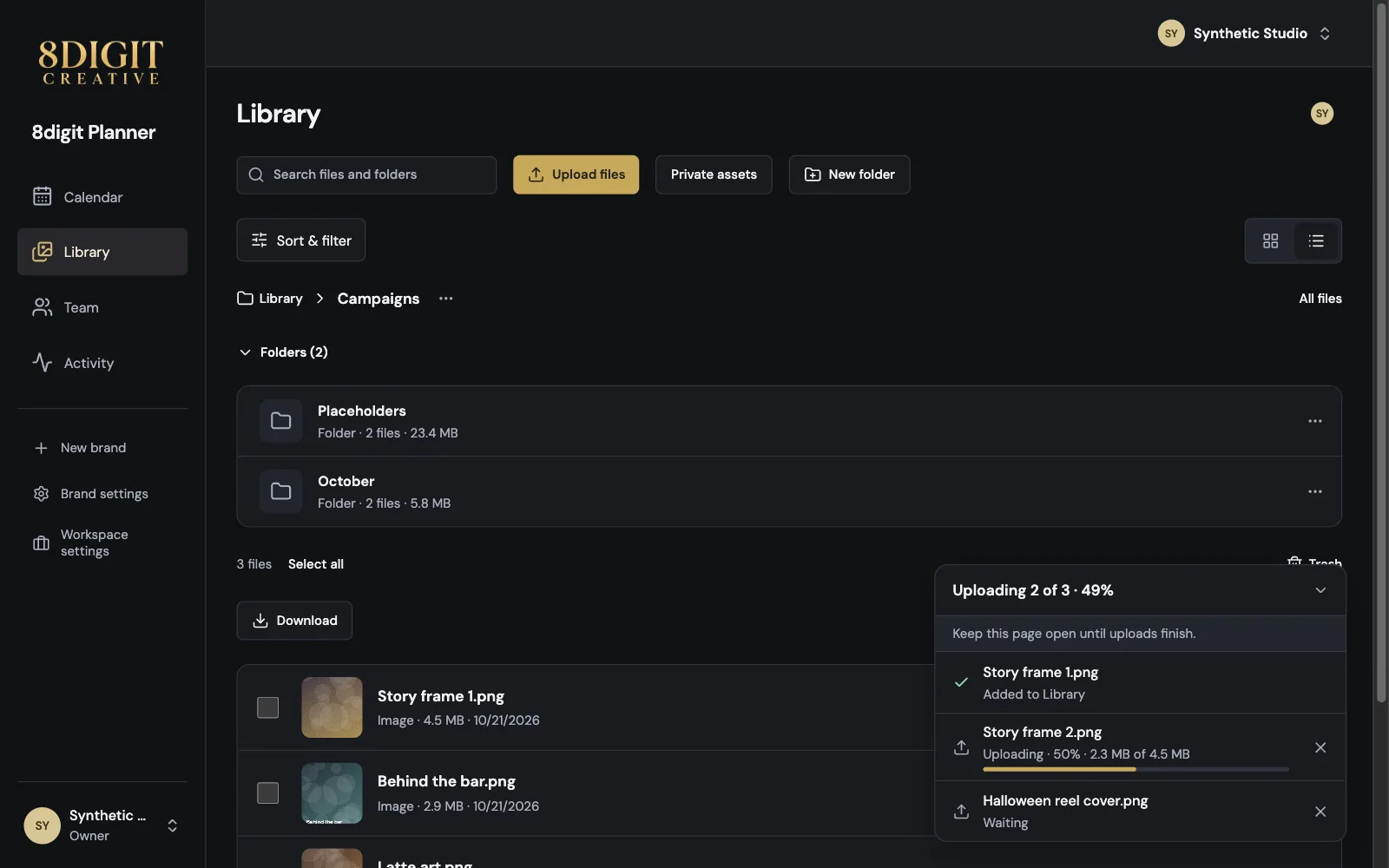
Every upload, file by file
Each file shows its step, percentage and size while it uploads. Keep adding files while others finish, and if your connection drops, the upload picks up where it left off.
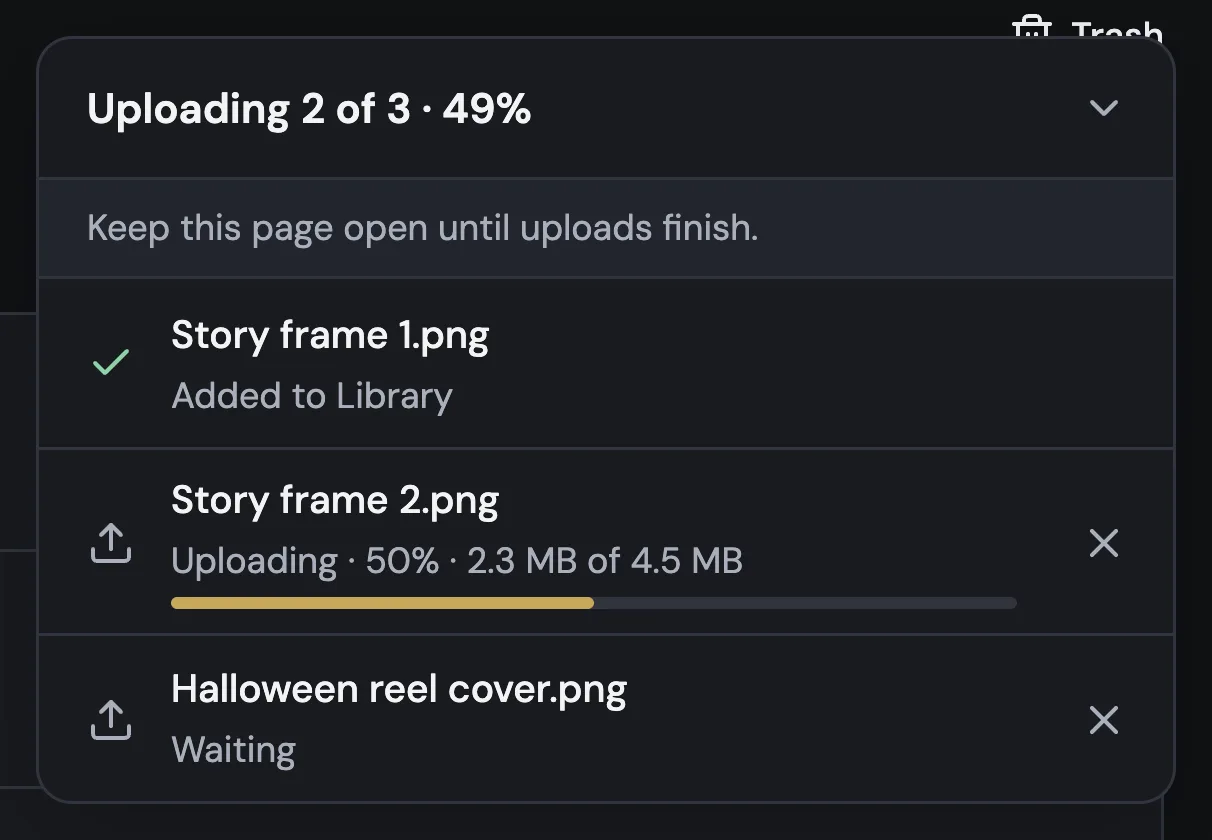
Approved in a post, approved in Library
When a post is approved, its files show Approved in Library, and Posted once it's published. Media review tells you which post approved them, so nobody reviews the same file twice.

Folders inside folders
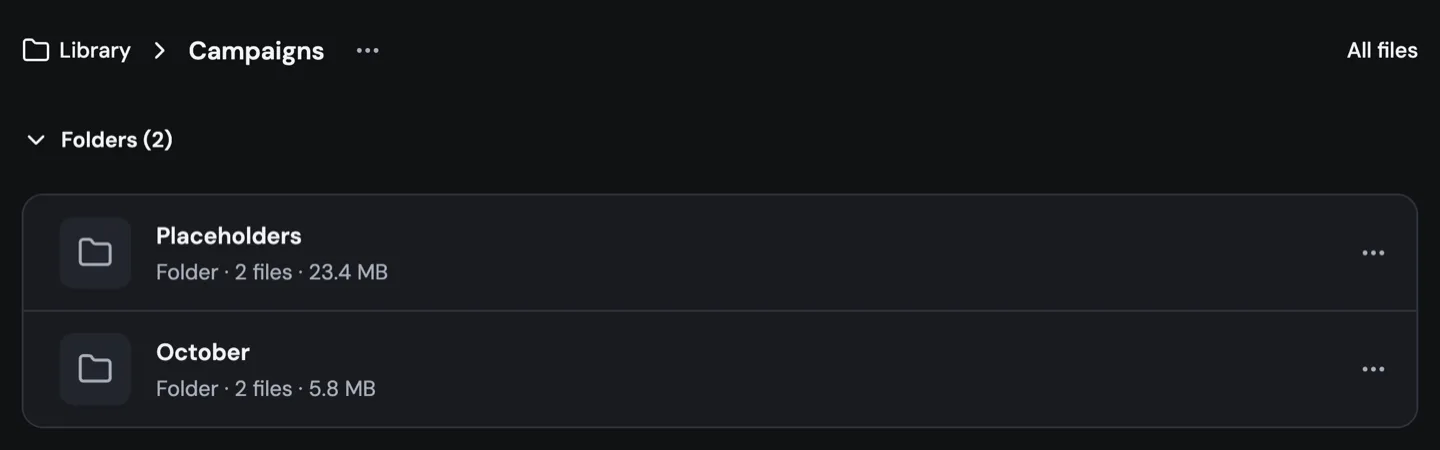
Create a folder inside another and move folders wherever you need them. In list view, folders show as rows with their size, and you can fold them away to see only your loose files.
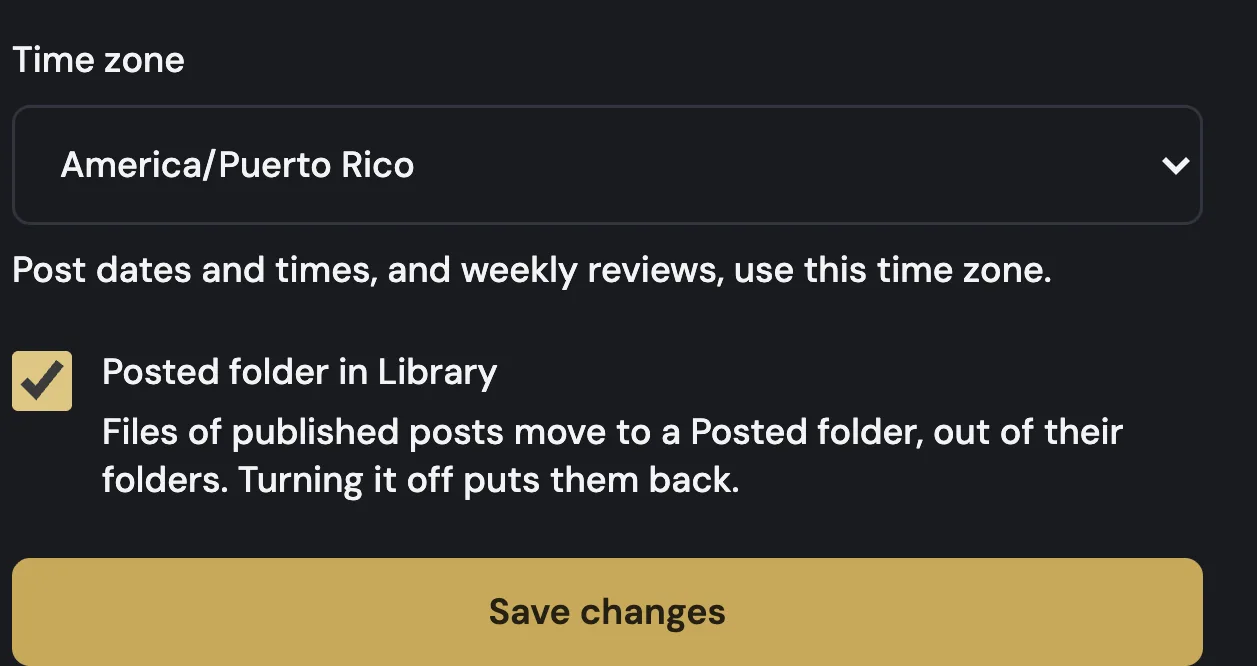
A Posted folder, if you want one
Turn on Posted folder in Library from Brand settings, and the files of published posts move out of your folders into Posted. Turn it off and everything goes back.
Also improved
- Download a whole folder from its menu. Folders over 2 GB download in parts of up to 2 GB.
- Downloads say whether they're getting your files or building the ZIP.
- Sharing a folder with a guest reviewer now includes the folders inside it.
- An image over 25 MB tells you before it uploads.