Install the DaVinci Resolve panel without Terminal
The DaVinci Resolve panel now comes with a Mac installer: download it, open it and choose Install. It’s signed by 8digit Creative LLC and notarized by Apple.
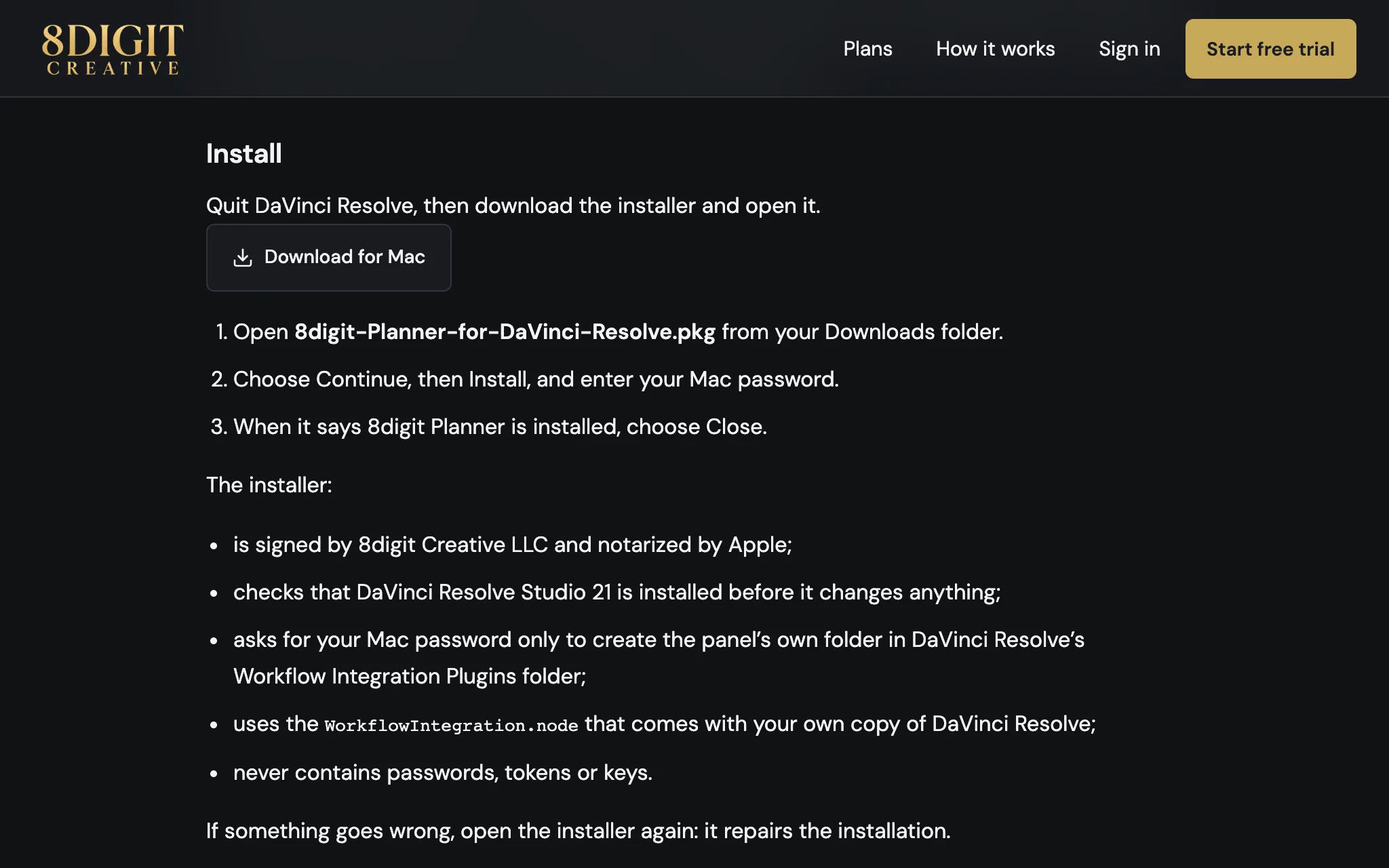
Download, open, Install
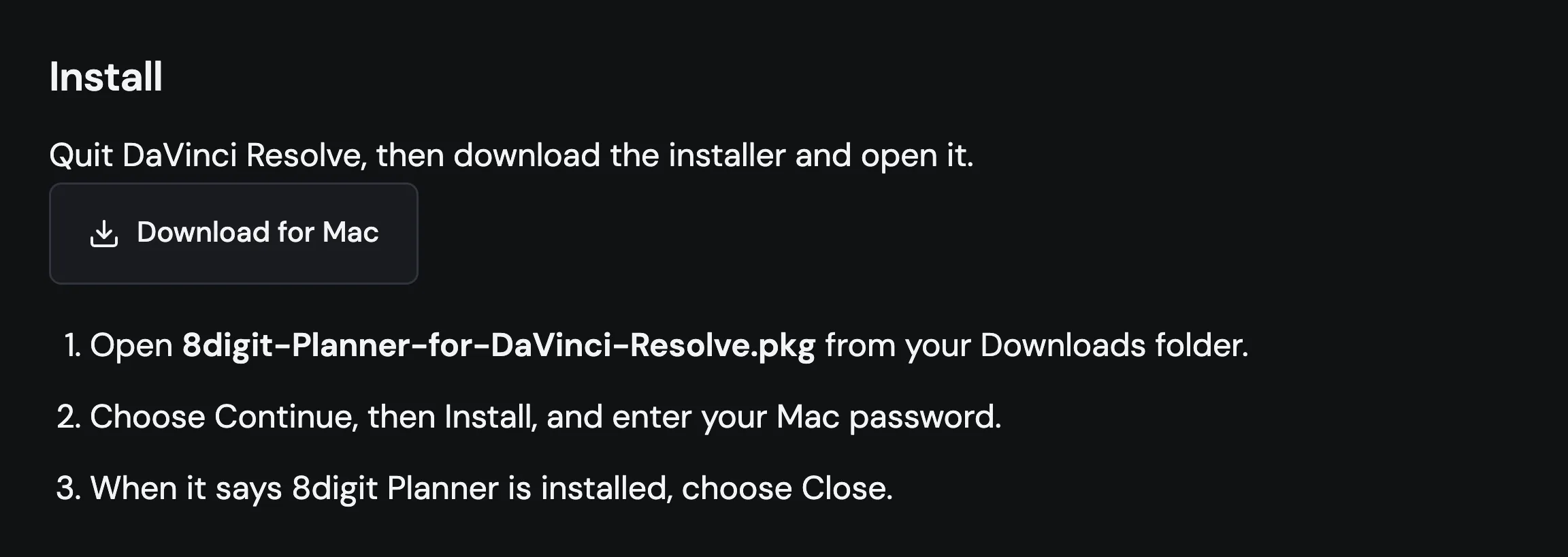
On the DaVinci Resolve guide, Download for Mac gets the installer for the latest version. Open it, choose Continue, then Install, and enter your Mac password.
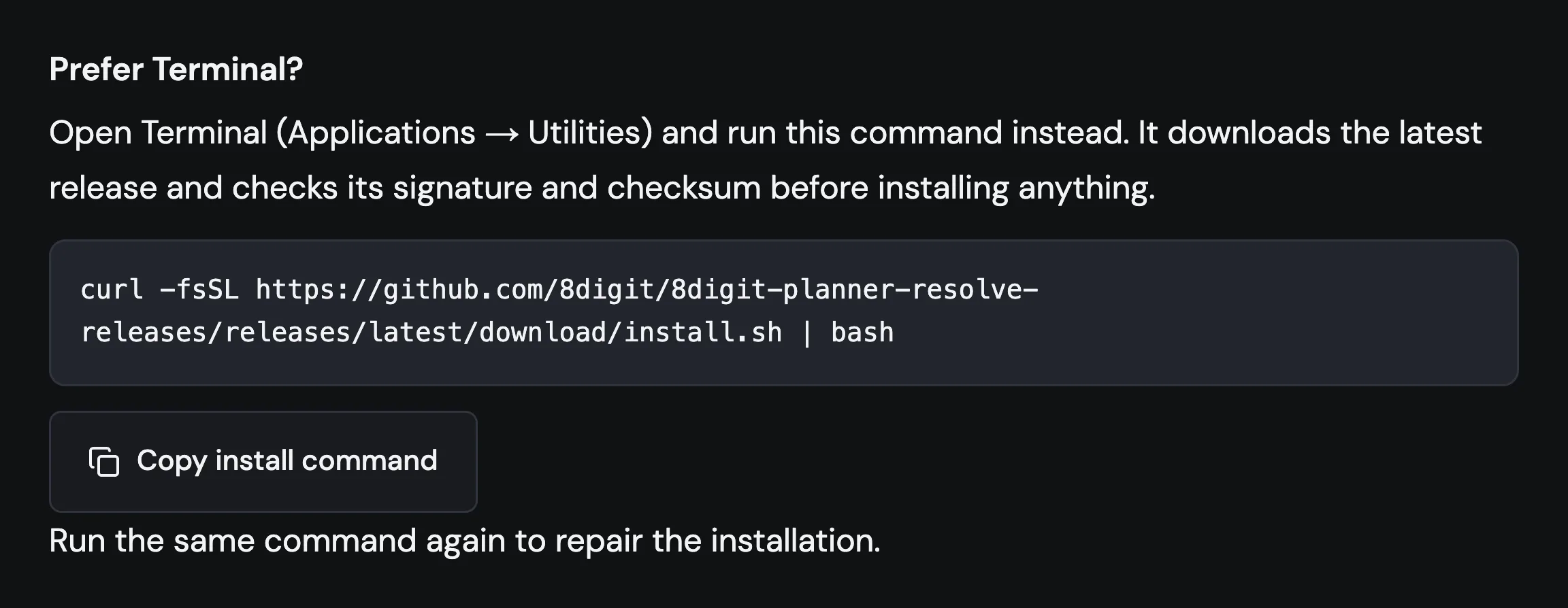
Terminal is still there
Prefer Terminal? The one-line command sits right below, and running it again still repairs the installation.