
Ask your AI assistant to finish each post
Your AI assistant can now set Instagram collaborators, tags and the AI label, fit a post to X, and read your Performance figures if you allow it.
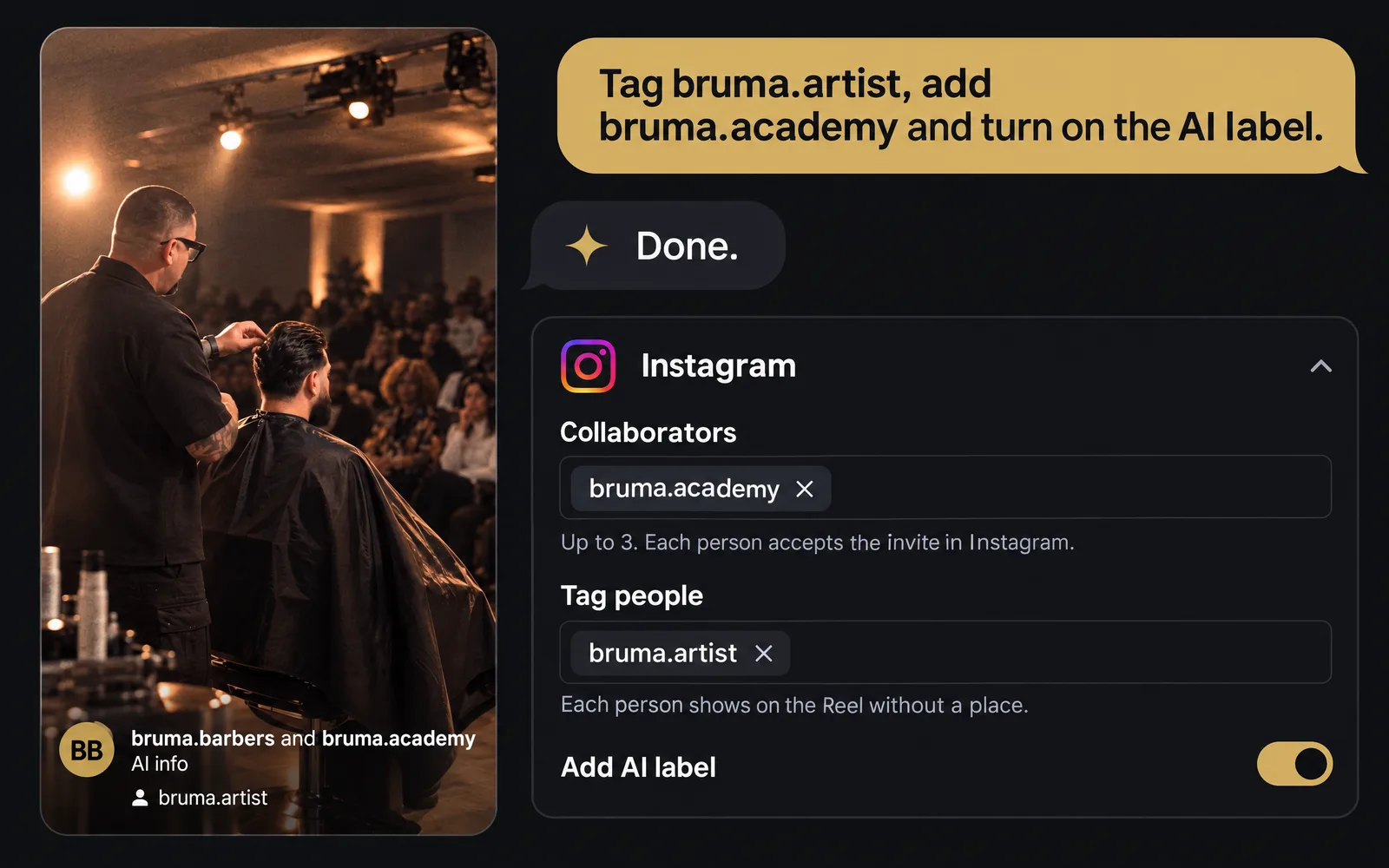
Set Instagram’s options by asking
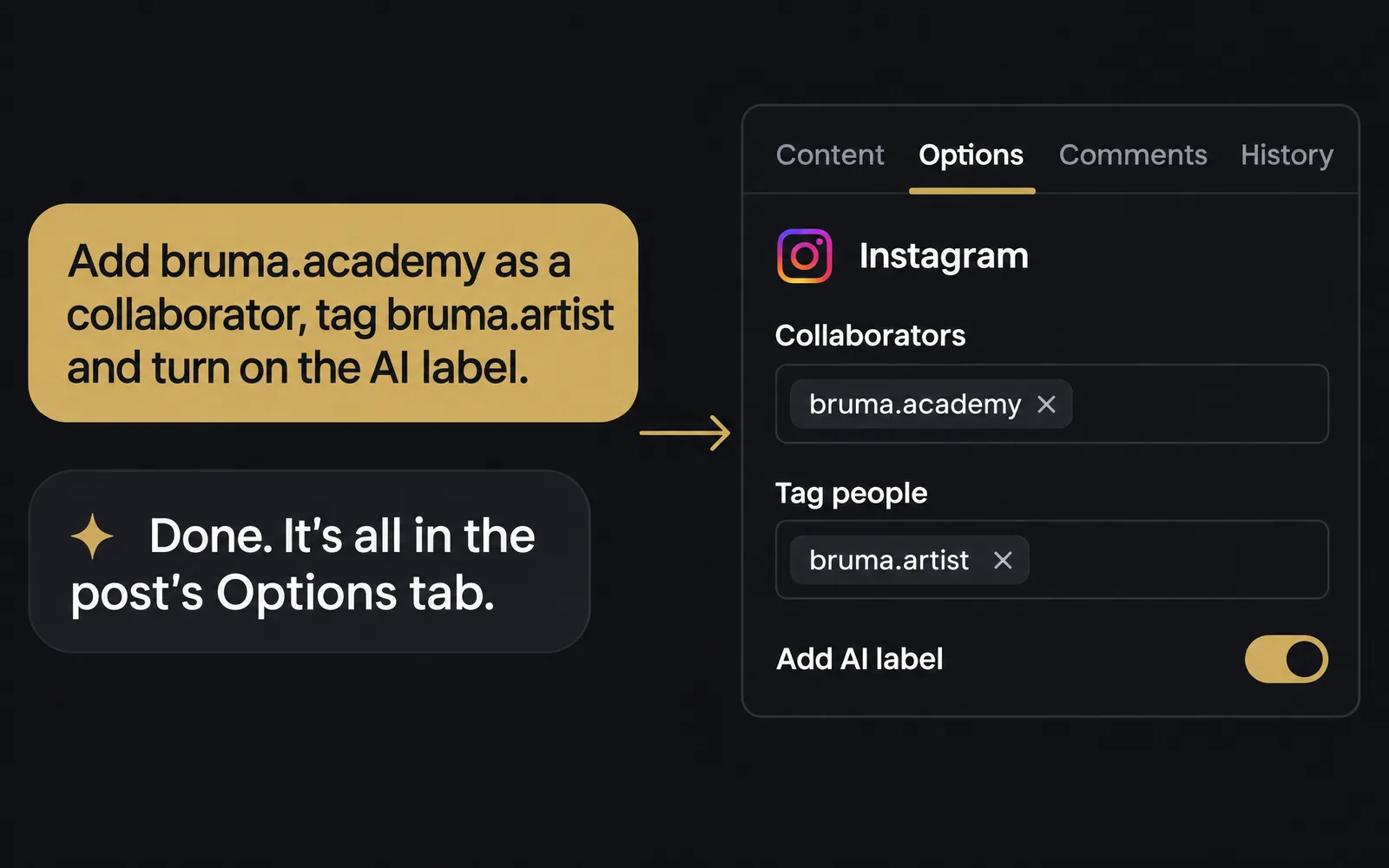
Ask your AI assistant to add collaborators, tag people or turn on the AI label, and they’re saved in the post’s Options tab. It needs Publish posts to your social accounts turned on.
Fit a post to X before it’s scheduled
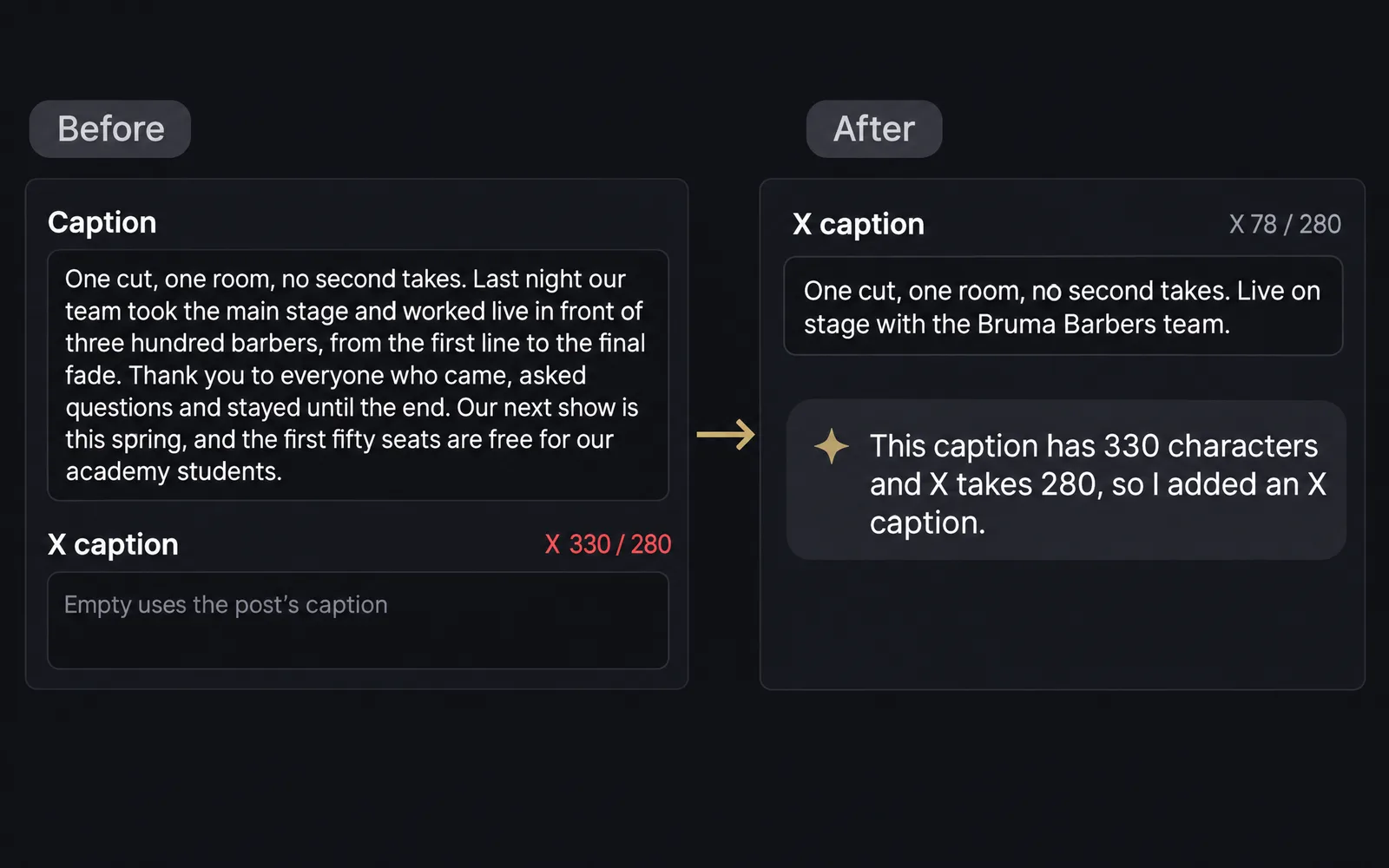
If you publish to X, your AI assistant sees how many characters a post has. Over 280, Planner won’t schedule it for X until it’s shorter or has an X caption, and your assistant can write one.
Ask about your figures, if you allow it
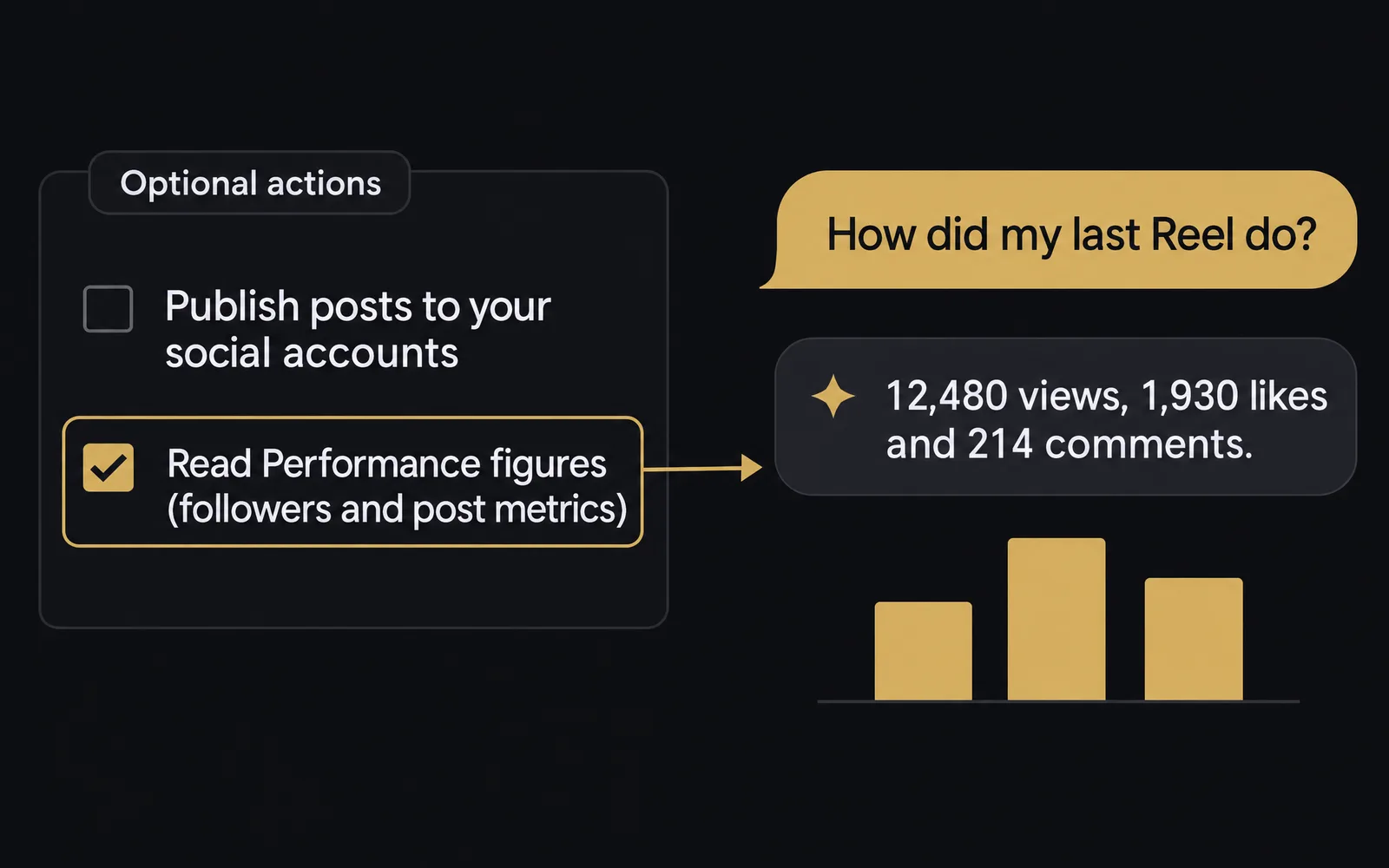
Turn on Read Performance figures in AI assistants → Manage access, and your assistant can read what you see in Performance. It stays off until you turn it on, and needs a plan with Performance.
Also improved
- Your AI assistant can create Text posts when your workspace publishes to X.
- When a network wouldn’t take a post, your AI assistant gets the reason as soon as it schedules or publishes it.
- To use all of this, start a new conversation with your AI assistant.