
Credit everyone on your Instagram posts
A new Options tab lets you invite collaborators, tag people on each photo and add the AI label. They go out with the post when it publishes automatically.

Tag each person on the right photos
In a carousel, tap a name to tag or untag them on the photo you’re looking at. The same person can be on several photos, in a different place on each.

Drag each name onto the person
Drag a tag to where the person is, on your computer or your phone. On a phone, tap the preview to open Place tags.

Invite collaborators
Add up to 3 collaborators to a post or Reel. Each person accepts the invite in Instagram, and the post shows on their profile too.

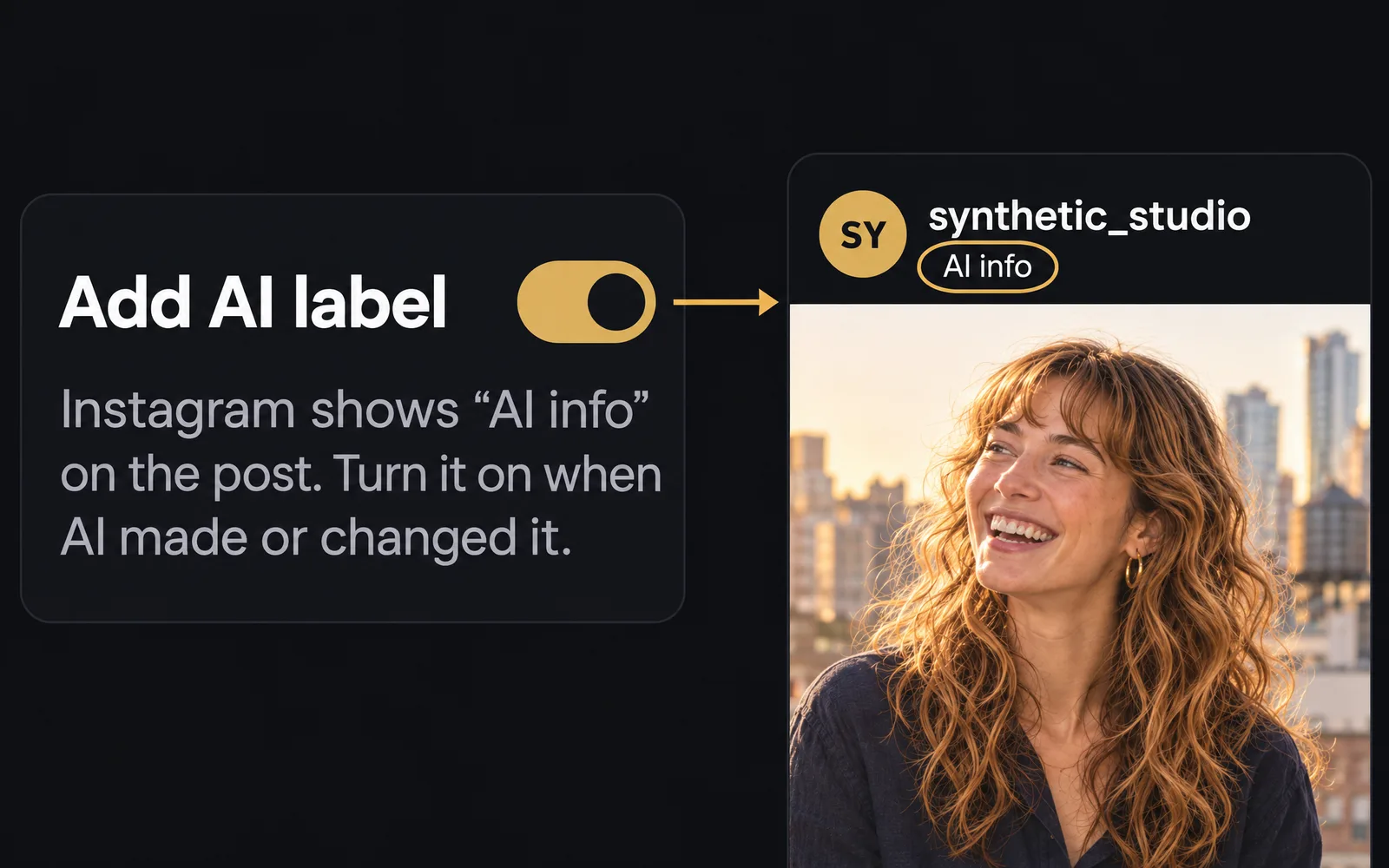
Add the AI label
Turn on Add AI label when AI made or changed the post, and Instagram shows “AI info” on it.
Also improved
- Publish now and Mark published now move the post to the moment it went out, so your calendar shows the real date.
- A post publishing automatically shows as Published sooner once the network confirms it.