
See where every post goes
Your calendar now shows the networks each post goes to, or went to. Once a post is published, View post opens it on each one.
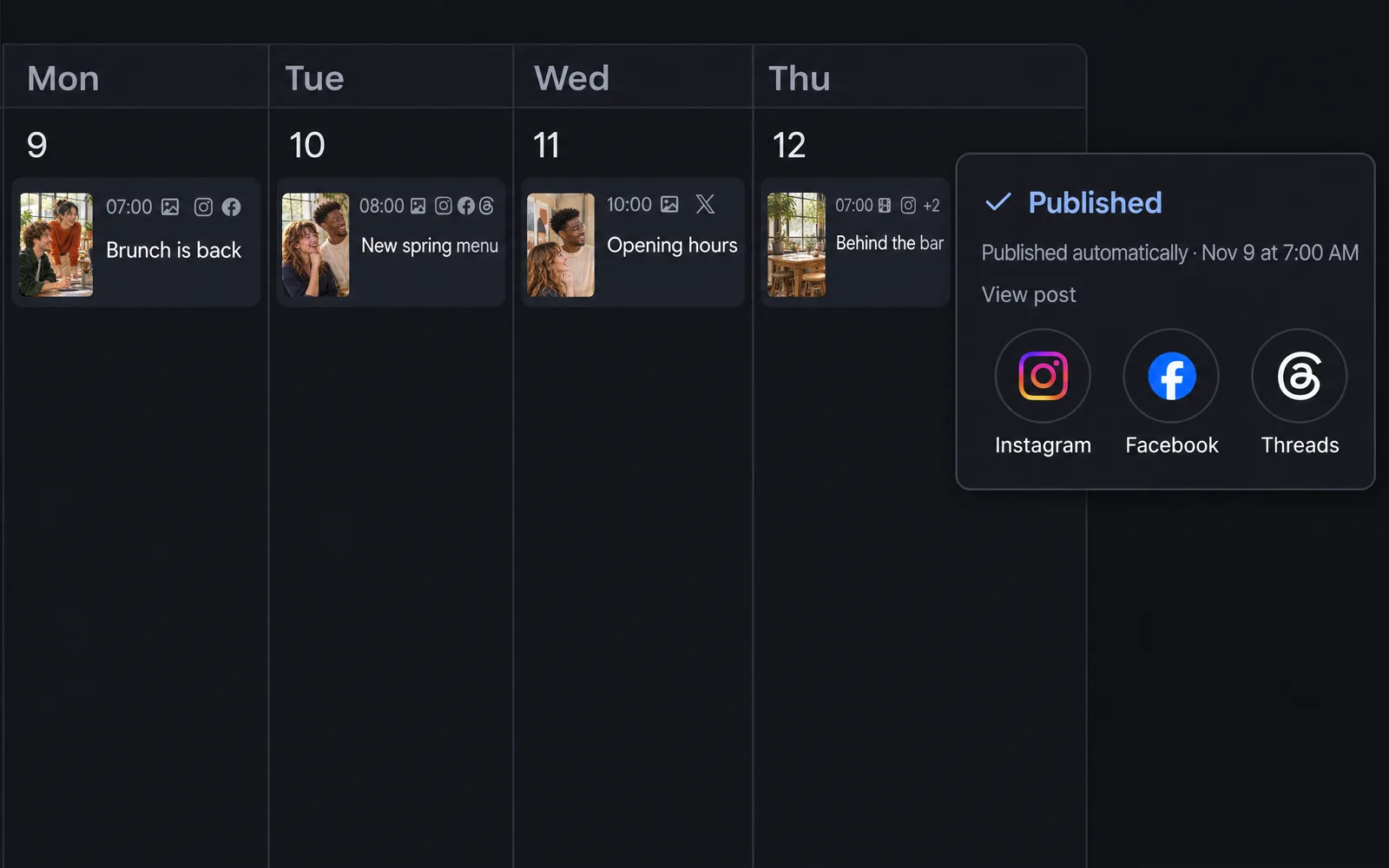
Networks on every card
Each post in your calendar shows a small logo for every network it goes to, right after its time. Everyone who sees your calendar sees them, including your clients.
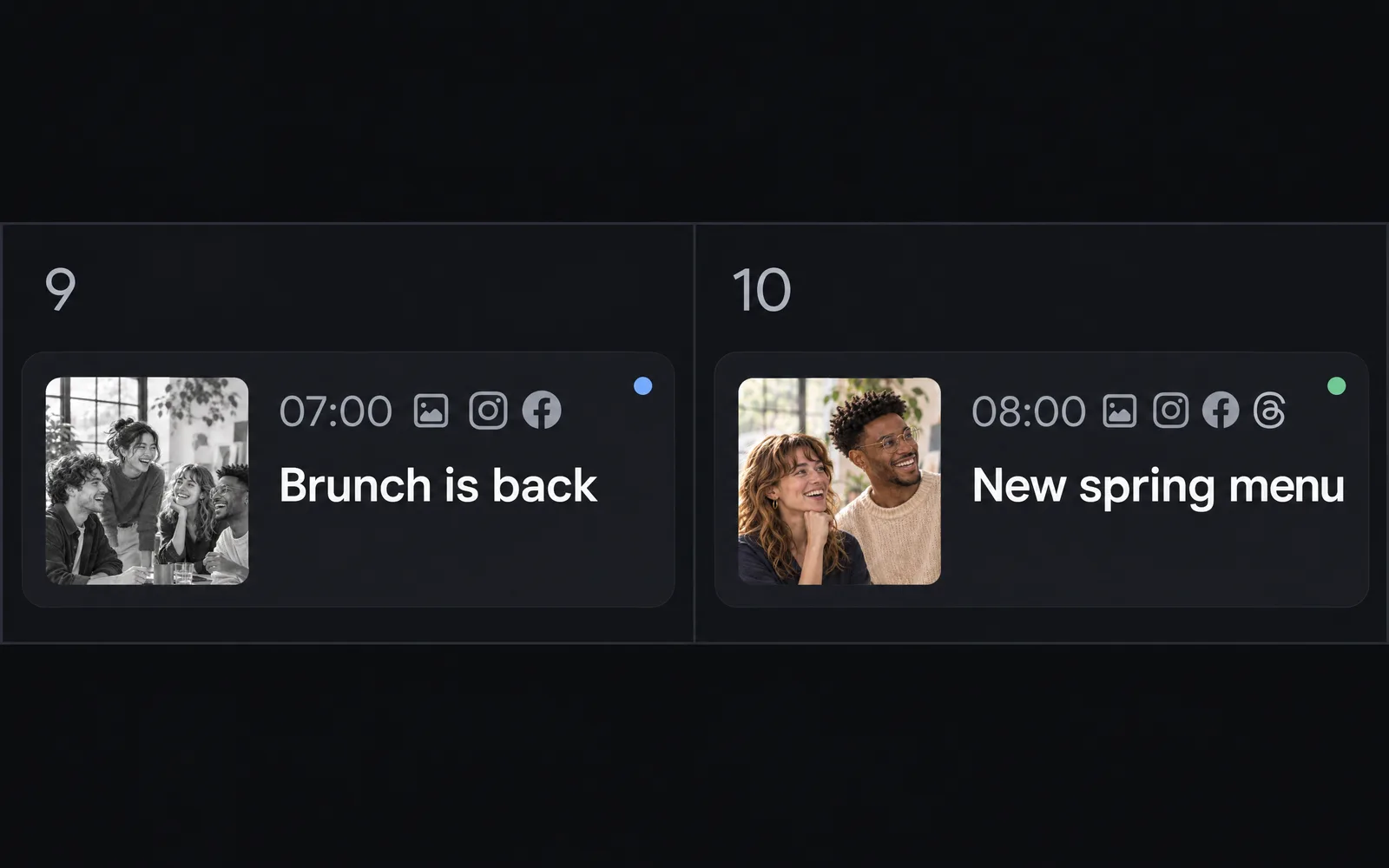
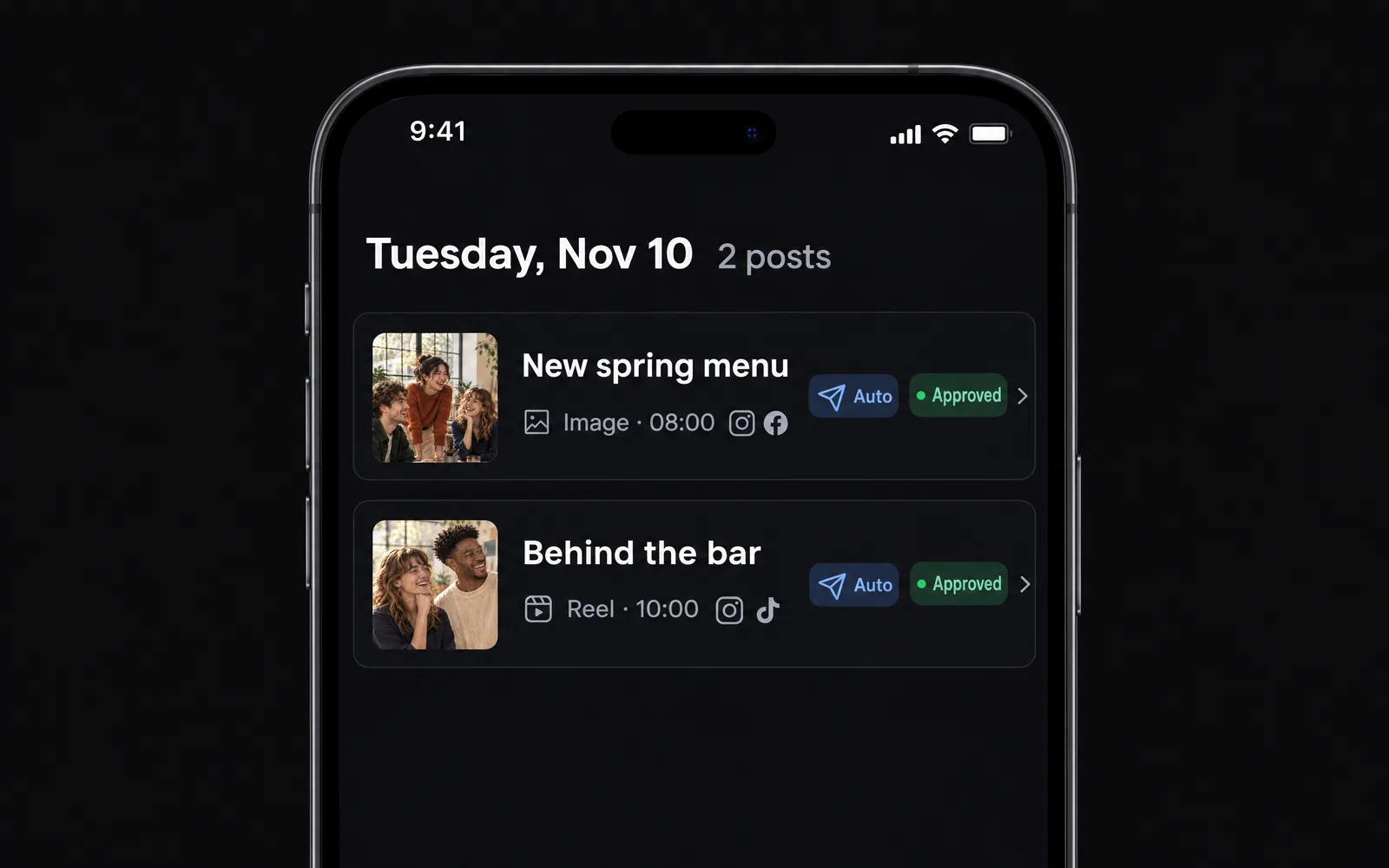
When you open a day
Tap a day and each post shows its networks beside its time, on your computer and on your phone.
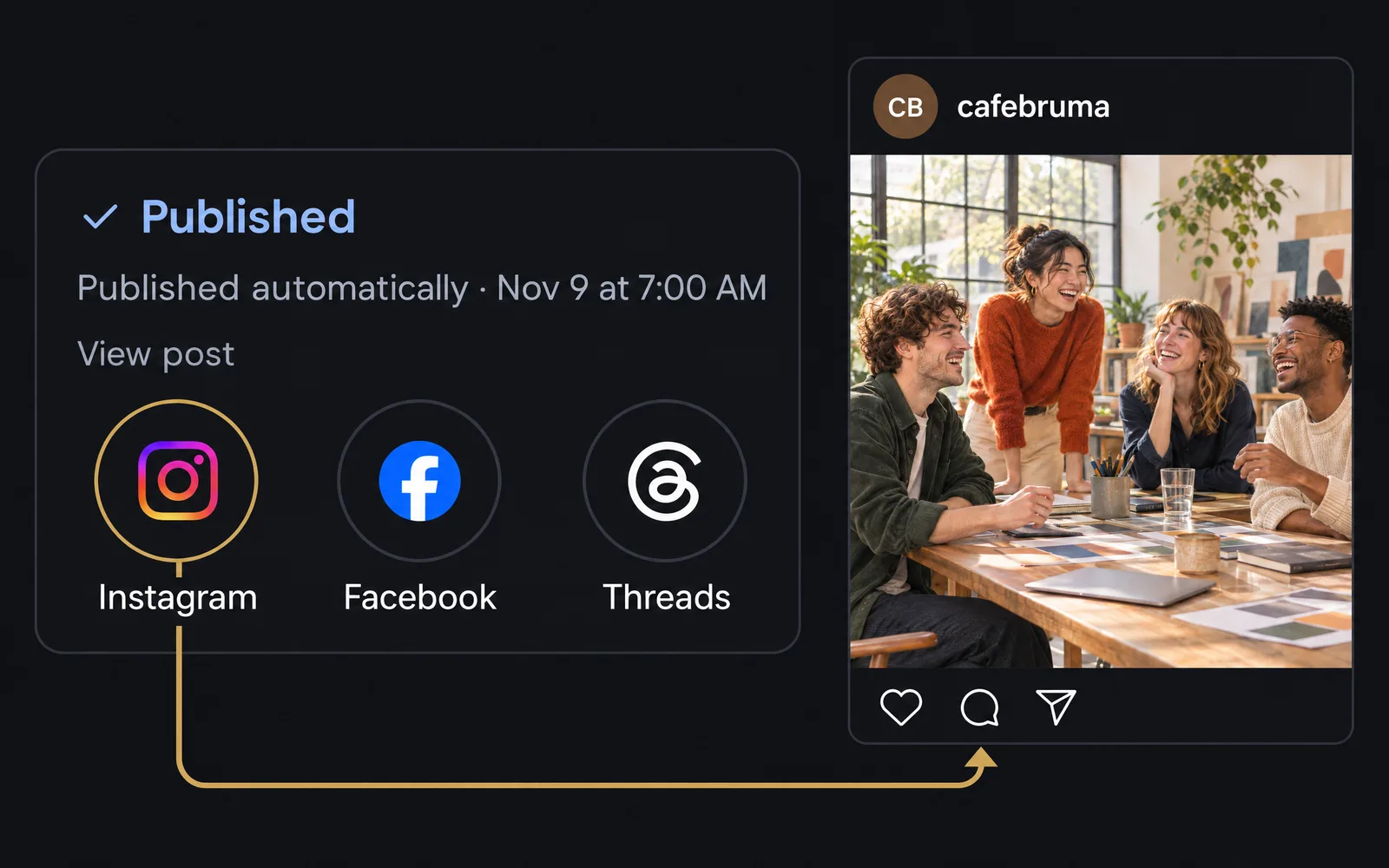
Open the post on each network
A published post shows View post with a circle for each network. Tap one to see the post there.
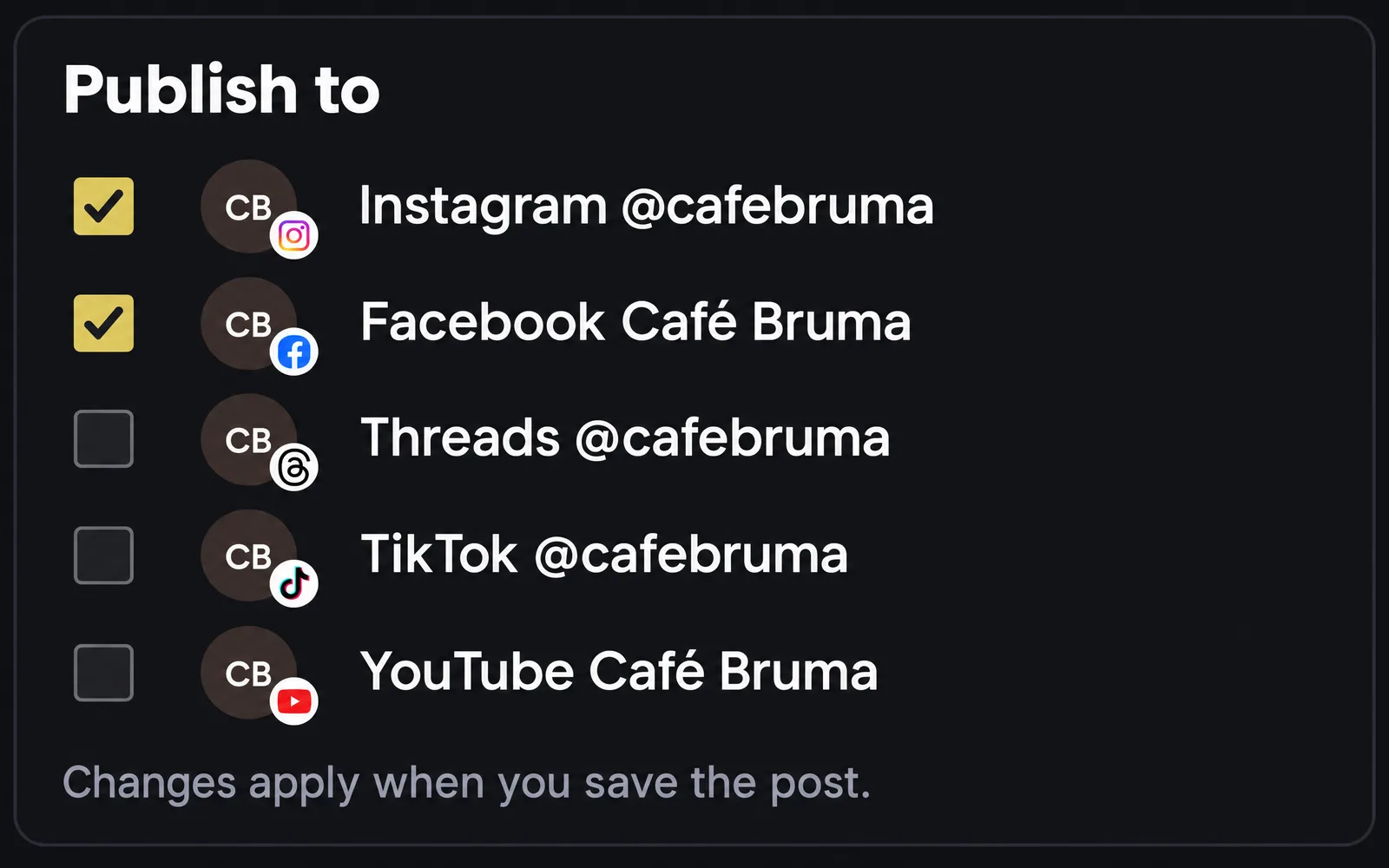
Each account shows its network
In Publish to, every account’s photo carries its network’s logo, so you can tell your accounts apart at a glance.
Also improved
- Opening a post or a panel with a tap no longer leaves a button highlighted.
- When X hasn’t shared a post’s metrics yet, the post now says Planner will check again tomorrow.