
Publish to TikTok from the same post
Connect a brand’s TikTok account and your approved posts go out there at their time, next to the networks you already use.
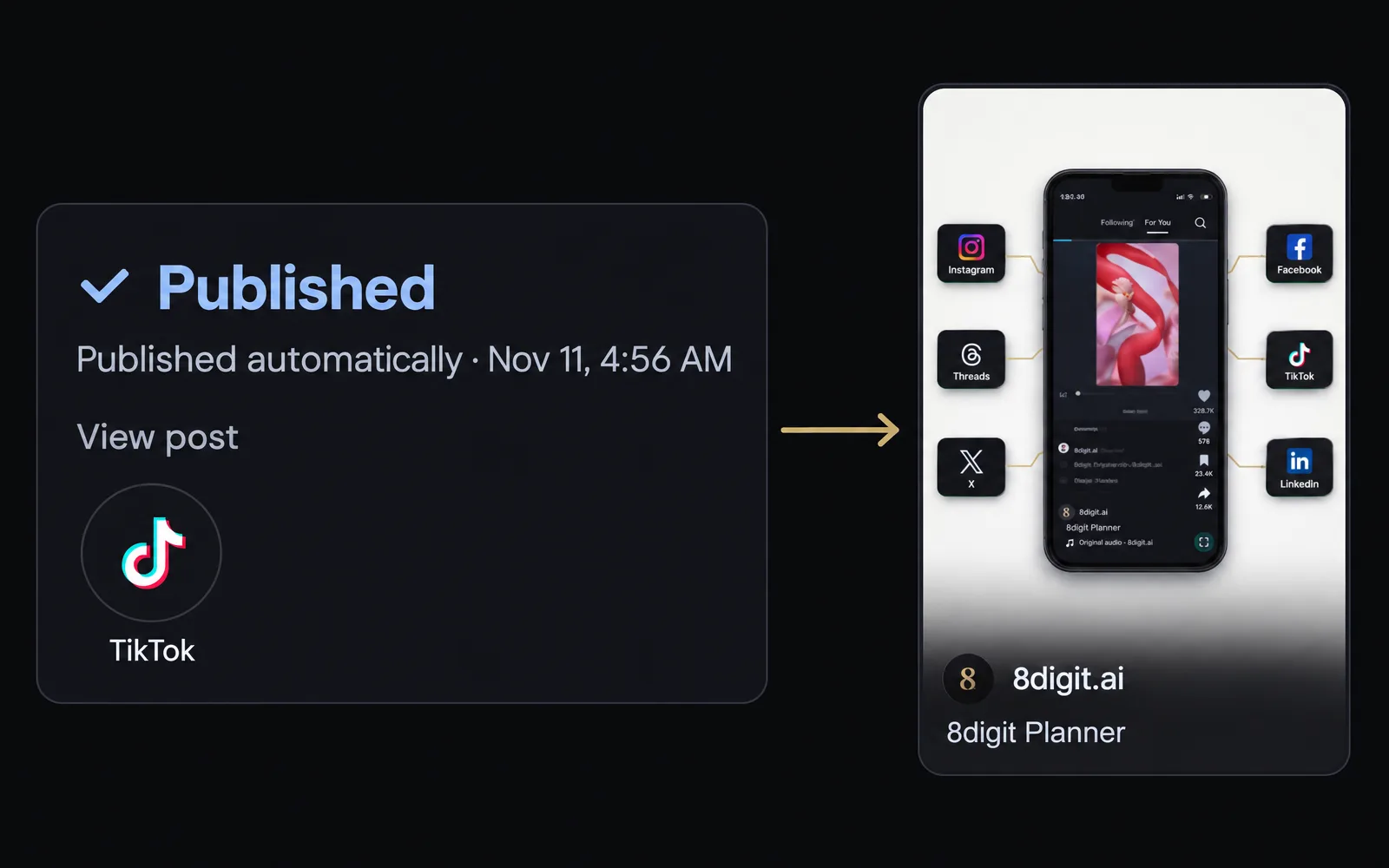
Connect TikTok in Social accounts
Open a brand’s Social accounts, choose Connect social account and continue with TikTok. Then pick that account in Publish to on any post.

TikTok’s choices on every post
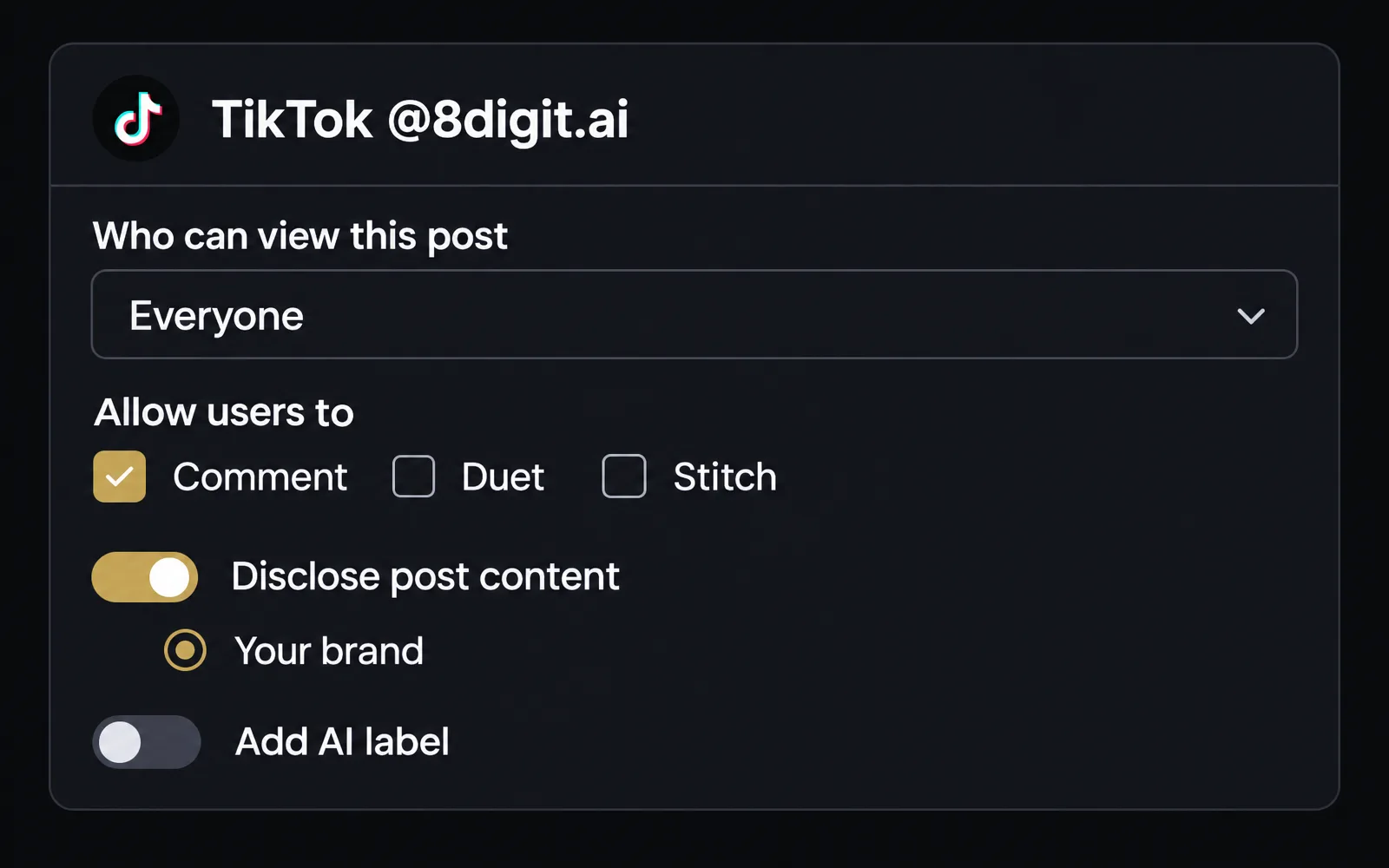
Each post carries who can view it, whether people can comment, Duet or Stitch, the commercial content disclosure and the AI label. Planner shows only what that account allows.
Also improved
- View post opens the post itself on TikTok, a couple of minutes after it publishes.
- Each TikTok account a post goes to counts as one of your plan’s automatic posts.