
Talk to support without leaving Planner
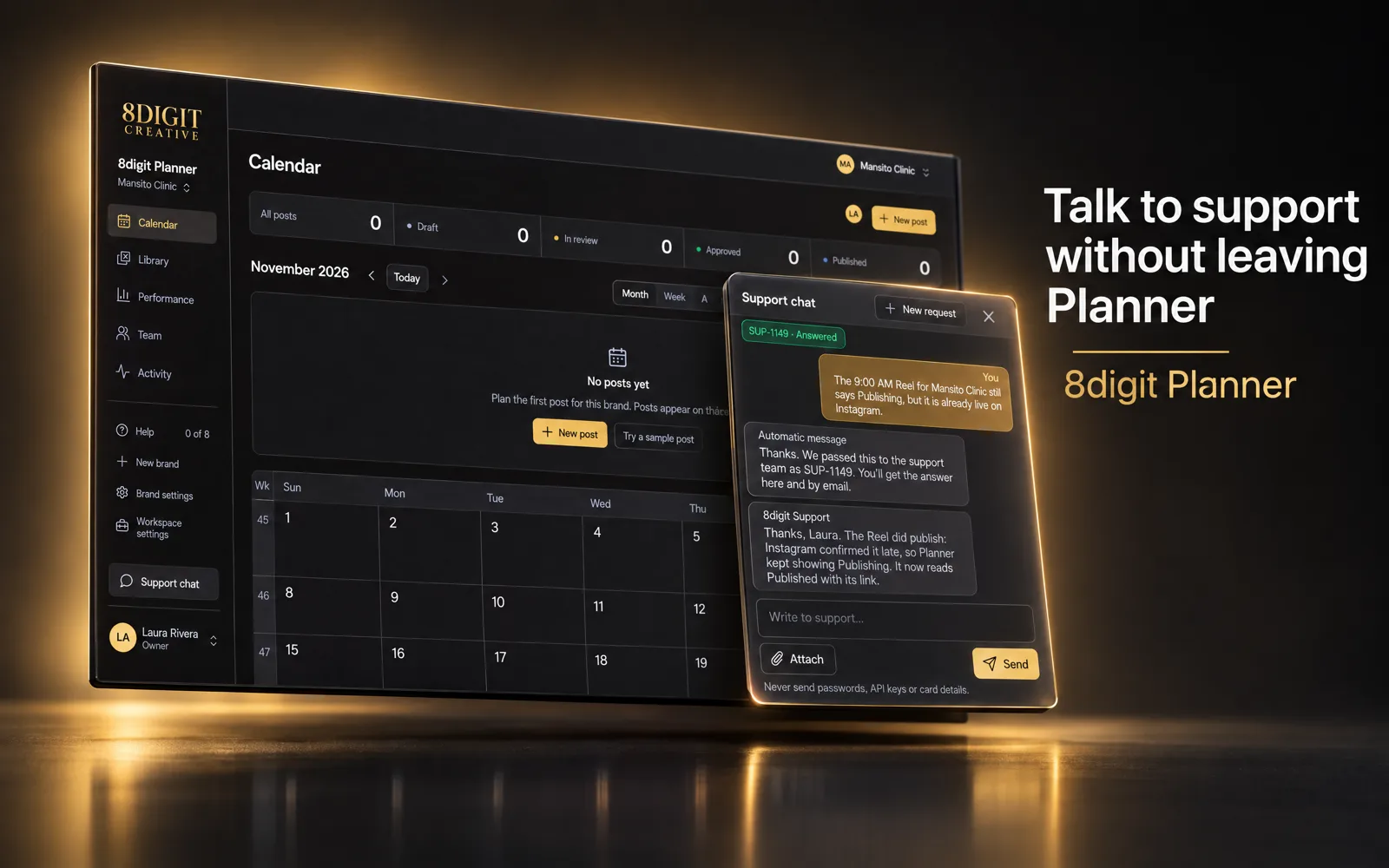
A Support chat button now sits in the sidebar. Tell us what you need, add screenshots, and read the answer in the same window and in your email.
One button, always in the sidebar
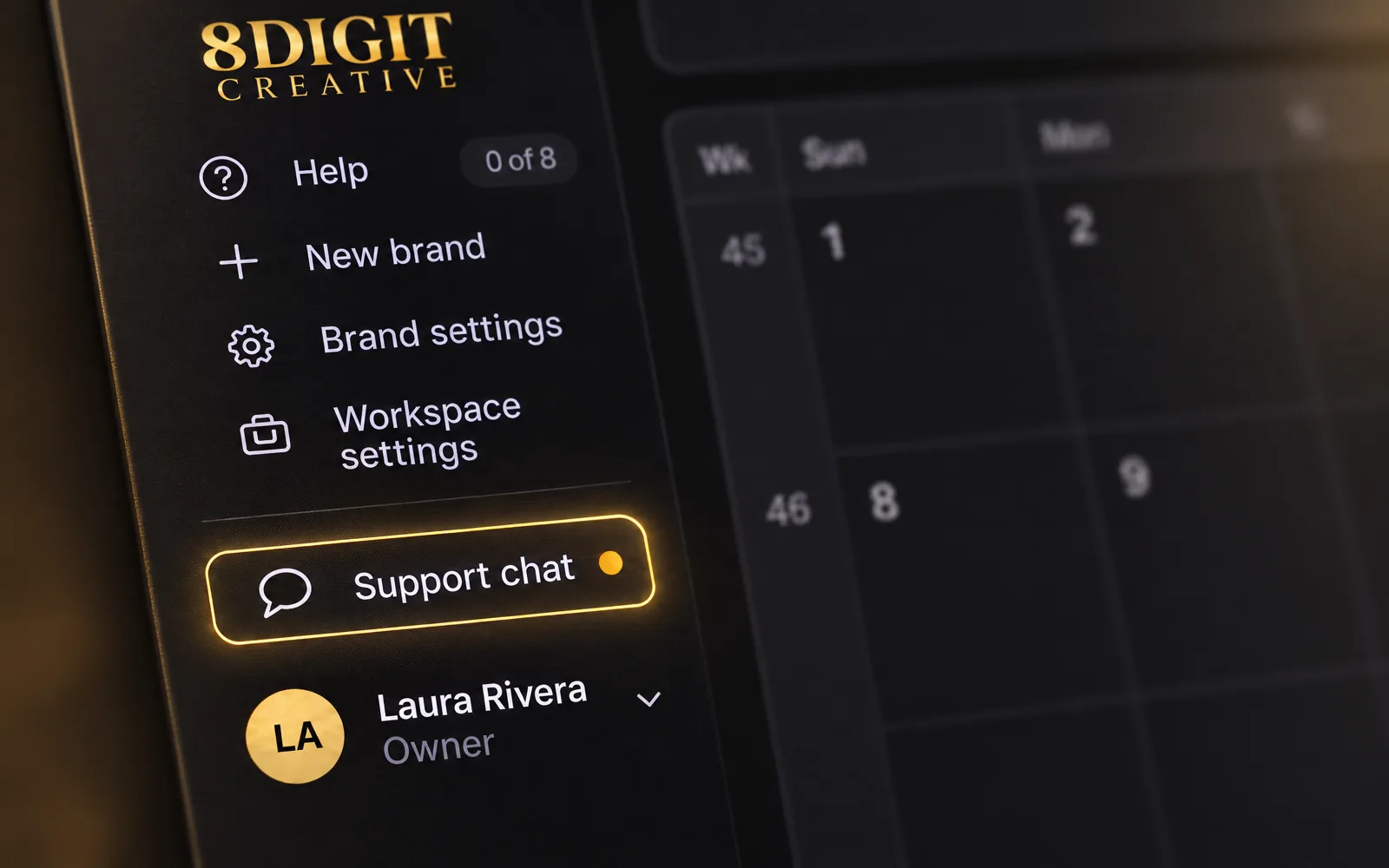
Support chat sits above your name on every Planner screen. A gold dot on it tells you an answer is waiting.
Start with what you need
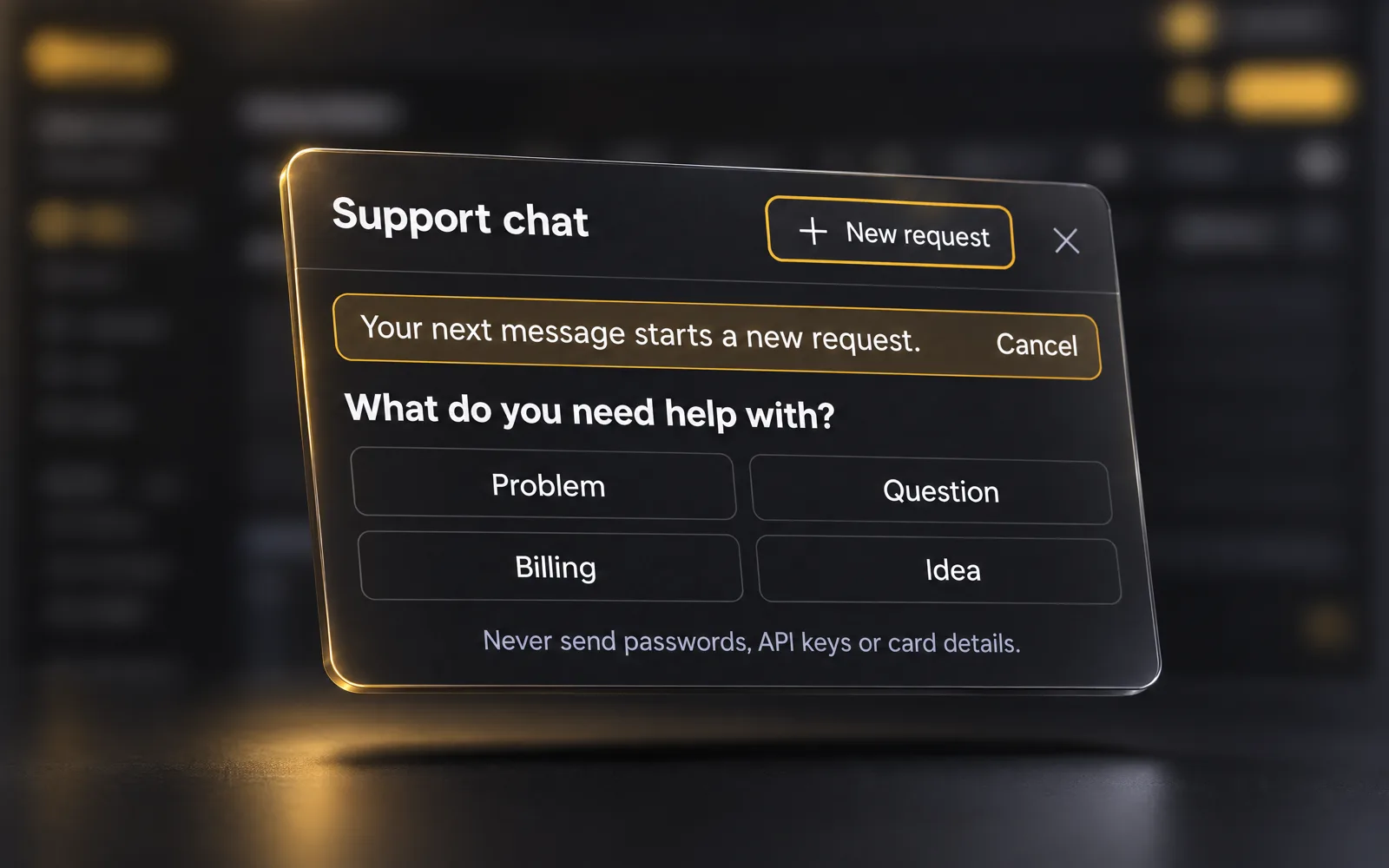
A new request begins by choosing Problem, Question, Billing or Idea, then you describe it. Planner already knows your name, email and workspace, so you never type them.
Also improved
- Attach up to four screenshots to a message, so we see what you see.
- Each request gets a number, and you can keep more than one open at a time.
- Help in the sidebar now holds only the guided tours.
- The Support page and its form are still there if you prefer email.