
A link in bio that looks like your brand
SmartLink gives each brand one public page for all its links. Pick a theme, make it yours, publish it and see what people tap.
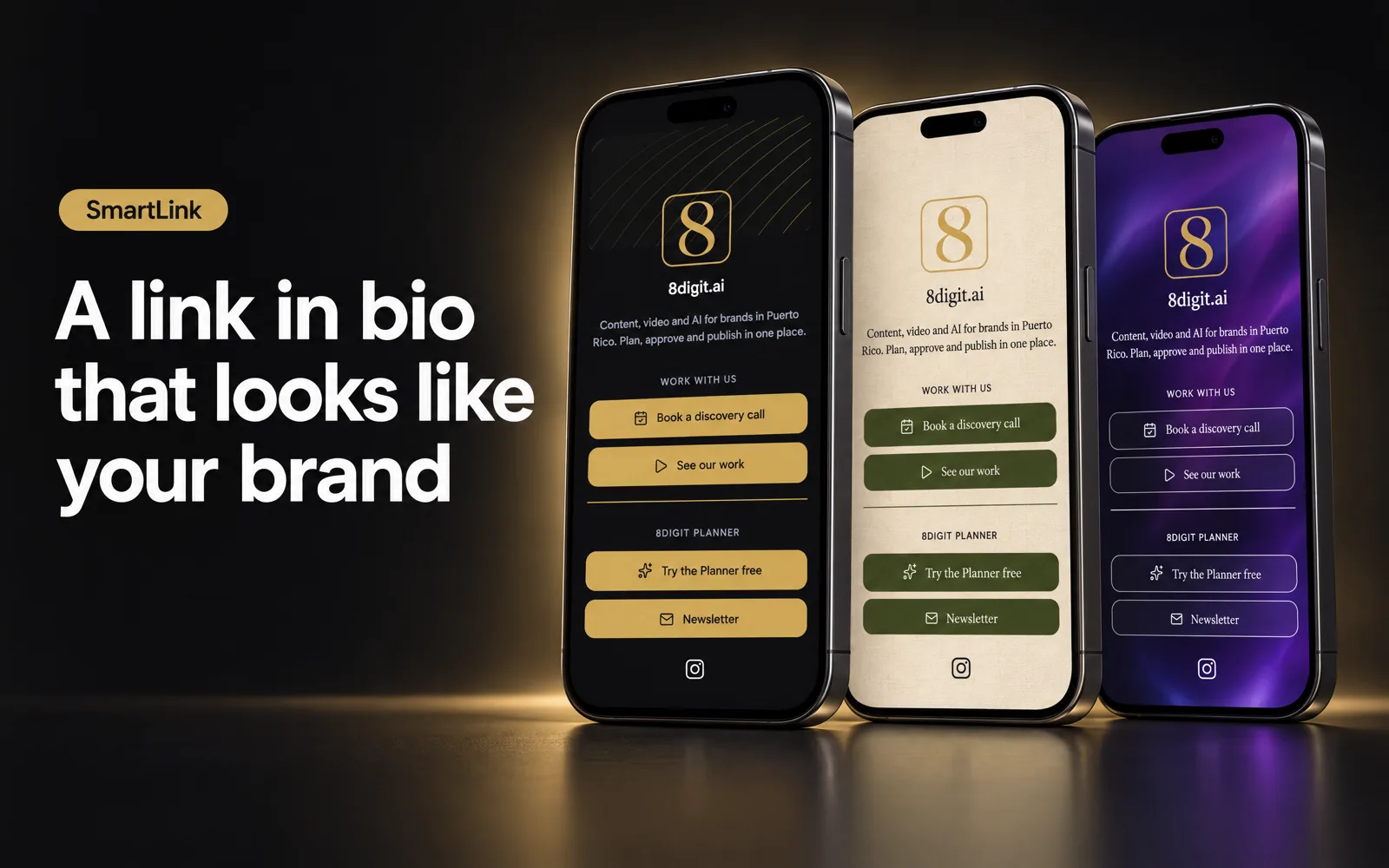
Start from a theme, then make it yours
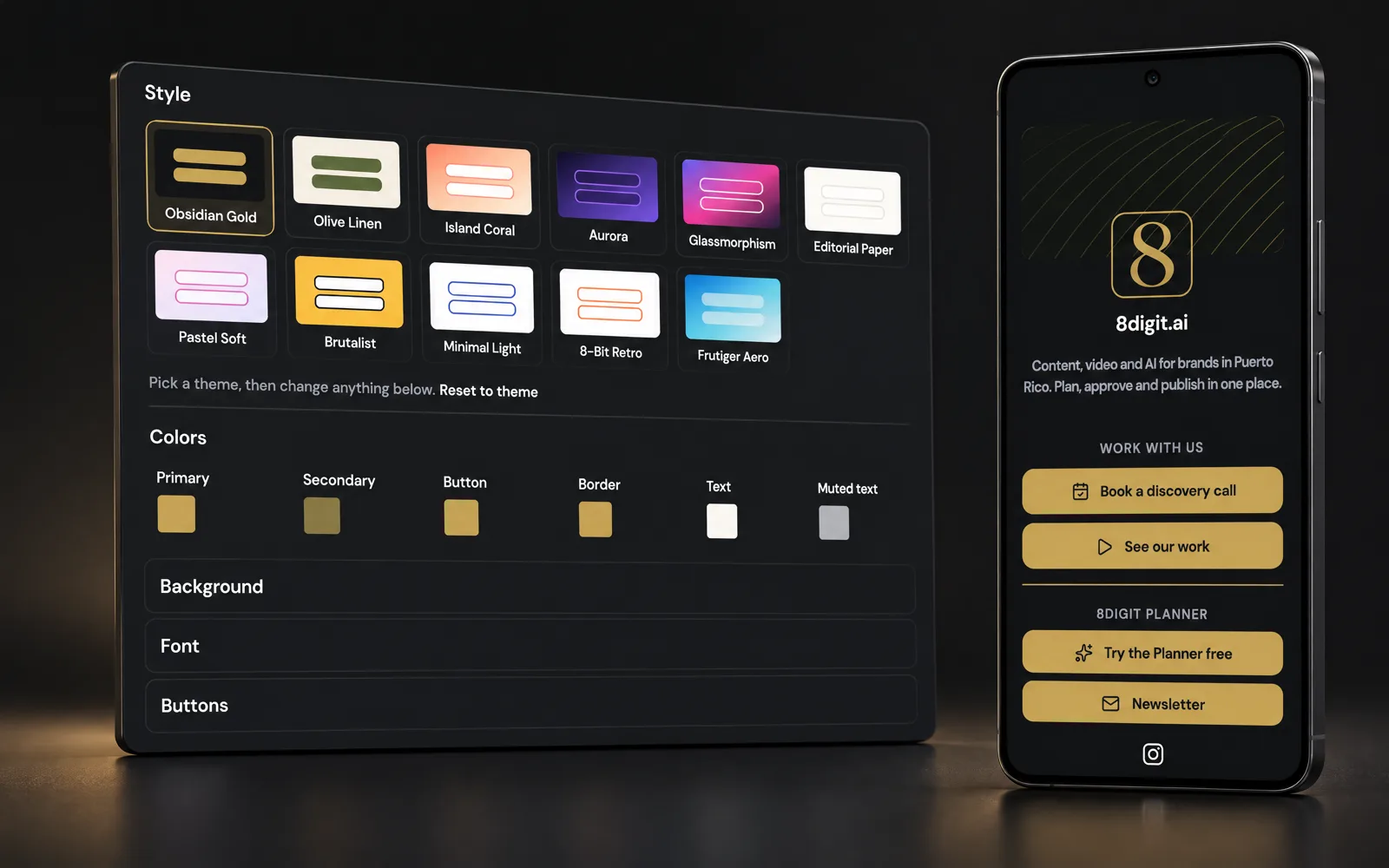
Choose one of eleven themes and change anything: colors, font, background and button style. Add your logo, sections, icons and thumbnails, and use an image from your Library as the background.
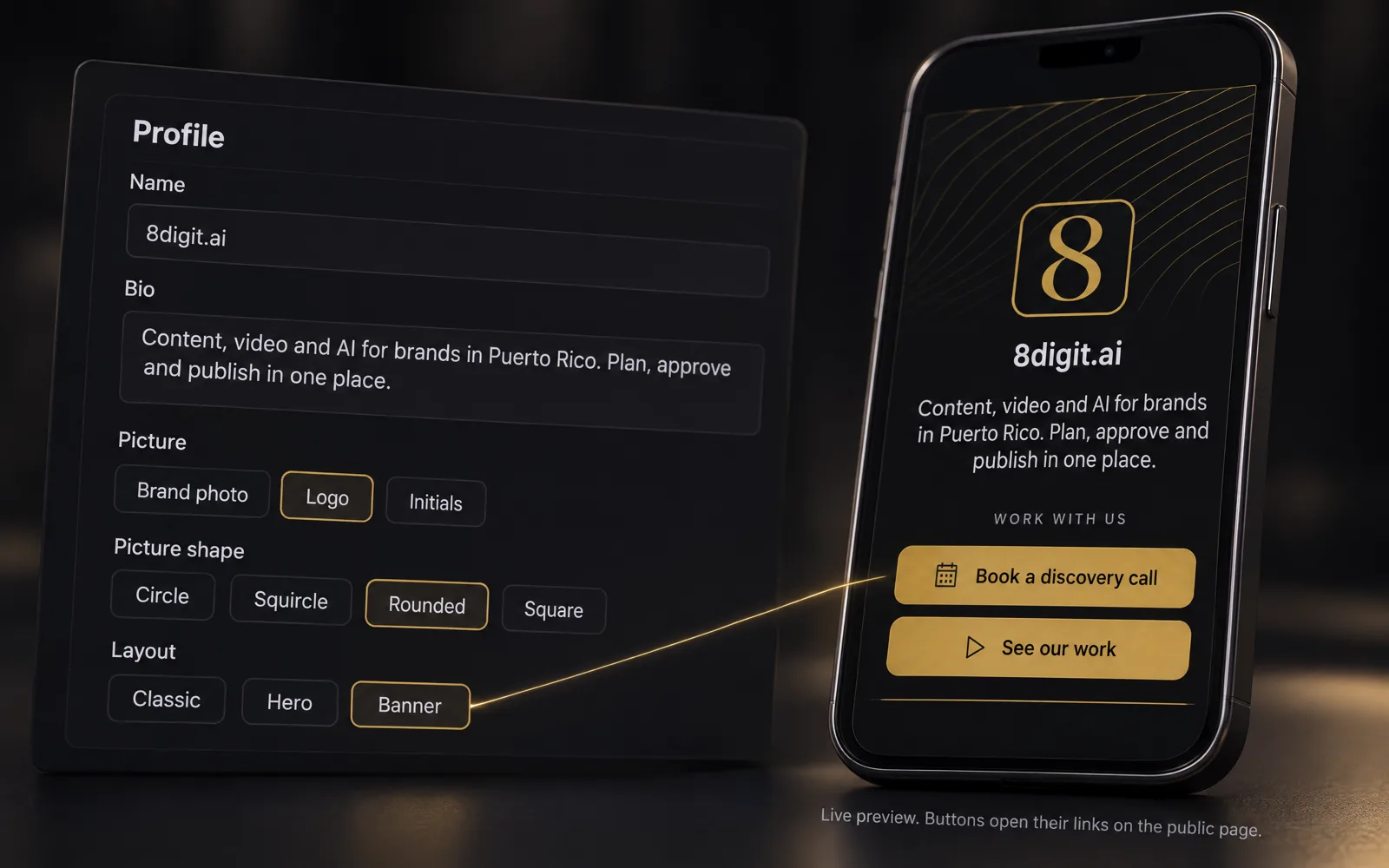
See the page while you build it
The preview beside the editor is the page itself, on a phone-sized screen. Every change shows right away, before anyone else sees it.
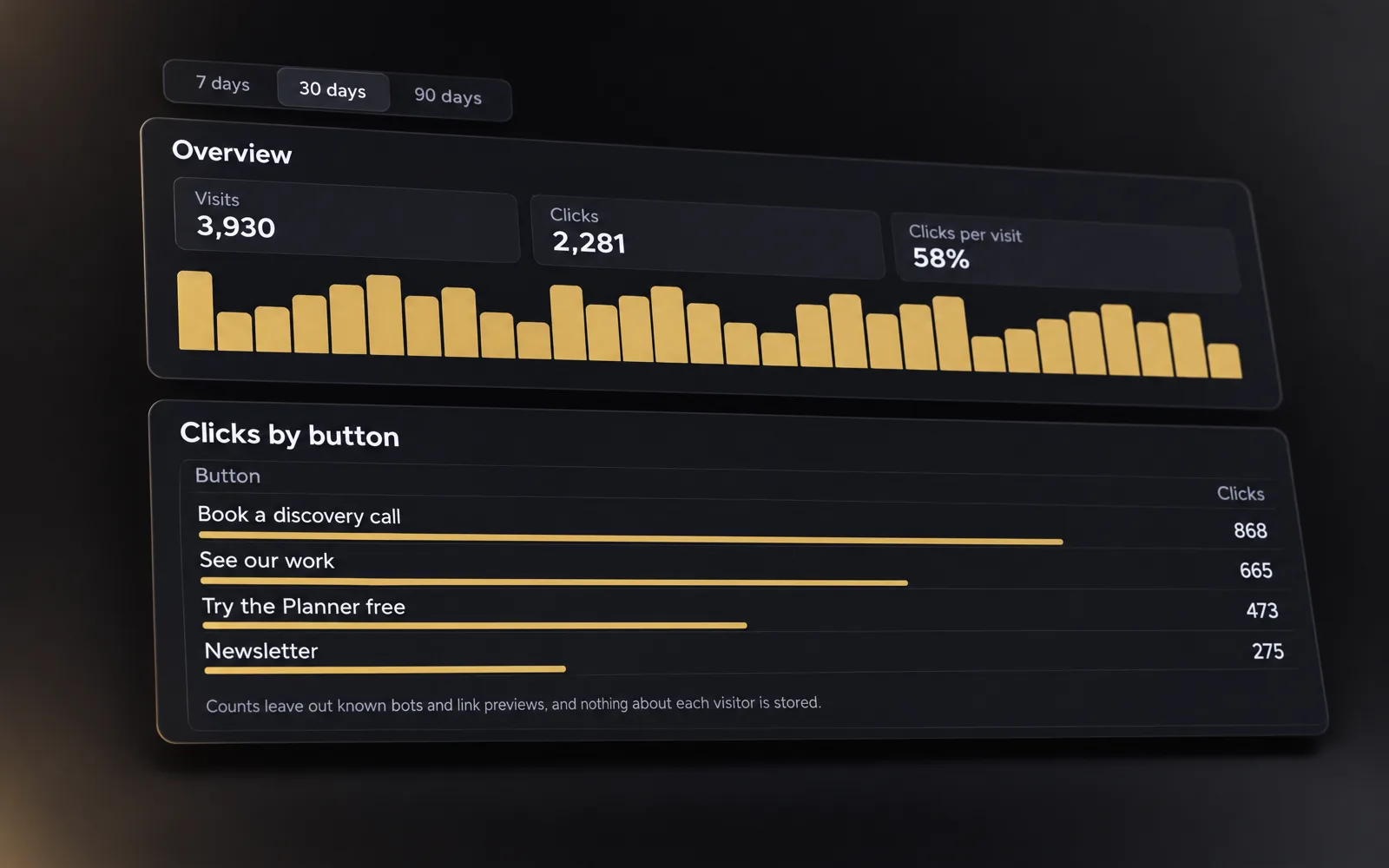
Know what people tap
Results shows visits and clicks for the last 7, 30 or 90 days, and the clicks of each button. Nothing about your visitors is stored.
Publish when it’s ready
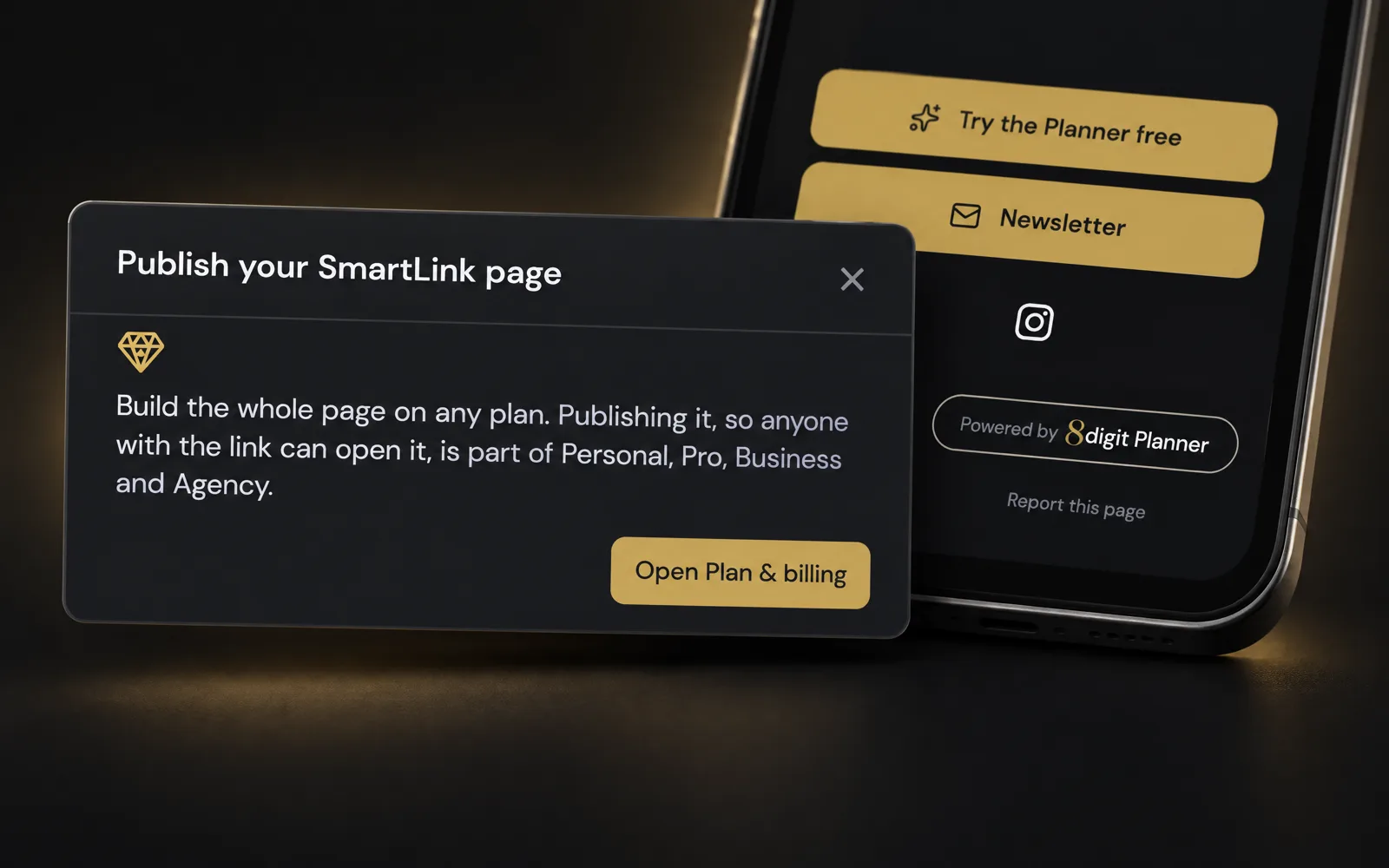
Build the whole page on any plan. Publishing it is part of Personal, Pro, Business and Agency: copy your link and put it in your bio. Every page carries a small “Powered by 8digit Planner”, which Business and Agency can turn off.
Also improved
- SmartLink is in the Planner’s menu, after Performance, for each brand.
- Whoever has Manage content in a brand edits its SmartLink; everyone in the brand sees the page and its results.
- Buttons can be reordered, hidden without deleting them, and grouped under section titles.